Control panel dashboard
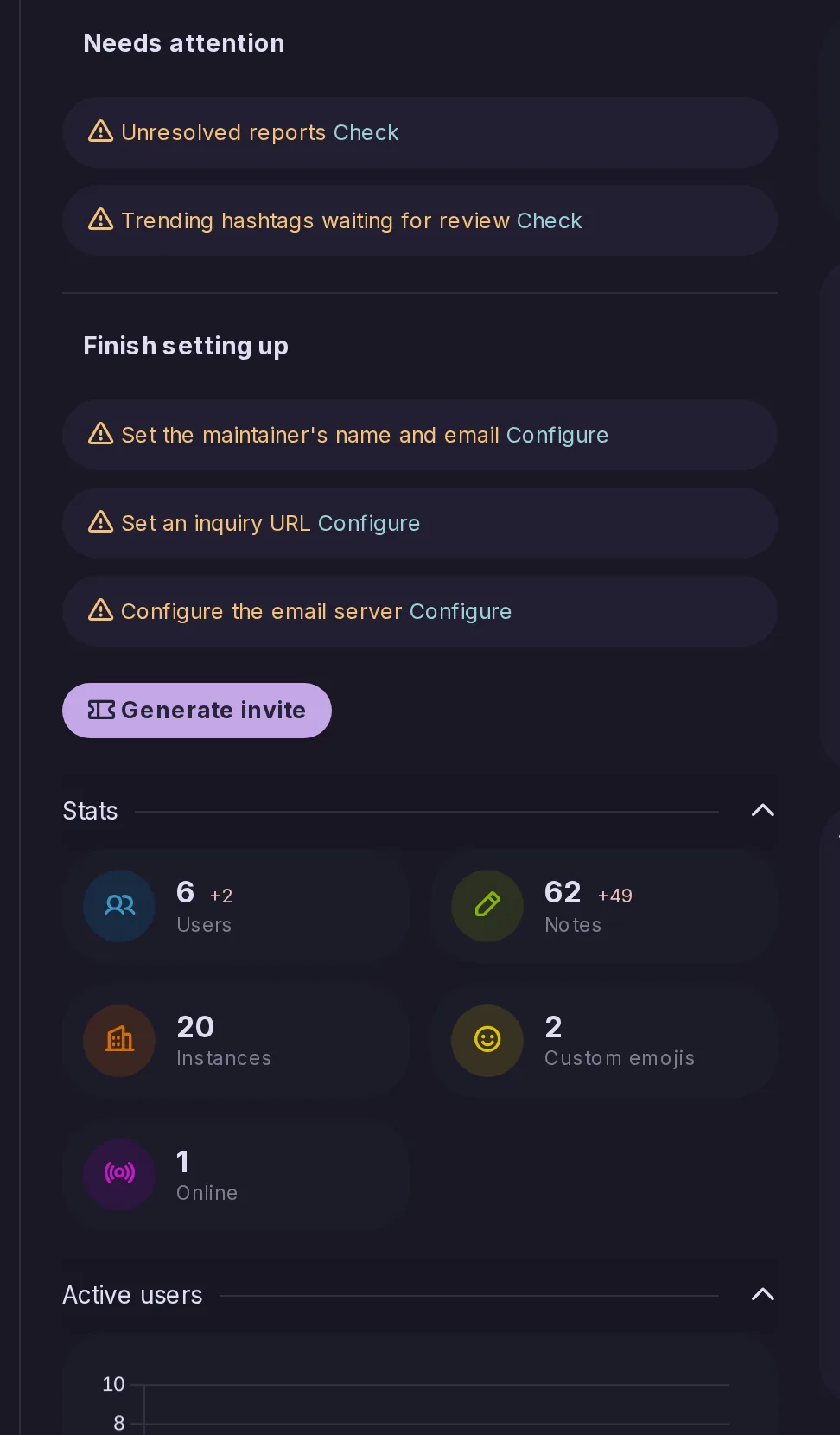
Improved by CatodonSee users, federation, queue and activity at a glance, with a dot for anything needing attention.
8 essential features · 30 added since the fork
See users, federation, queue and activity at a glance, with a dot for anything needing attention.
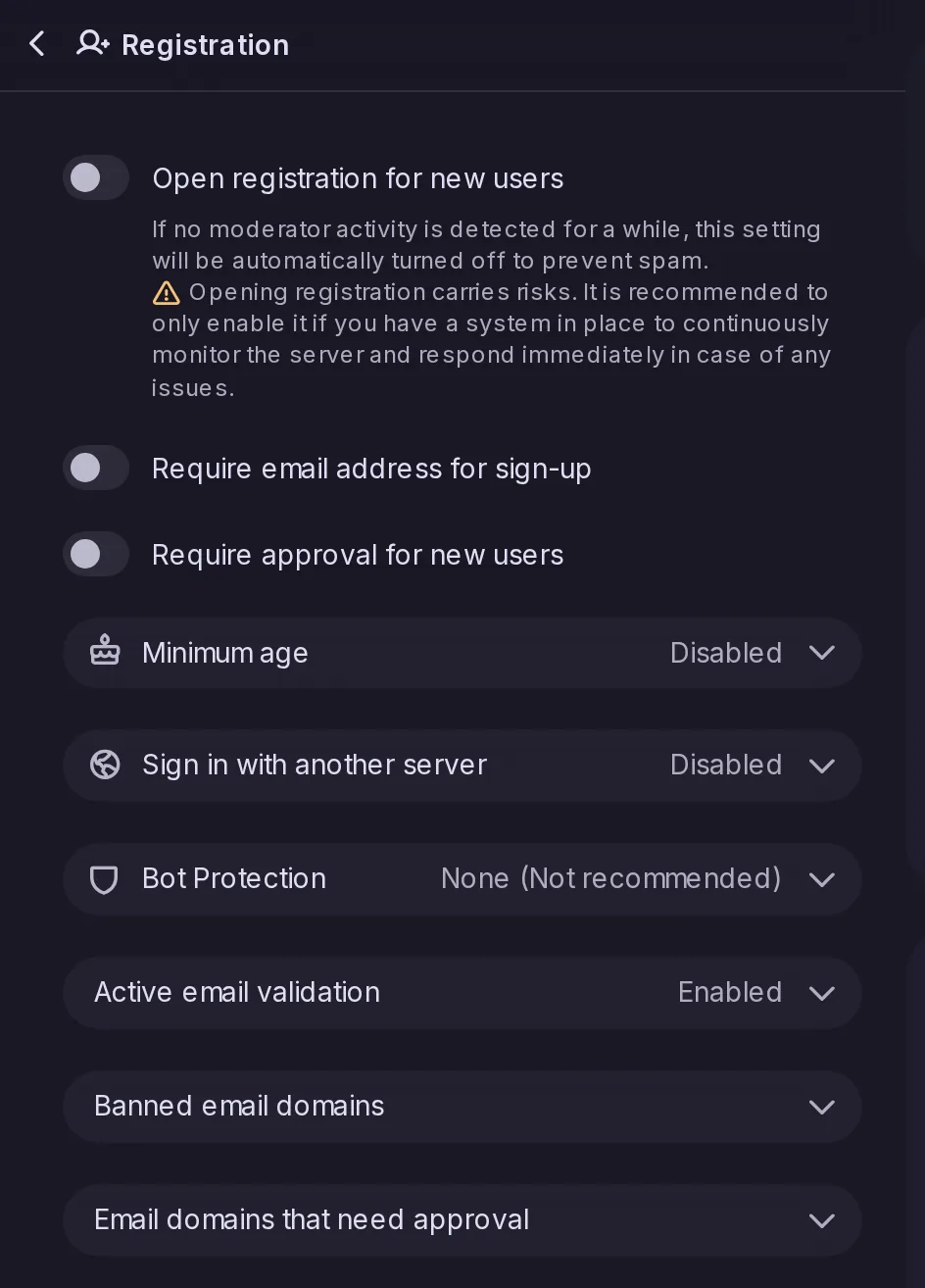
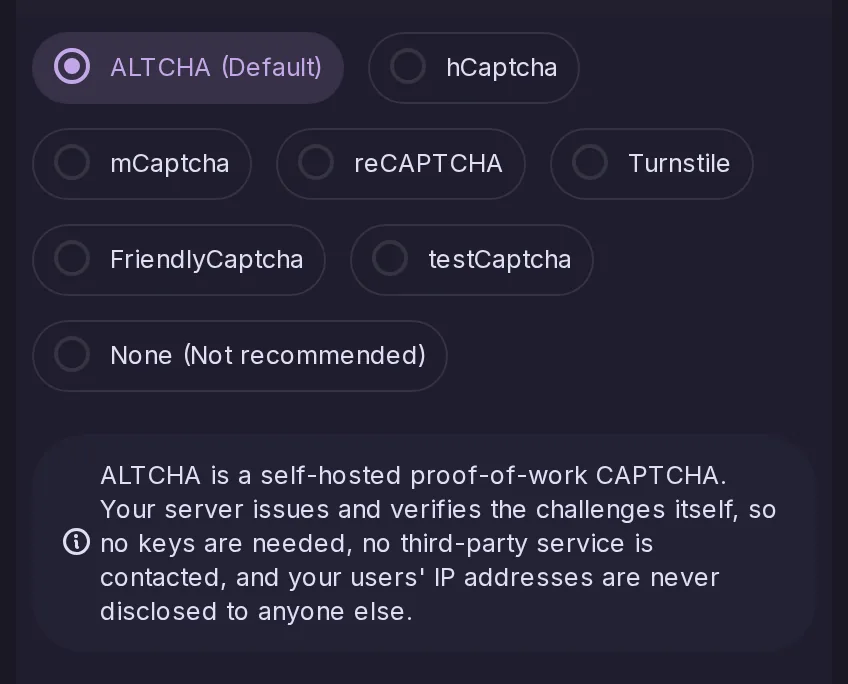
Open, close or invite-only sign-ups, with approvals, a minimum age and bot protection such as ALTCHA.
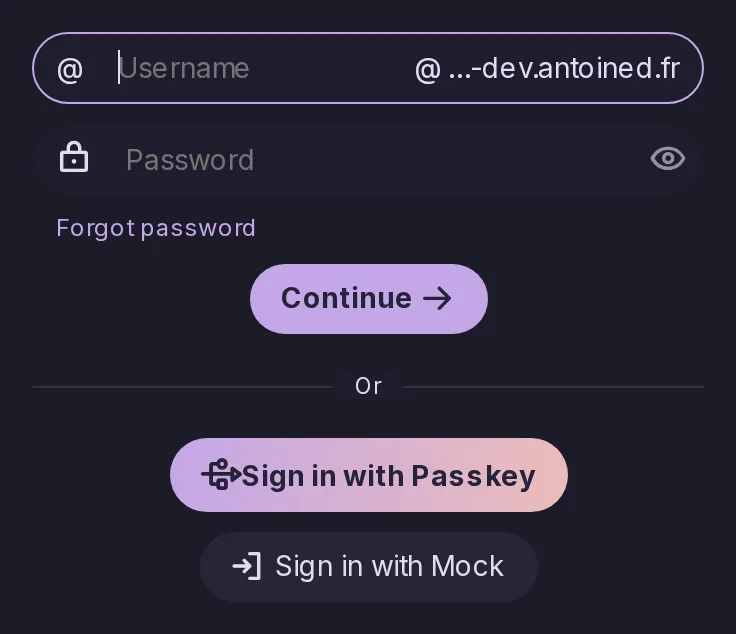
Let people sign in with the organization's OpenID Connect provider.
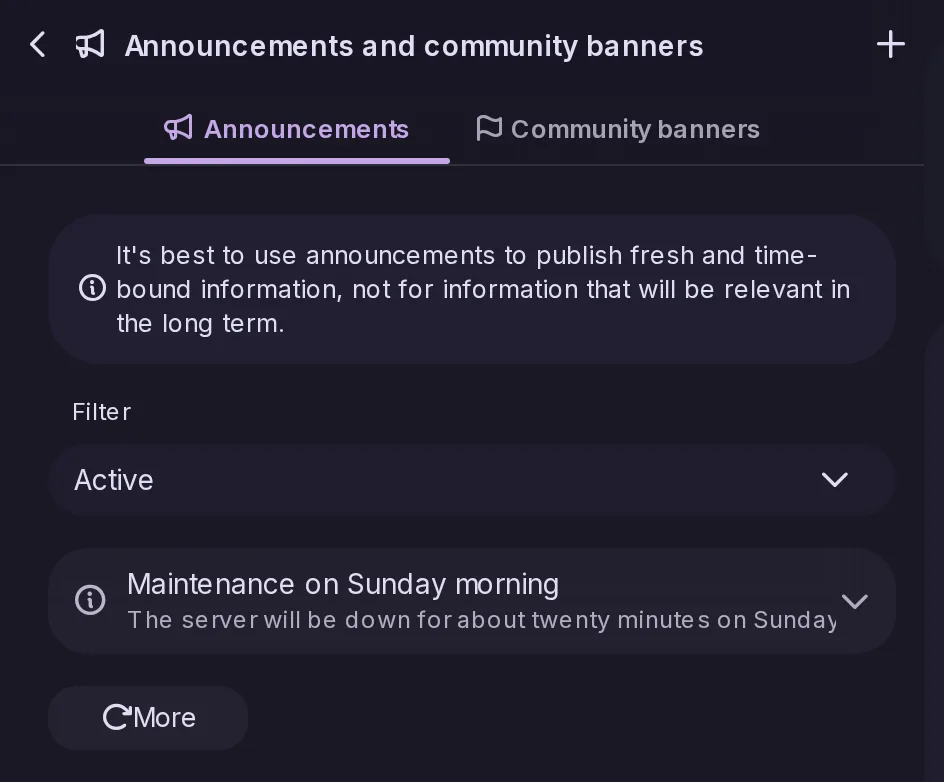
Post notices to all users, optionally by email.
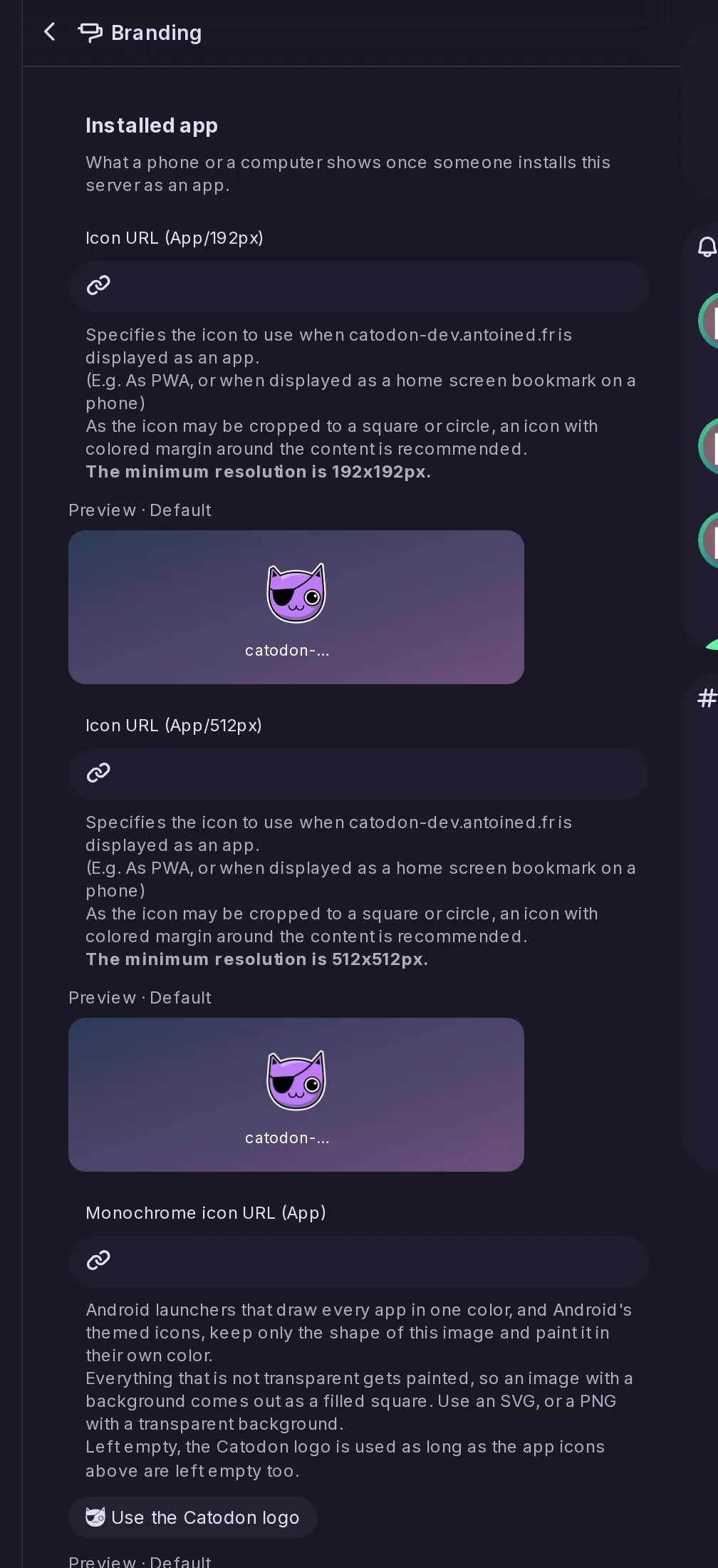
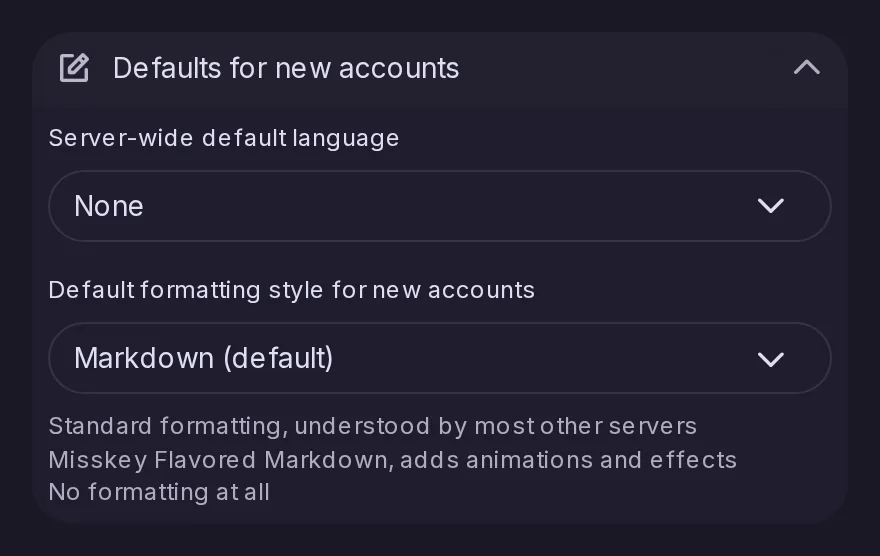
Set the server's default theme, language, timelines, forums and custom CSS for everyone.
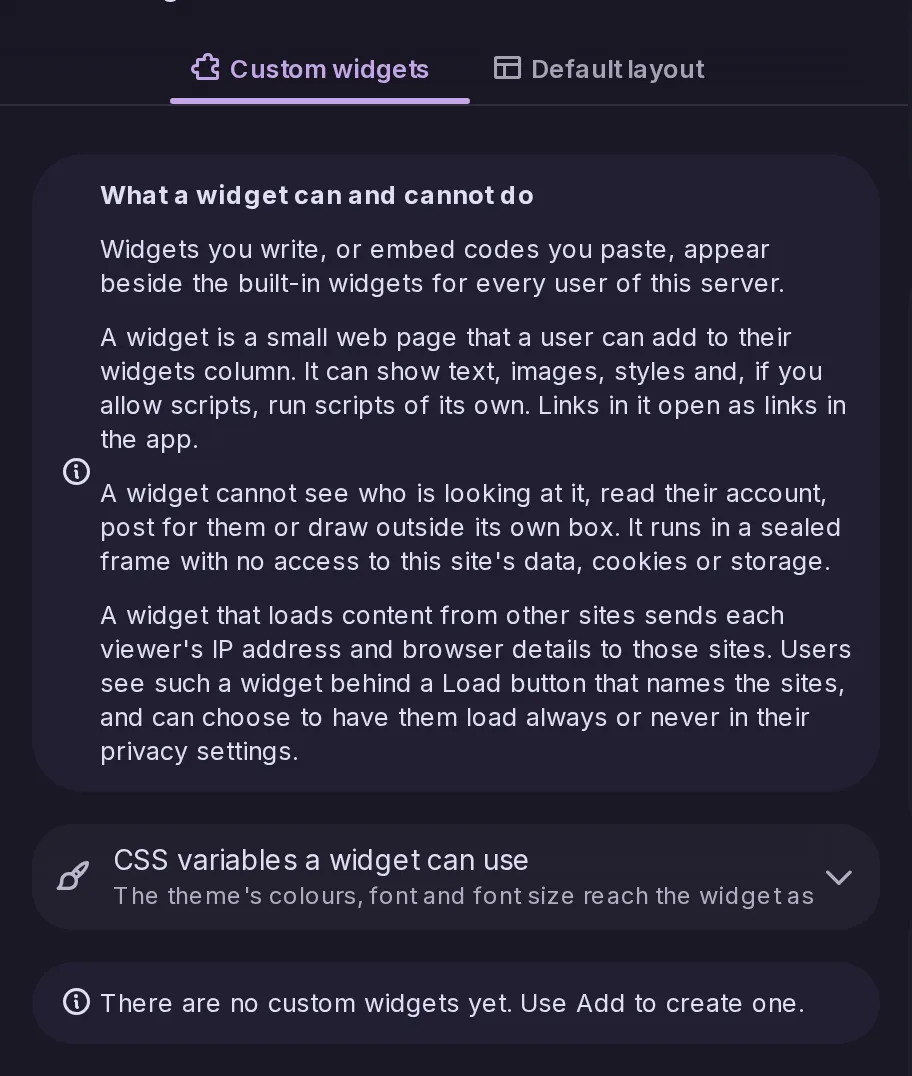
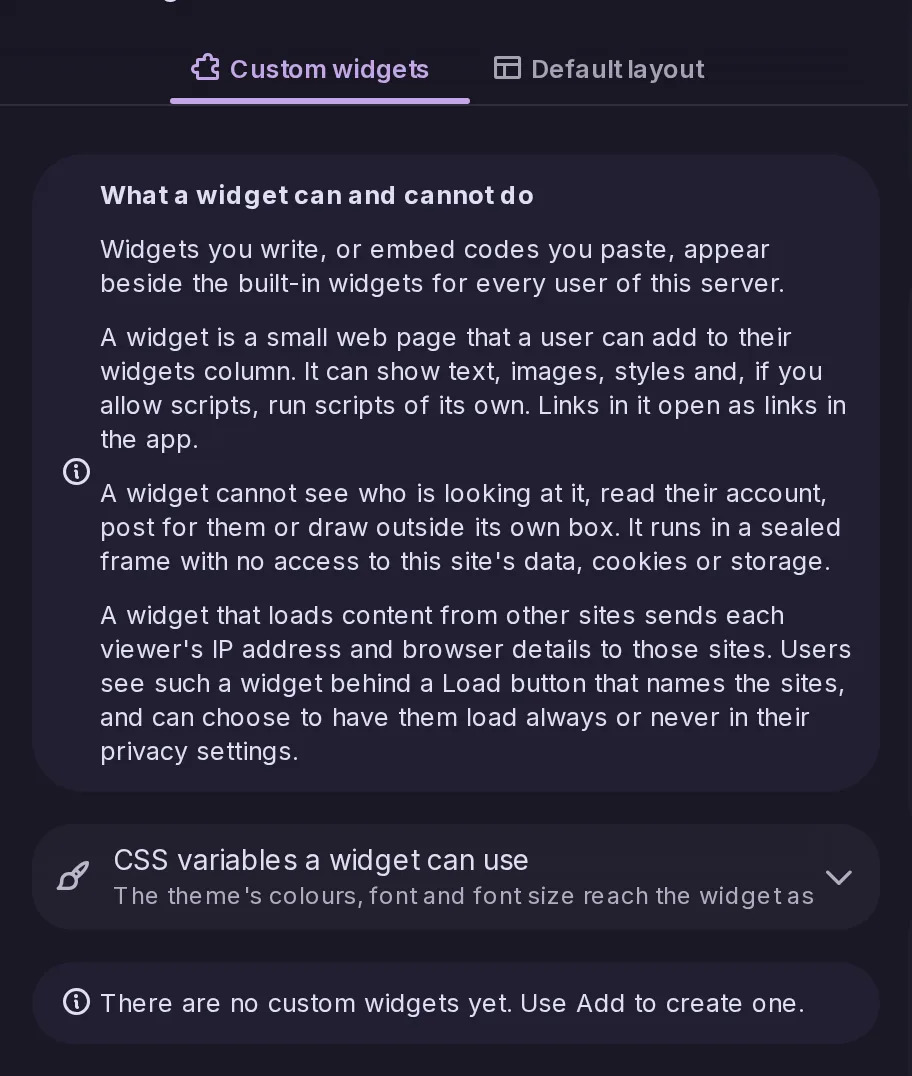
Add custom widgets that the server draws for all its visitors.
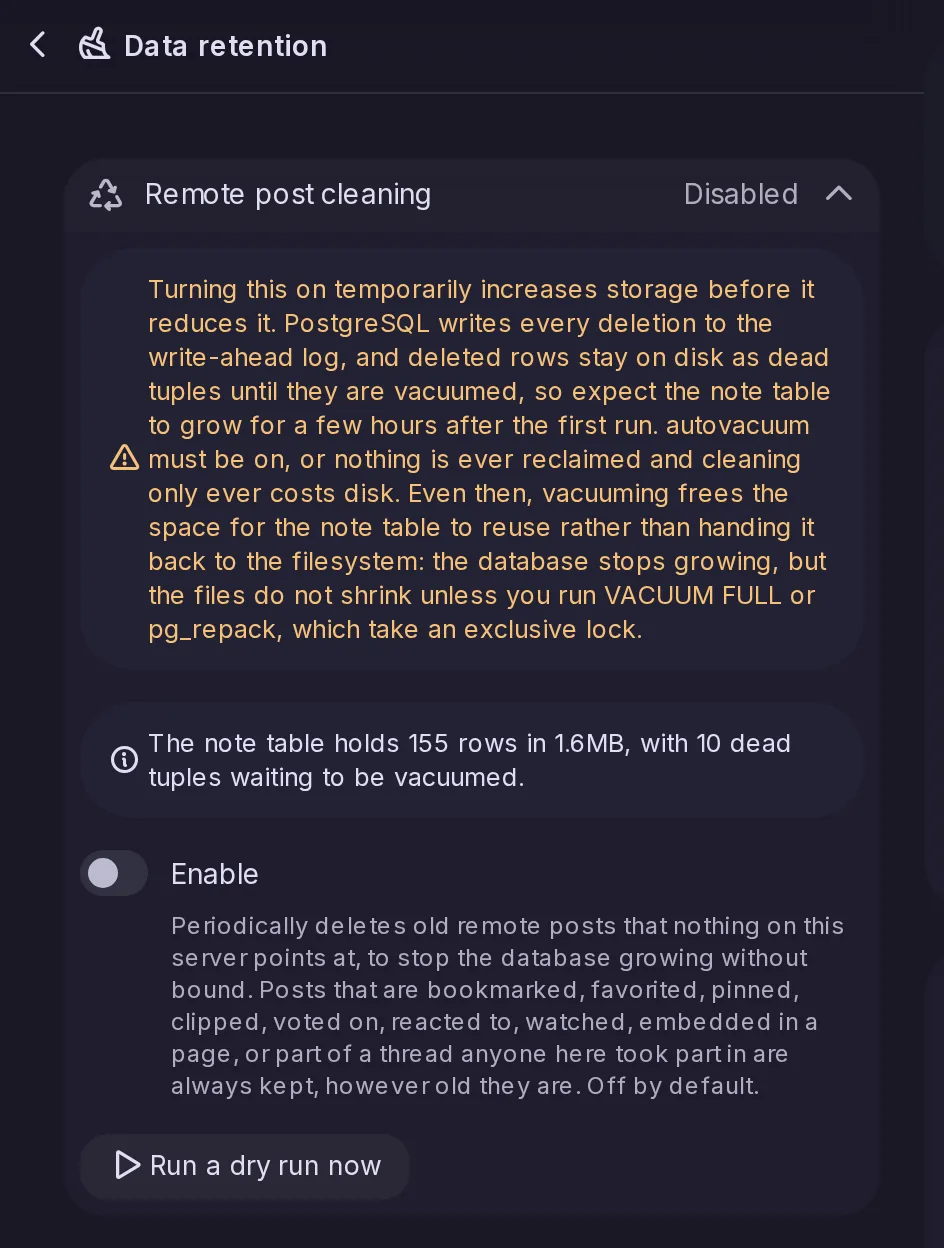
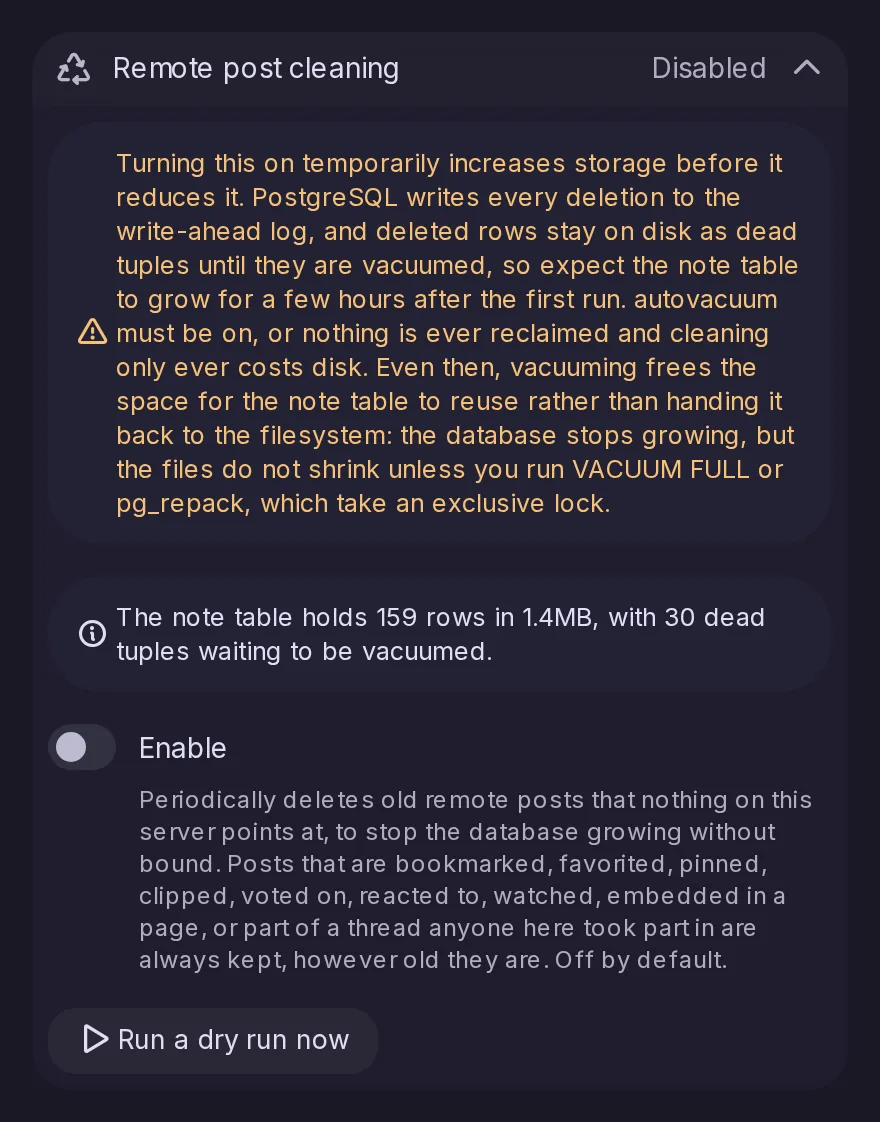
Automatically delete old posts from other servers that nothing here uses, to stop the database growing.
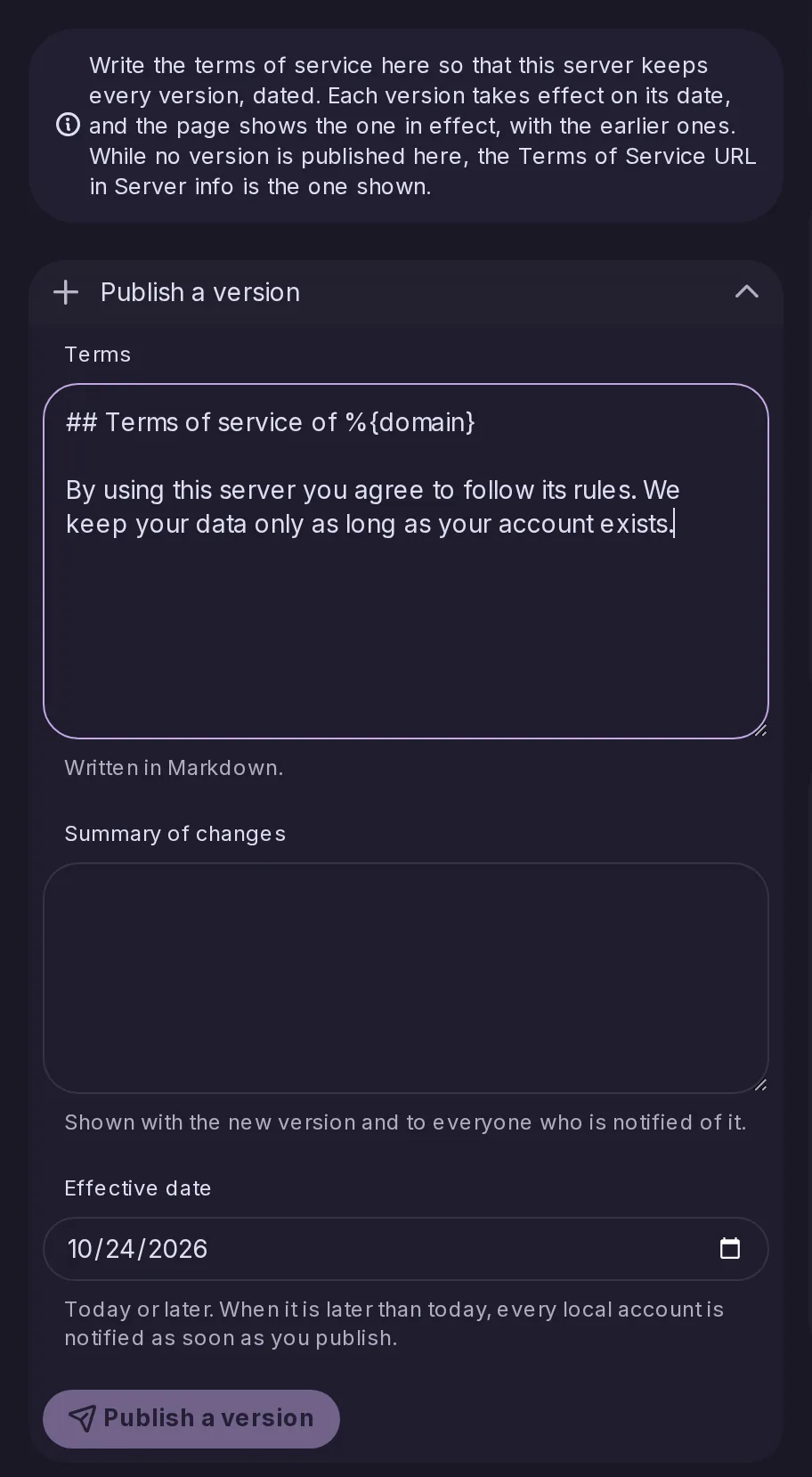
Write the server's terms in the interface with dated versions kept.
An opt-in nightly job deletes posts from other servers once they are past a retention period and nothing on this server points at them, so the database stops growing without bound. It is off by default and starts as a dry run that deletes nothing; Control Panel → Performance holds its settings. A post that someone here has interacted with is kept, along with its whole thread.
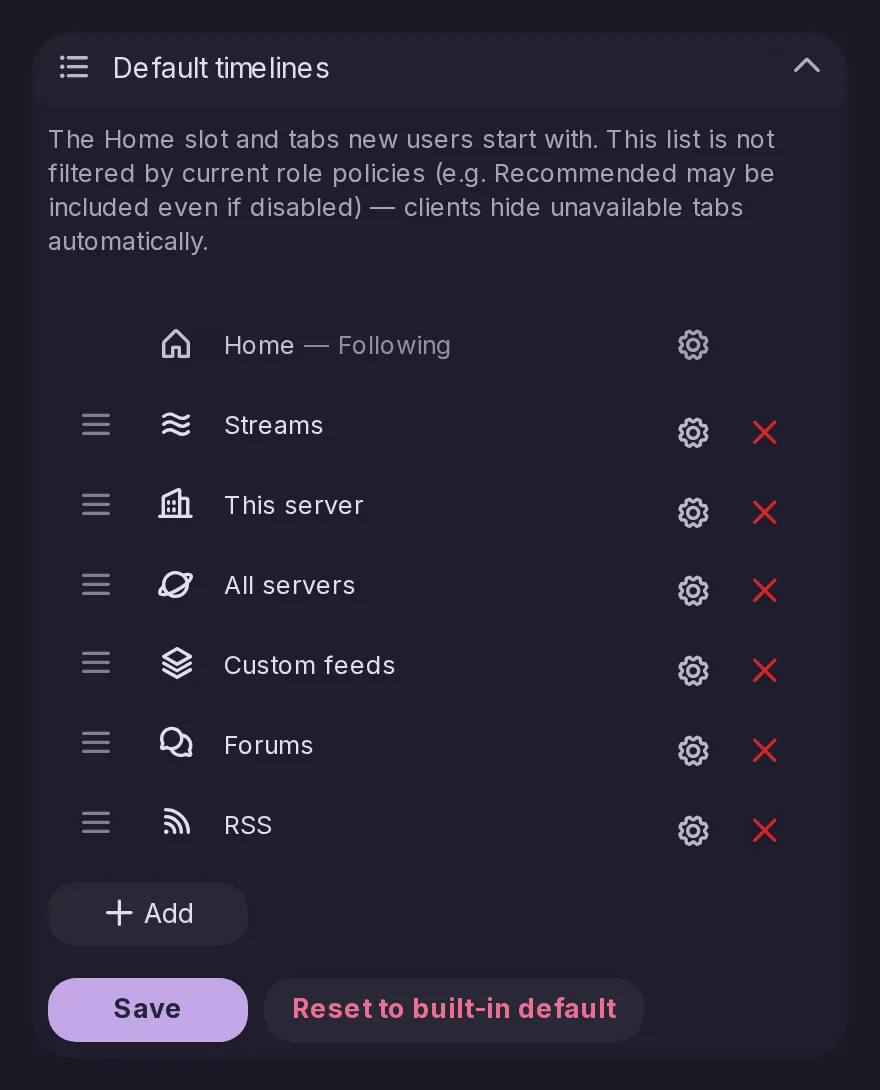
Admins set the Home slot and the tabs that new accounts get, and existing accounts too as long as they have not arranged their own. An option overwrites everyone’s timelines.
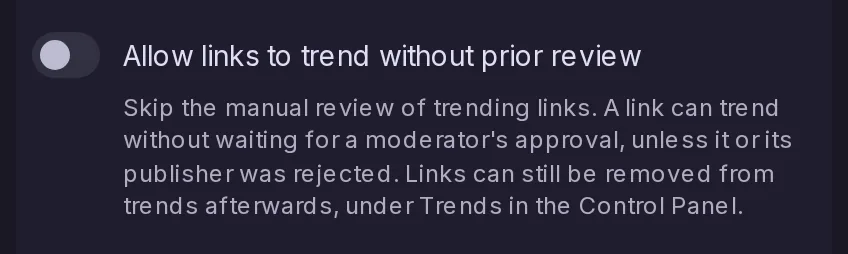
Admins can let links trend as soon as their score allows, without waiting for a moderator’s approval. It is off by default, and when it is on, rejecting a link or its publisher still takes it out of trends.
ALTCHA, a bot protection that runs on your own server and respects privacy, can now be used, and mCaptcha becomes a supported captcha option.
Administrators can add their own widgets to the widget column: a small HTML page, with CSS and optionally JavaScript, or an embed such as a donation button or a Discord widget. Each runs sealed off from the app, unable to see who you are or act for you, and one that loads content from other sites asks before fetching anything, since those sites would see your IP address.
Several protections are now on by default: a warning before an external link is opened, a stricter upload from a web address, visibility checks when posts are delivered to timelines and over WebSocket, and safer settings for where the server listens.
Admins can set the server’s default theme and language, and default forums that local accounts join automatically.
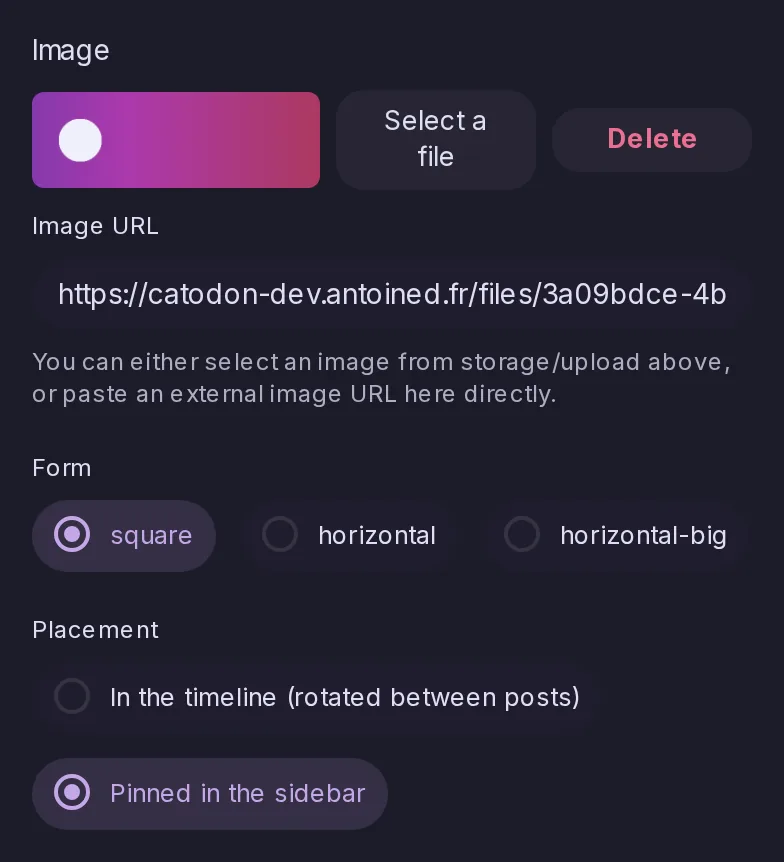
Community banners can take their image from Storage, and a banner can be pinned in the sidebar.
Every process now watches its PostgreSQL pools and warns when queries have been left waiting for a free connection, then logs each pool's peaks once an hour. The pool size can be set from evidence rather than guessed.
Catodon manages its own temporary files, and removes the stale ones at startup and every hour.
Sign-ups, and sign-ups waiting to be completed, are now rate-limited per IP address.
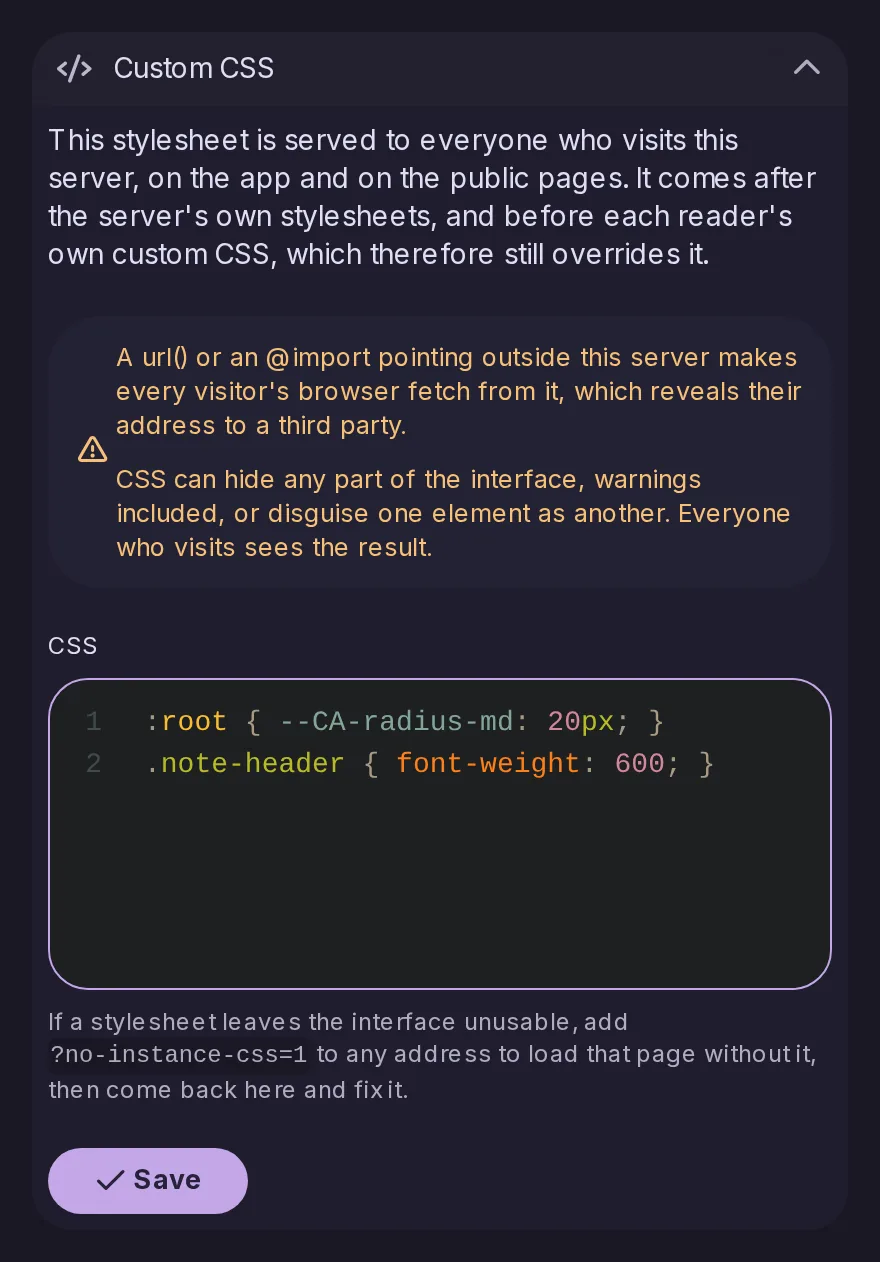
Admins can add custom CSS for the whole server, and it is served as a real stylesheet.
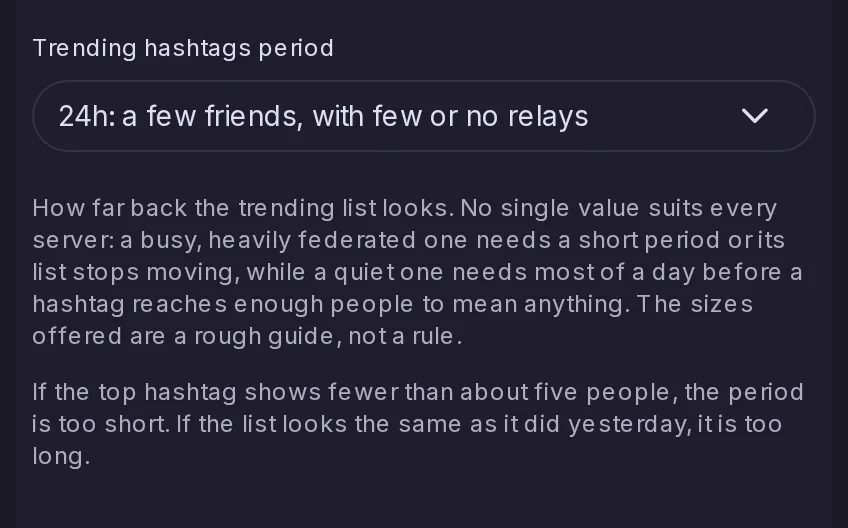
Admins can choose the time window over which trending hashtags are counted.
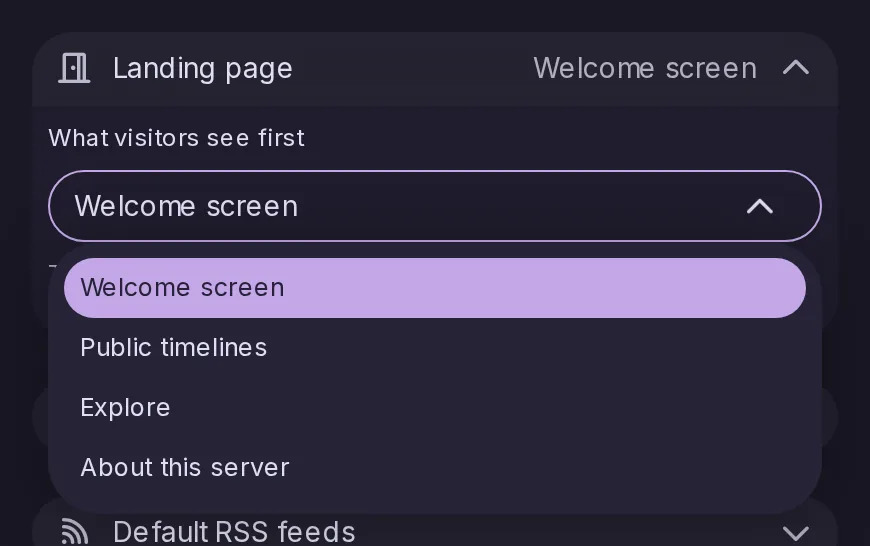
A Landing page setting decides what somebody who is not signed in gets at the site root: the welcome screen, the public timelines, Explore or the About page. Only pages that work without an account are offered, and the stored default is what the server served before.
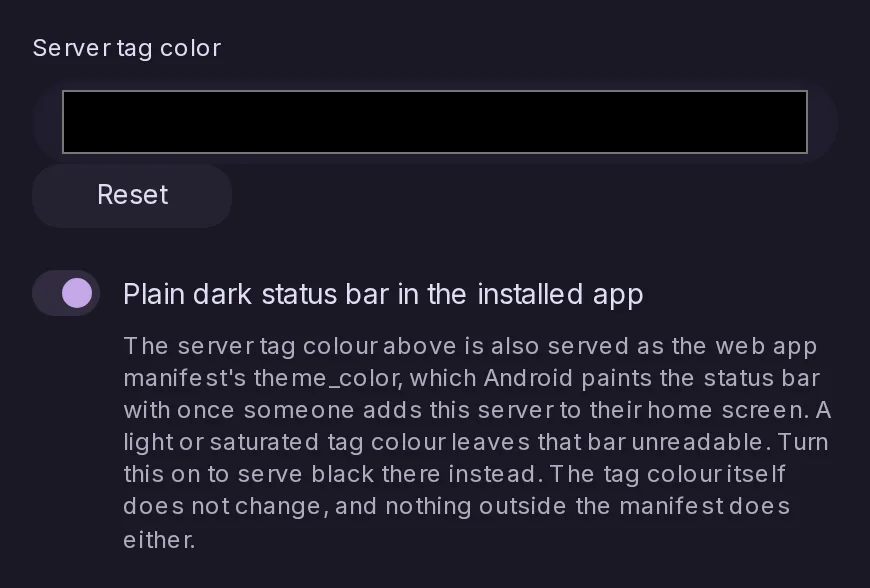
The server tag colour is what Android paints the status bar with once somebody adds the server to their home screen, and a light or saturated one leaves that bar unreadable. A switch serves black there instead, touching nothing else about the colour.
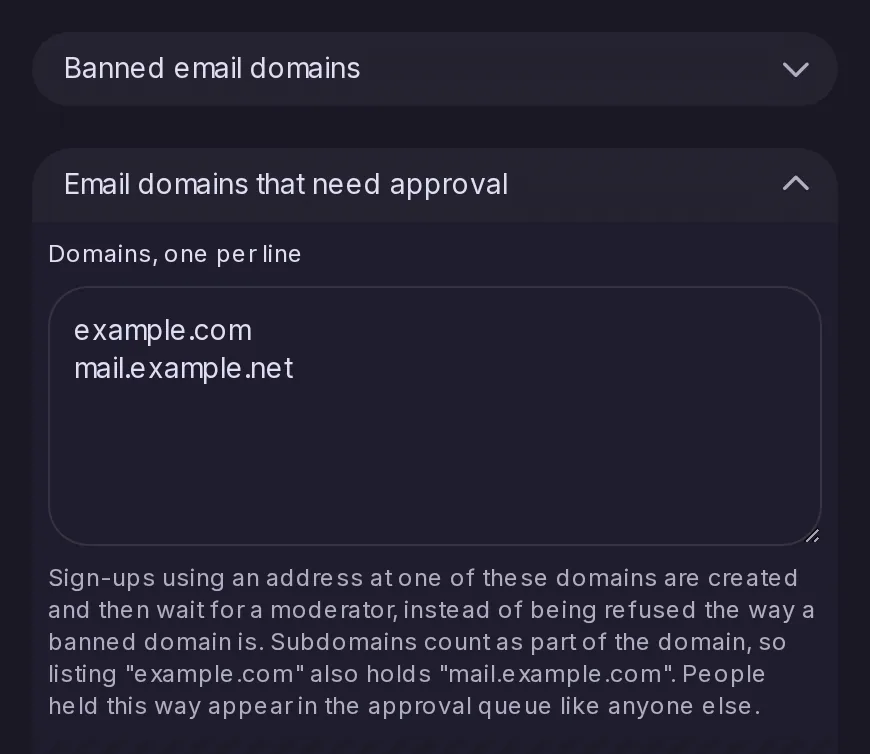
Beside the banned domains, a second list whose sign-ups are created and wait for a moderator in the existing approval queue, where a banned domain refuses them outright. A domain listed covers its subdomains.
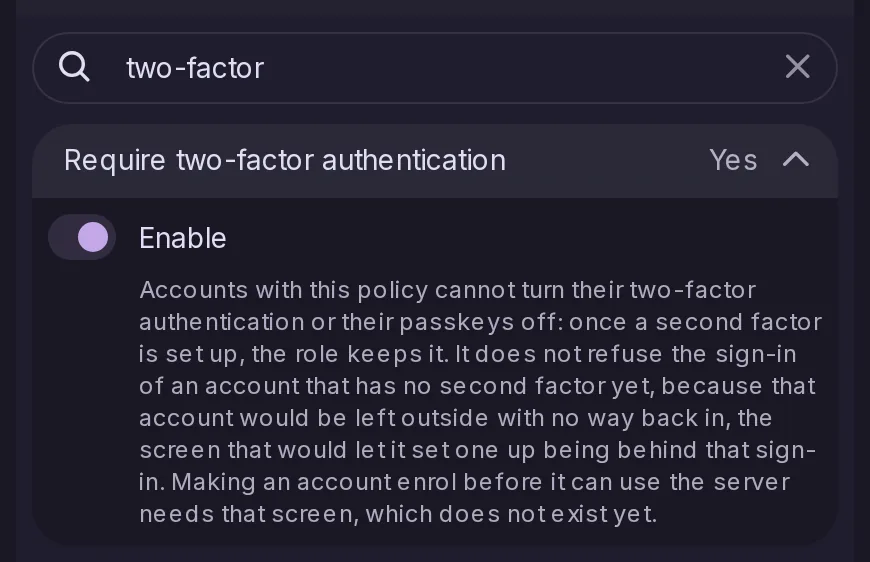
Off by default. An account the policy applies to can no longer turn its two-factor authentication or its passkeys off once set up. It does not refuse the sign-in of an account that has none yet, which would leave that account outside with no way back in.
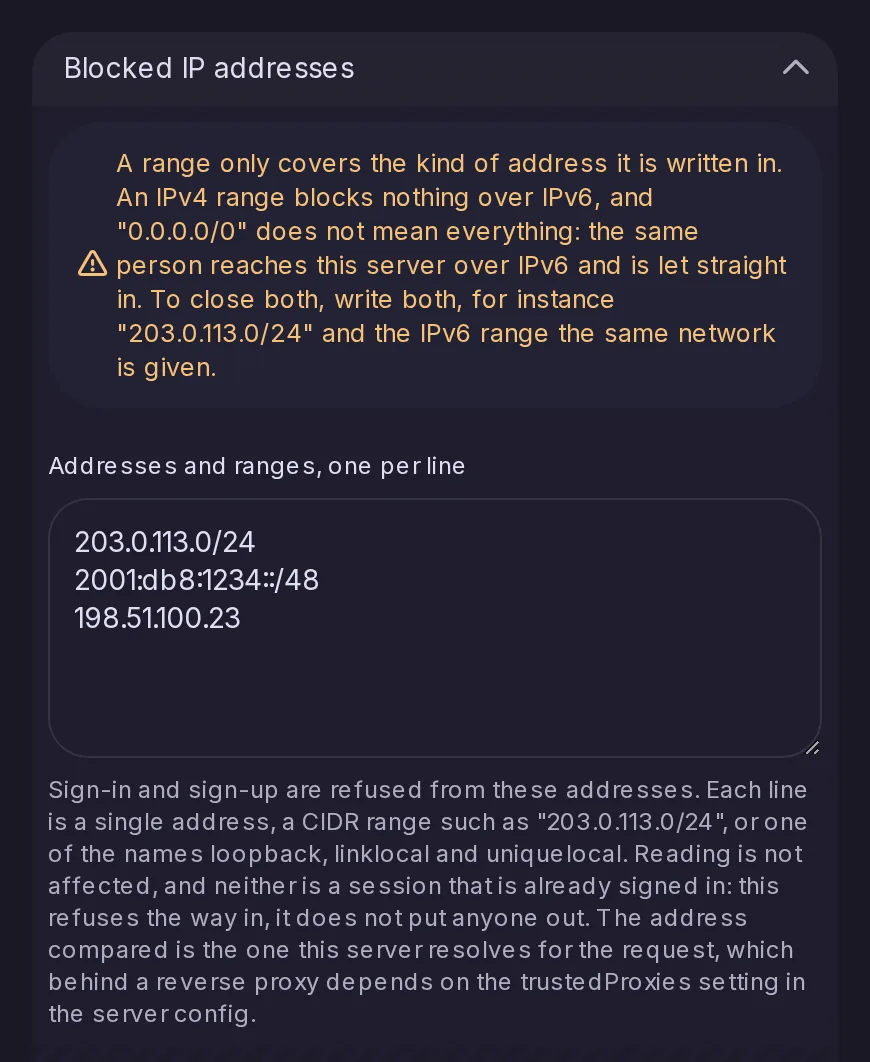
Single addresses, CIDR ranges and the loopback, link-local and unique-local names. Sign-in, passkey sign-in and sign-up are refused from them; reading is not affected and a session already signed in is not ended, so this closes the way in rather than putting anyone out.
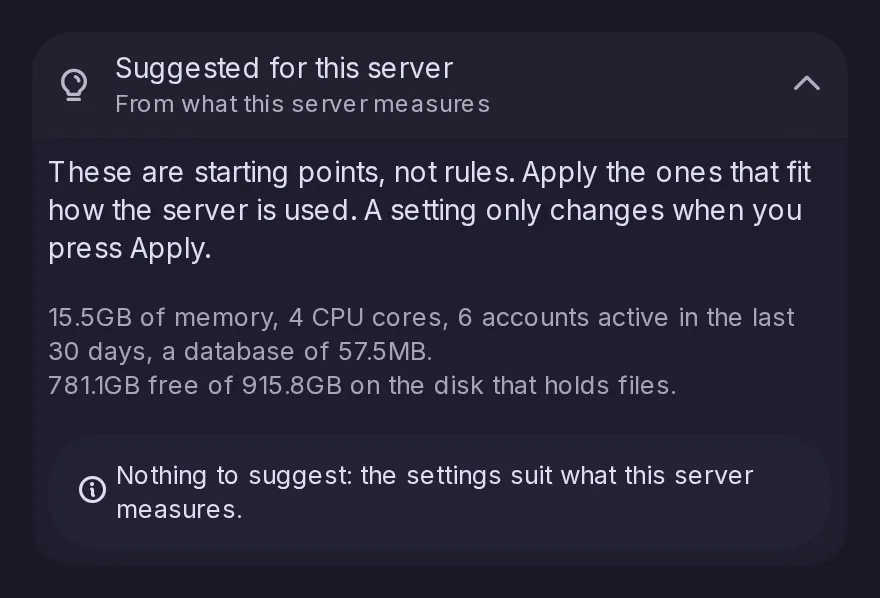
Control Panel > Performance now opens with settings suggested for the machine it runs on, worked out from its memory, CPU cores, active accounts, database size and free disk space, each with its reason and an Apply button. Nothing changes until you apply one, and a nearly full disk for cached remote files lights the Control Panel dot. The list is also available through admin/performance-suggestions.
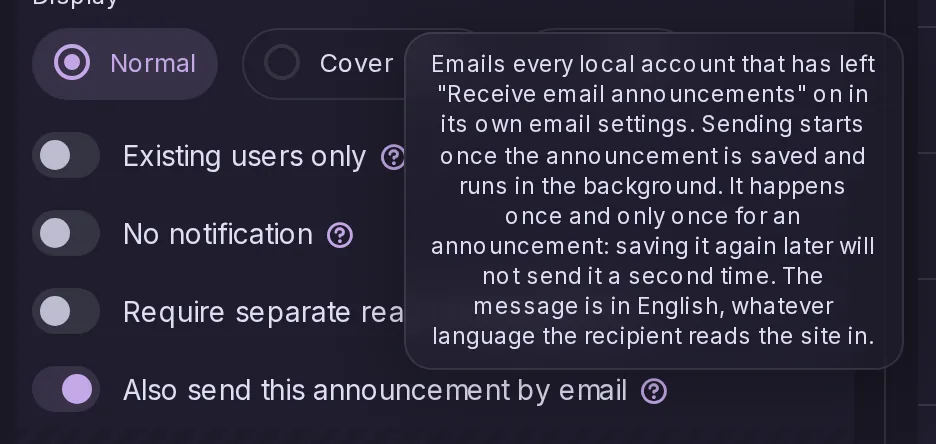
A switch in the announcement editor mails it to the local accounts that have left email announcements on and have a verified address. It is sent in the background in batches, resumes where it left off, and happens once for an announcement's whole life.
Every Saturday the default branch is built and pushed under a moving dev tag and a dated one, so an instance can run what is being written without building it. The three most recent dated images are kept, so a bad week can be stepped back from, and the release channels are untouched.
A server on any Misskey release up to 2026.10.0 can now migrate to Catodon in place, without manual SQL, where only Misskey 2025.4.1 or earlier could before. Remote note cleaning arrives switched off and in dry-run mode, even if it was on under Misskey.
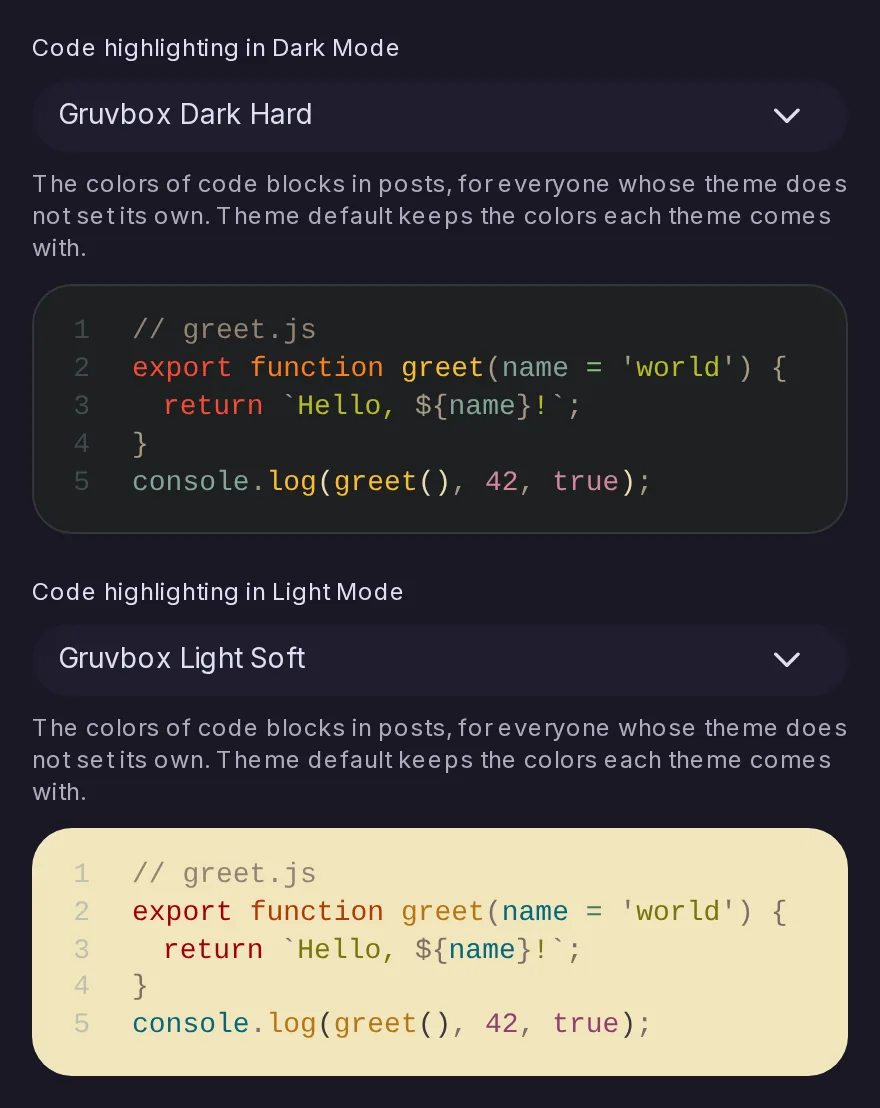
Control Panel → Branding lets admins choose the colours of code blocks in posts, one theme for dark mode and one for light mode, with a preview. The choice applies to everyone whose colour theme does not set code colours of its own, and the default keeps the colours used until now.
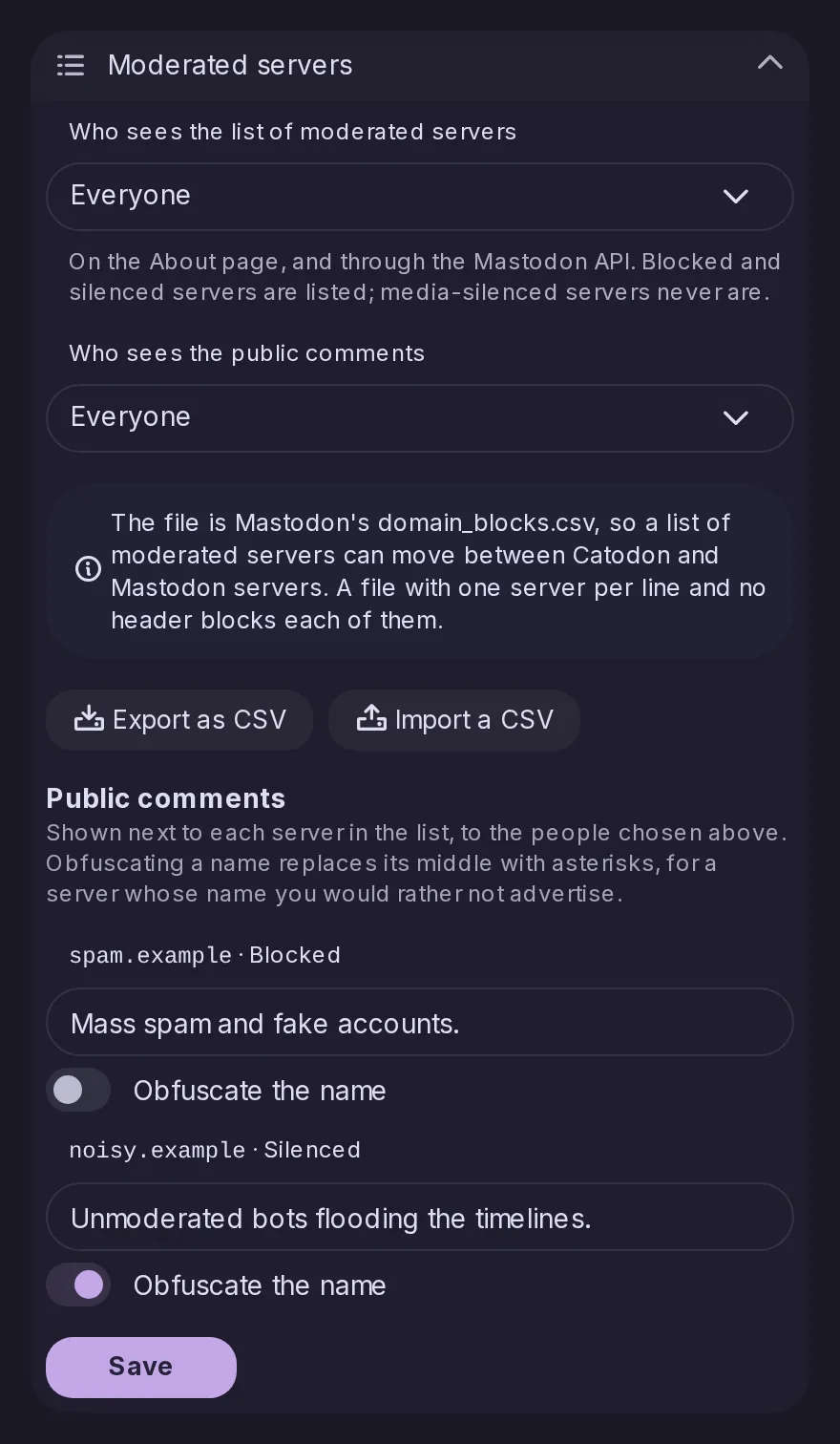
Control Panel → Federation → Policy gains a Moderated servers section: each blocked or silenced server can carry a public comment and have its name obfuscated, and admins choose who may see the list and the comments, nobody by default. The list then shows on the About page and to Mastodon apps, and imports and exports Mastodon's domain_blocks.csv with a preview before saving.
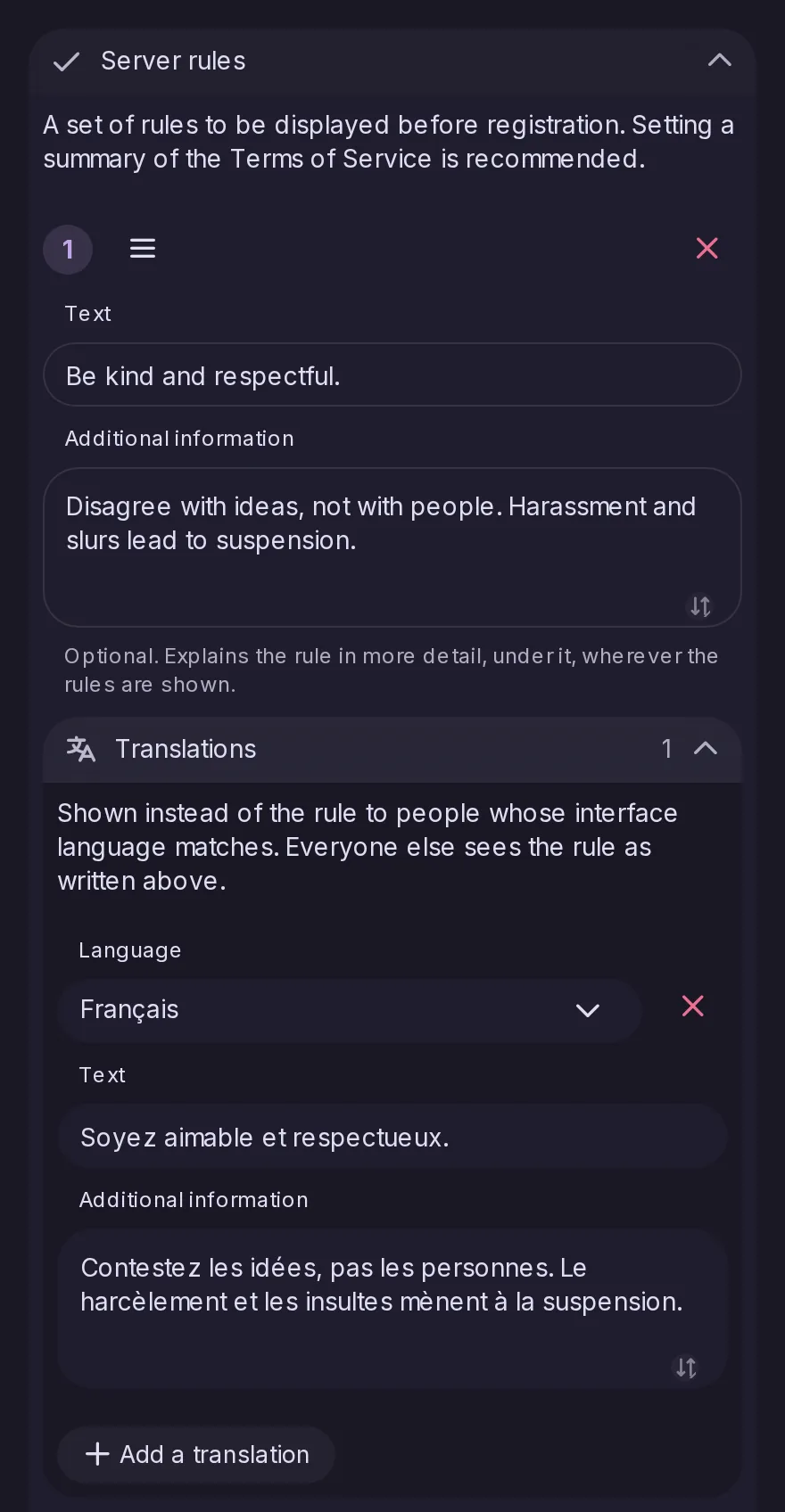
Each server rule can now carry a longer explanation and translations into any language Catodon speaks, as Mastodon 4.4 allows. People read the rules in their interface language where a translation exists, on the About page, at sign-up and when reporting, and Mastodon apps receive both from the instance endpoints.
Once a day the server asks Catodon's forge for the latest stable release, and when it is newer the Control Panel Dashboard shows administrators a notice with a link to its release notes. Unlike Mastodon's check, the request does not send the running version, and it can be turned off in Network security.
The daily update check now reads which releases are critical and when each release line stops being supported. A newer critical release brings a Dashboard warning that cannot be closed, plus an announcement and email to each administrator, and the end of support is announced three months and two weeks before, then once past. As with the update notice, the request sends neither the server's name nor its version.
The dot next to Control Panel in the navigation used to light only for unresolved reports and forum follow requests. It now lights for every card under Dashboard > Needs attention, from accounts awaiting approval and trends awaiting review to appeals and, for administrators, a critical update, now a card there instead of a banner. The dot, the menu count and the cards now agree.

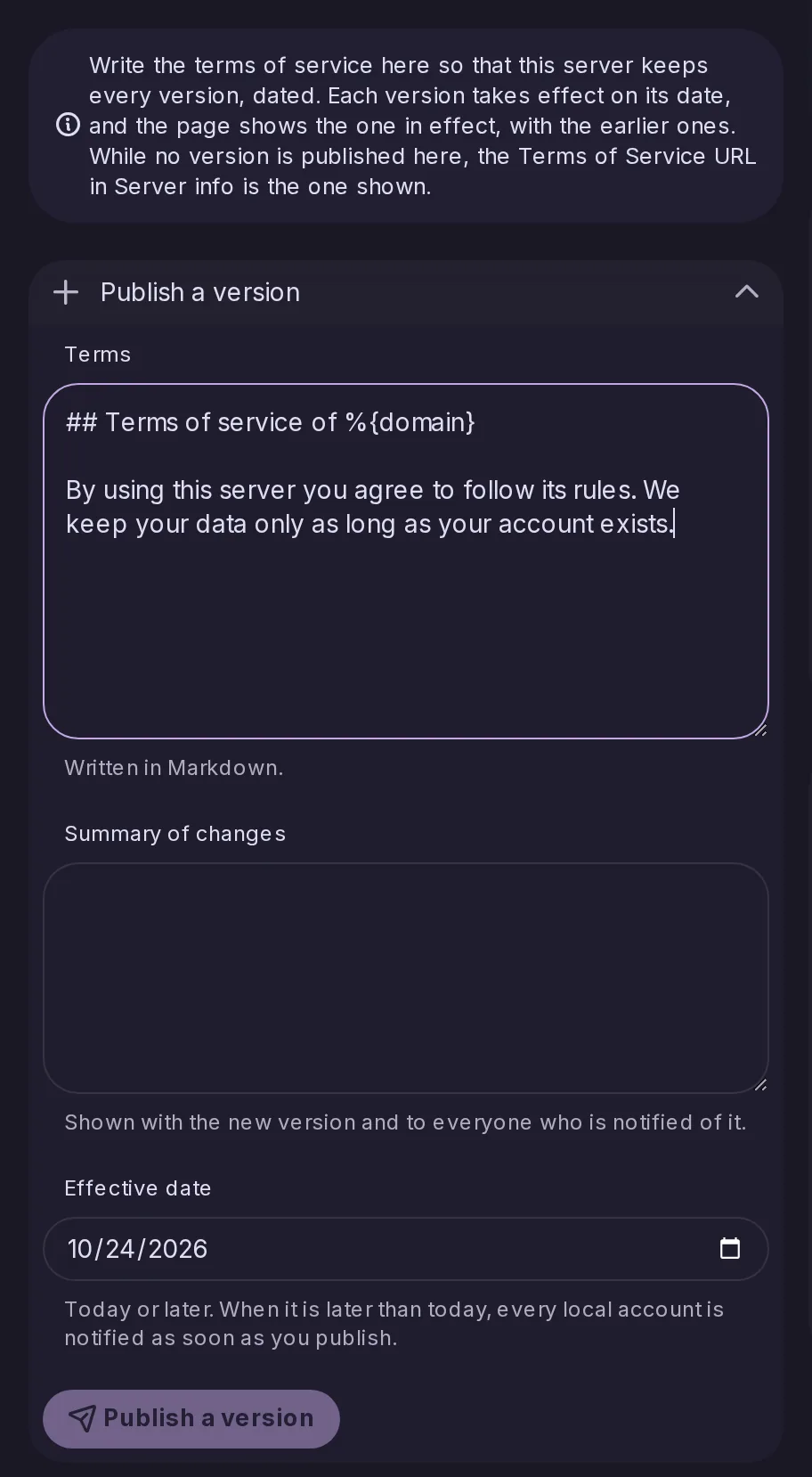
Administrators can now publish dated terms of service written in Markdown, with a summary of changes, from Control Panel → Terms of Service, instead of linking to a page elsewhere. Every version is kept and readable on the server, published versions cannot be edited, and accounts are notified ahead of a version taking effect later.
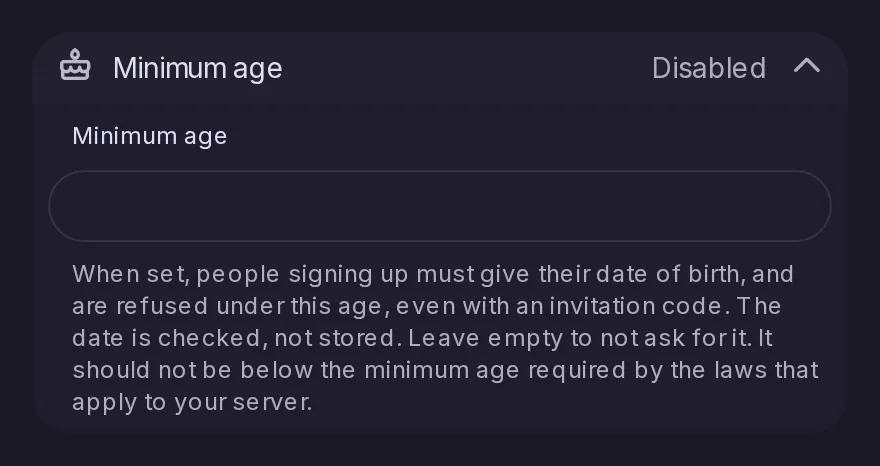
As in Mastodon 4.4, an admin can set a minimum age in Control Panel > Registration. The sign-up form then asks for a date of birth and refuses anyone younger, with an invitation or not, and only checks the date without storing it. Existing accounts are not asked anything, and the age is served to Mastodon apps as registrations.min_age of /api/v2/instance.