Themes
Improved by CatodonPick one of many built-in color themes or make your own, down to sizes and corner radii.
8 essential features · 19 added since the fork
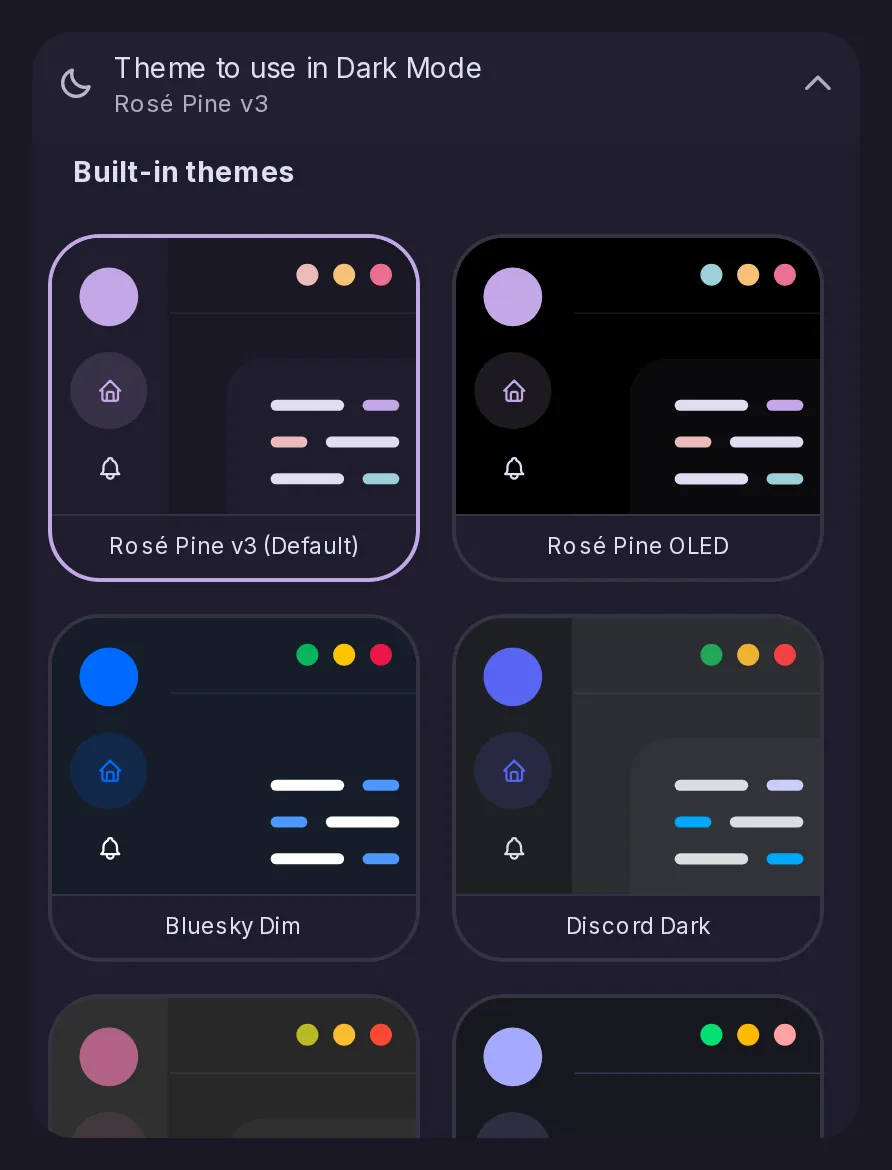
Pick one of many built-in color themes or make your own, down to sizes and corner radii.
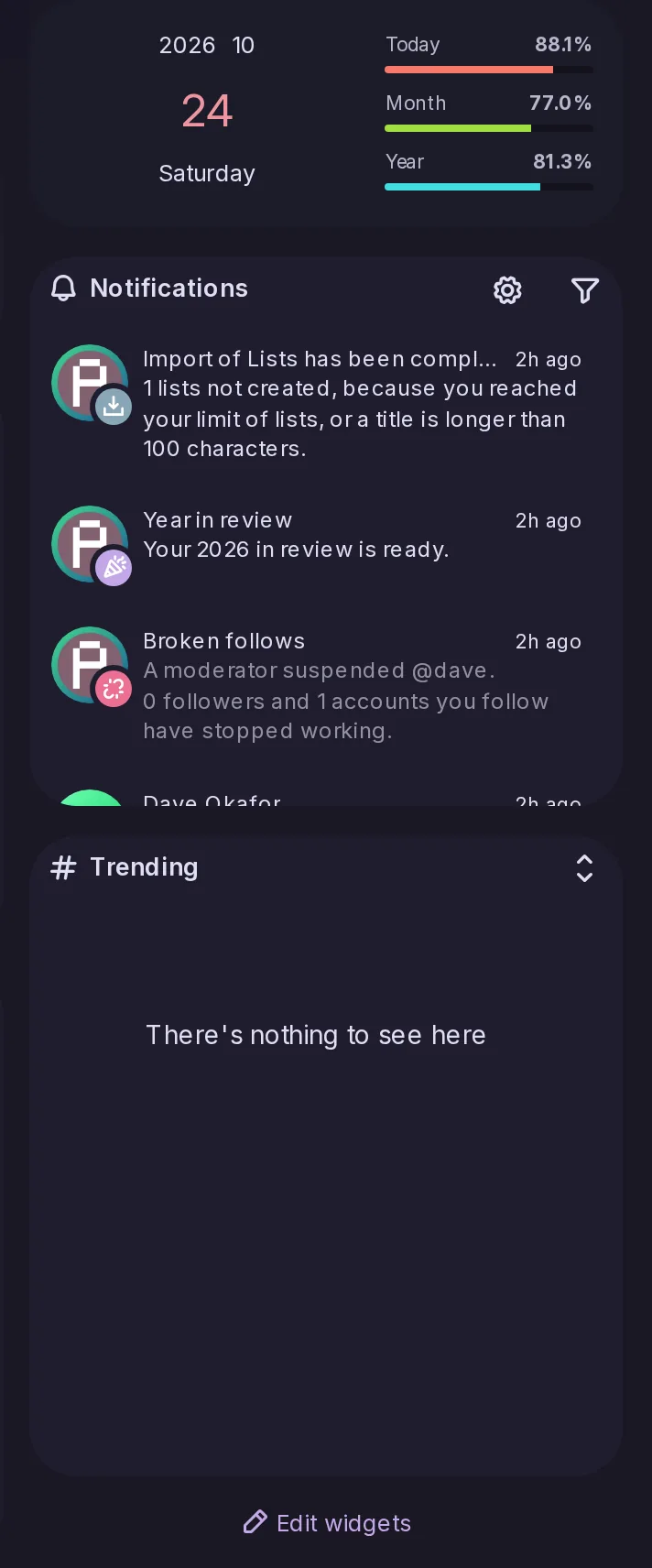
Add a calendar, clock, trends, RSS, notes and more to the side panel.
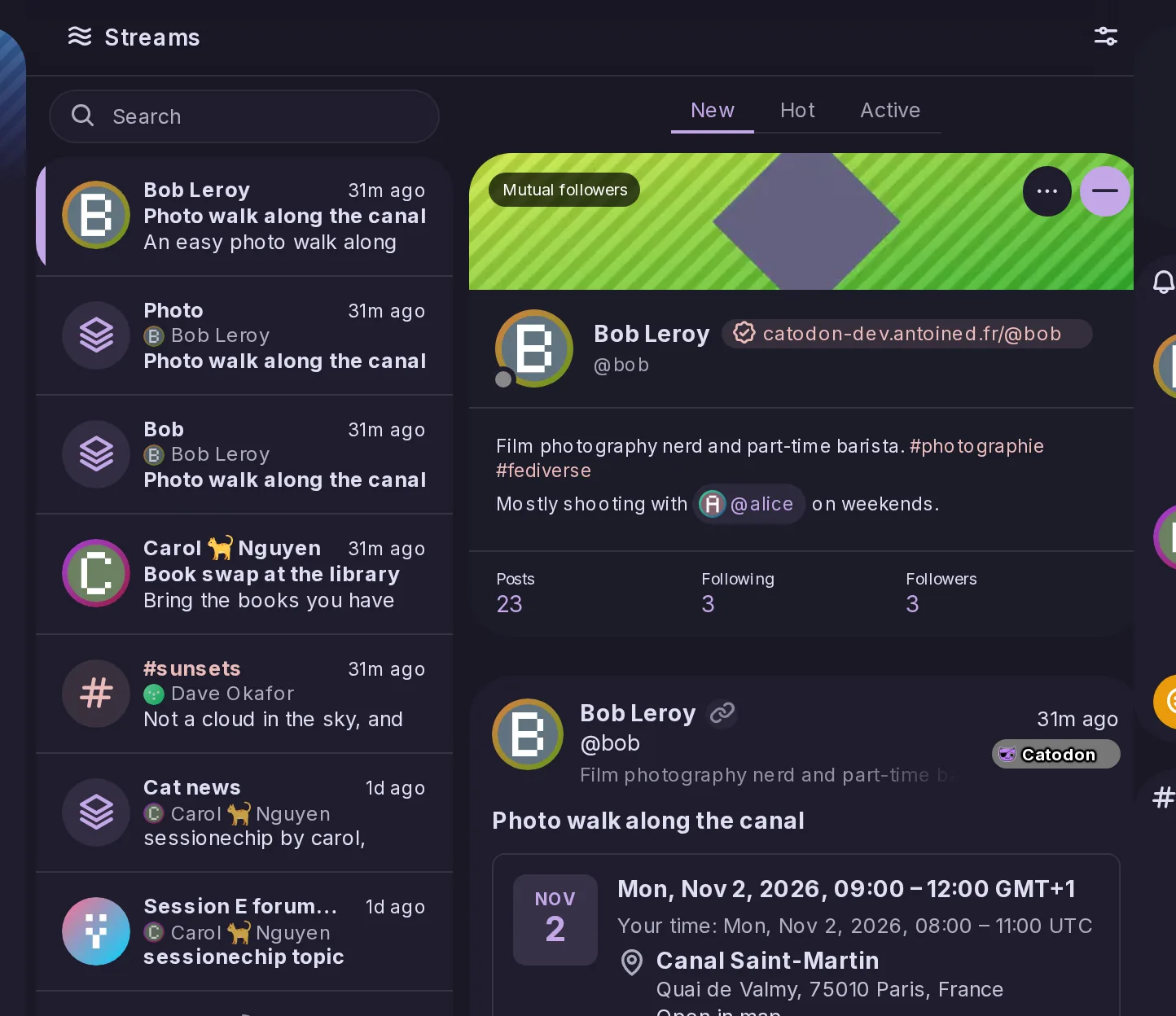
Choose what the Home timeline shows and arrange up to nine tabs, saved across devices; Streams lists everything you follow.
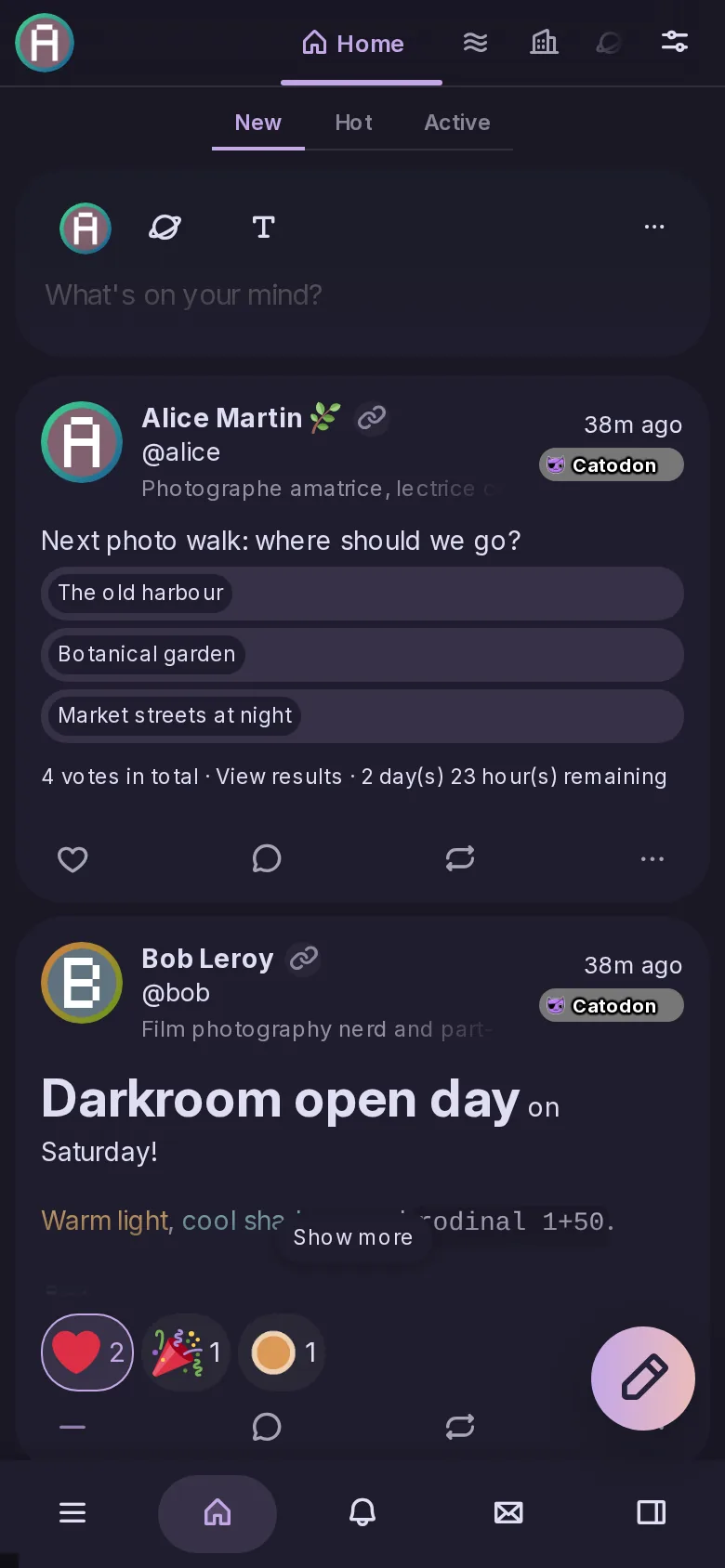
Install it as an app with a bottom bar you can arrange.
Arrange timelines, notifications and forums side by side in columns.
Move through menus, tabs and posts with the keyboard.
Restyle the interface with your own CSS, and admins can set a server-wide stylesheet.
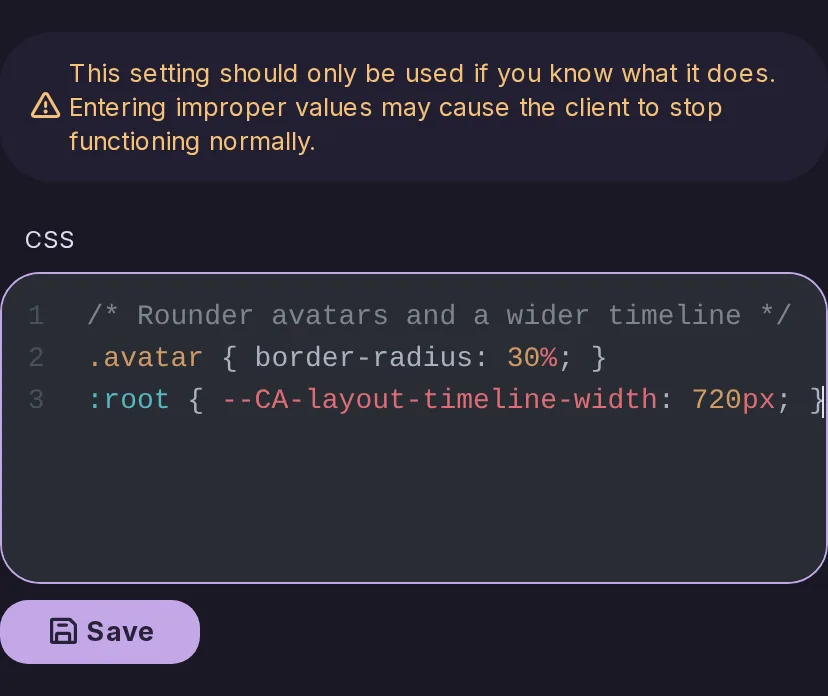
Names like Custom feeds and Recommended replace Misskey jargon, with fewer default timelines.
The project now carries the Catodon name throughout: in the browser shell, the setup flow, the about pages, the images and the package metadata.
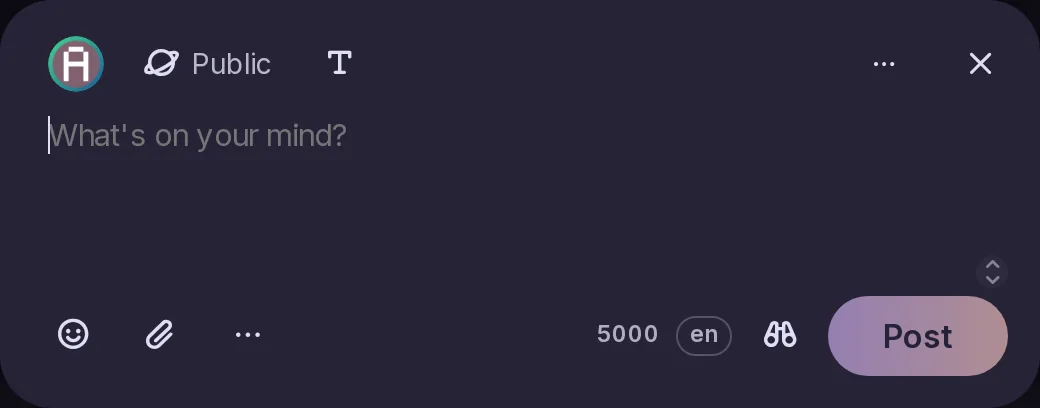
Catodon starts with defaults of its own: a rounded interface, simpler wording, a new order in the navigation and a reworked post form. The onboarding and the tutorial are written for Catodon.
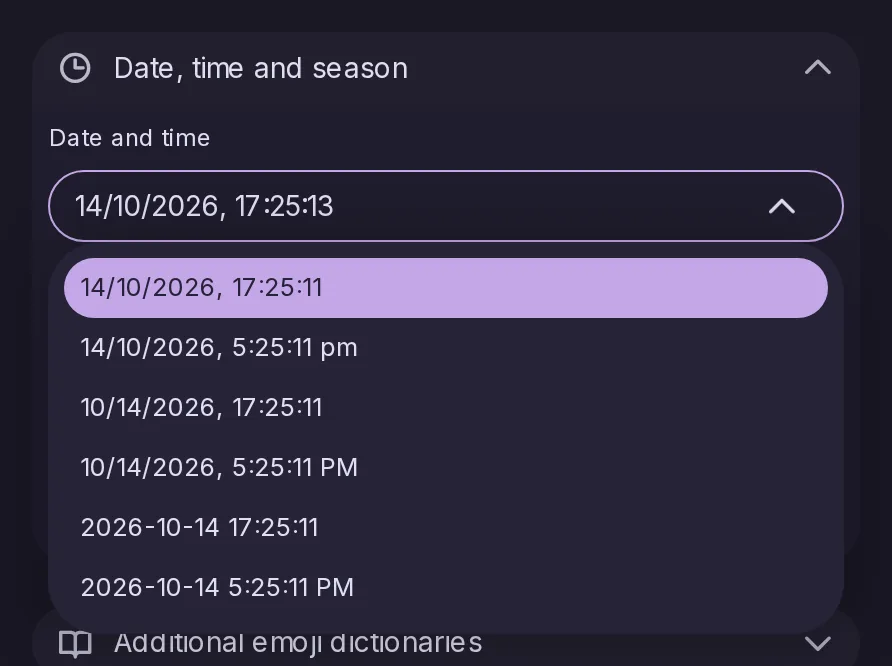
You can choose how dates and times are written, and larger font sizes are available for accessibility. Navigating on mobile and with the keyboard has improved too.
With Click to open posts on, a click on a quote's header, empty space or padding now opens the quoted post, as a click on its text already did, in timelines and on the post page. Before, the post page's quote did nothing there, and a timeline's opened the post holding the quote.
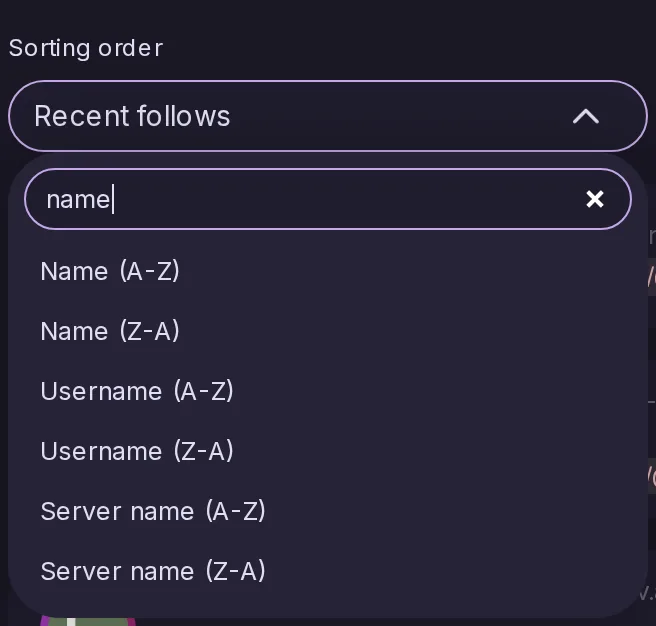
A long dropdown list can be narrowed down by typing.
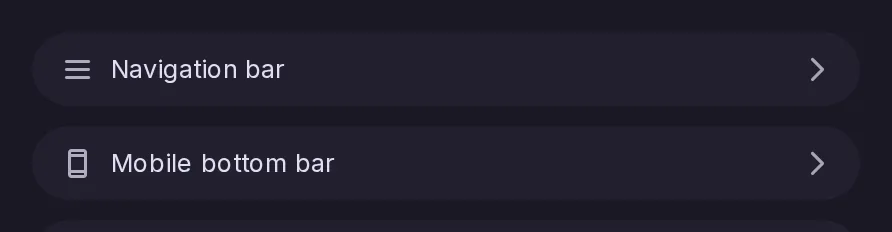
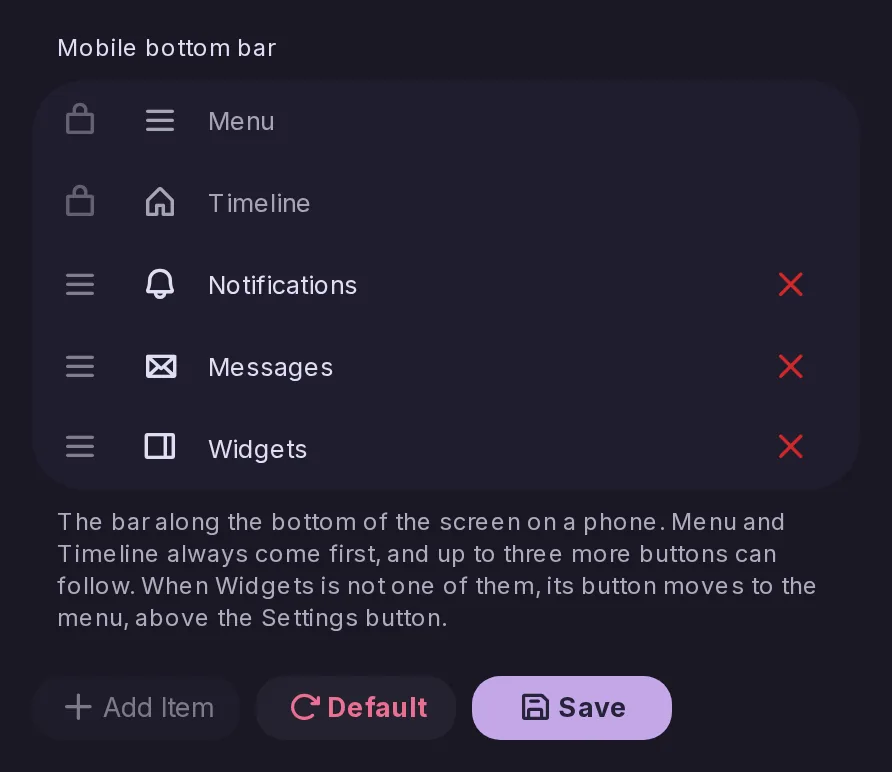
The mobile bottom bar's settings used to sit inside the Navigation bar settings; they now have their own Mobile bottom bar page in Settings → Navigation and layout, under Navigation bar. Its Widgets button is now shown turned the same way as in the bar itself.
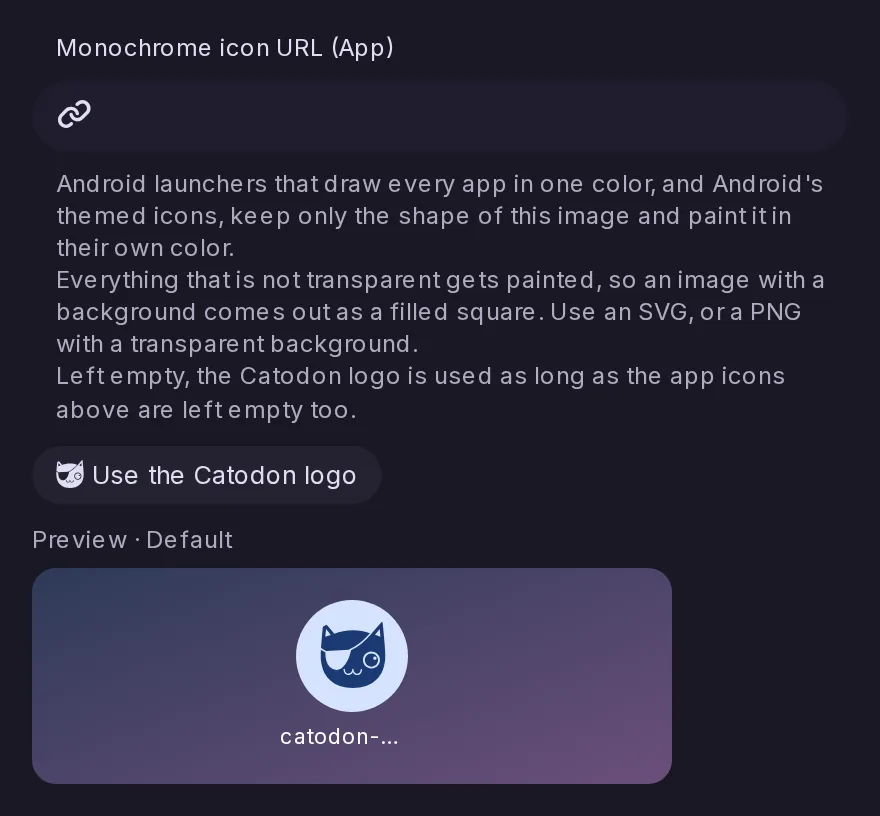
Android launchers that draw every app in one colour, and Android's themed icons, showed an installed Catodon as a filled square. The app now offers the Catodon logo as its monochrome icon, so those launchers draw the logo in their colour. Admins who set their own app icons can add one in a new field of Control Panel > Branding, a page now grouped by where each image appears.
Signed in with a Mastodon account, Announcements now lists that server's announcements with their links, mentions and custom emoji, marks the unread ones and puts a dot on the navigation entry. Got it dismisses one on the server, and reactions can be added or taken back. It appears on Mastodon 3.1 and later and the releases built on it, and on other servers once they answer for announcements.
The Accounts timeline is renamed Streams, and beside accounts and hashtags its list now has a row for each followed forum and RSS feed and each of your lists and custom feeds, placed by its newest post. Selecting a row shows its posts beside the list, switches in Options choose which kinds are listed, and the search box finds them by name. Apps get the new streams/latest endpoint.
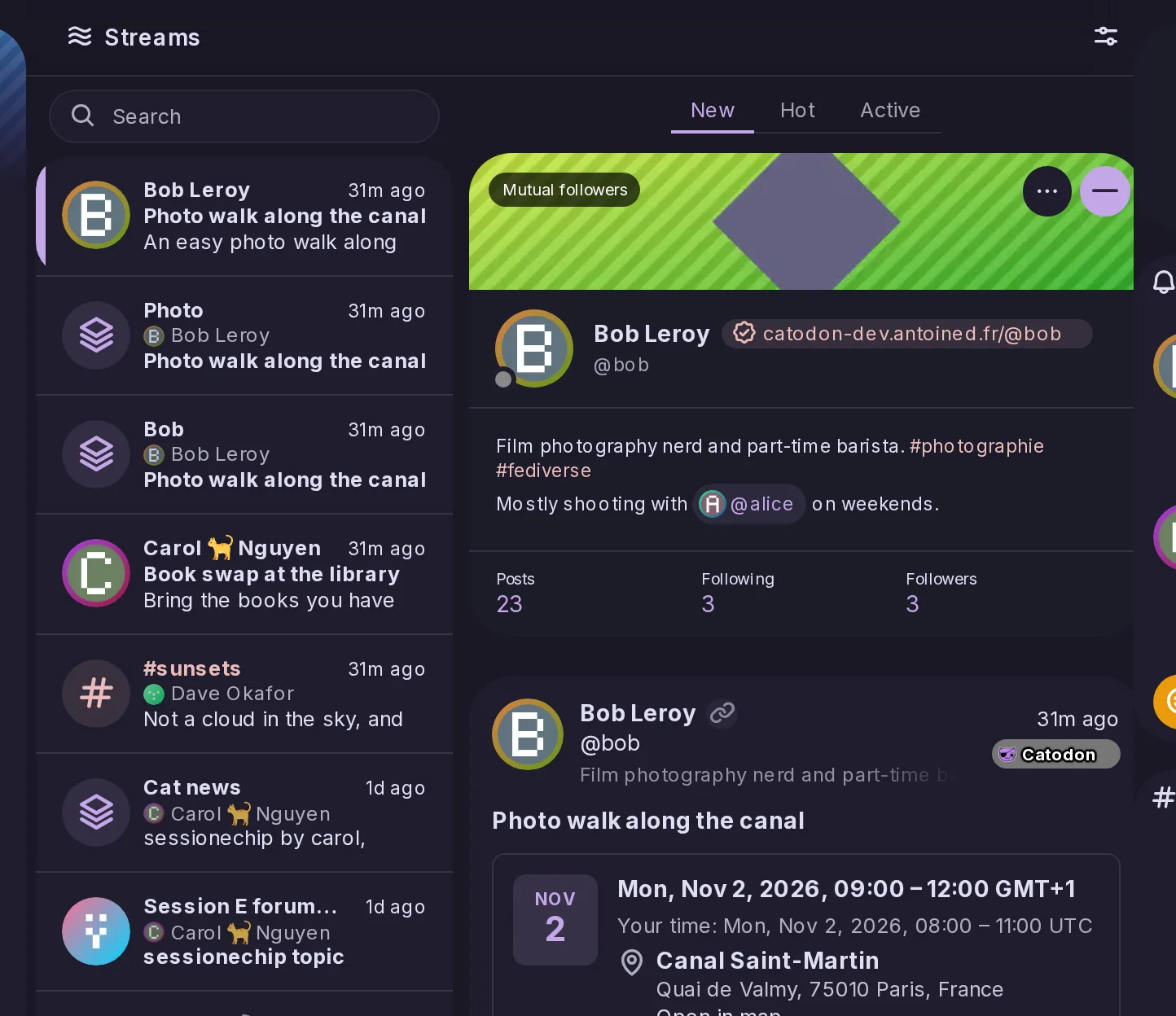
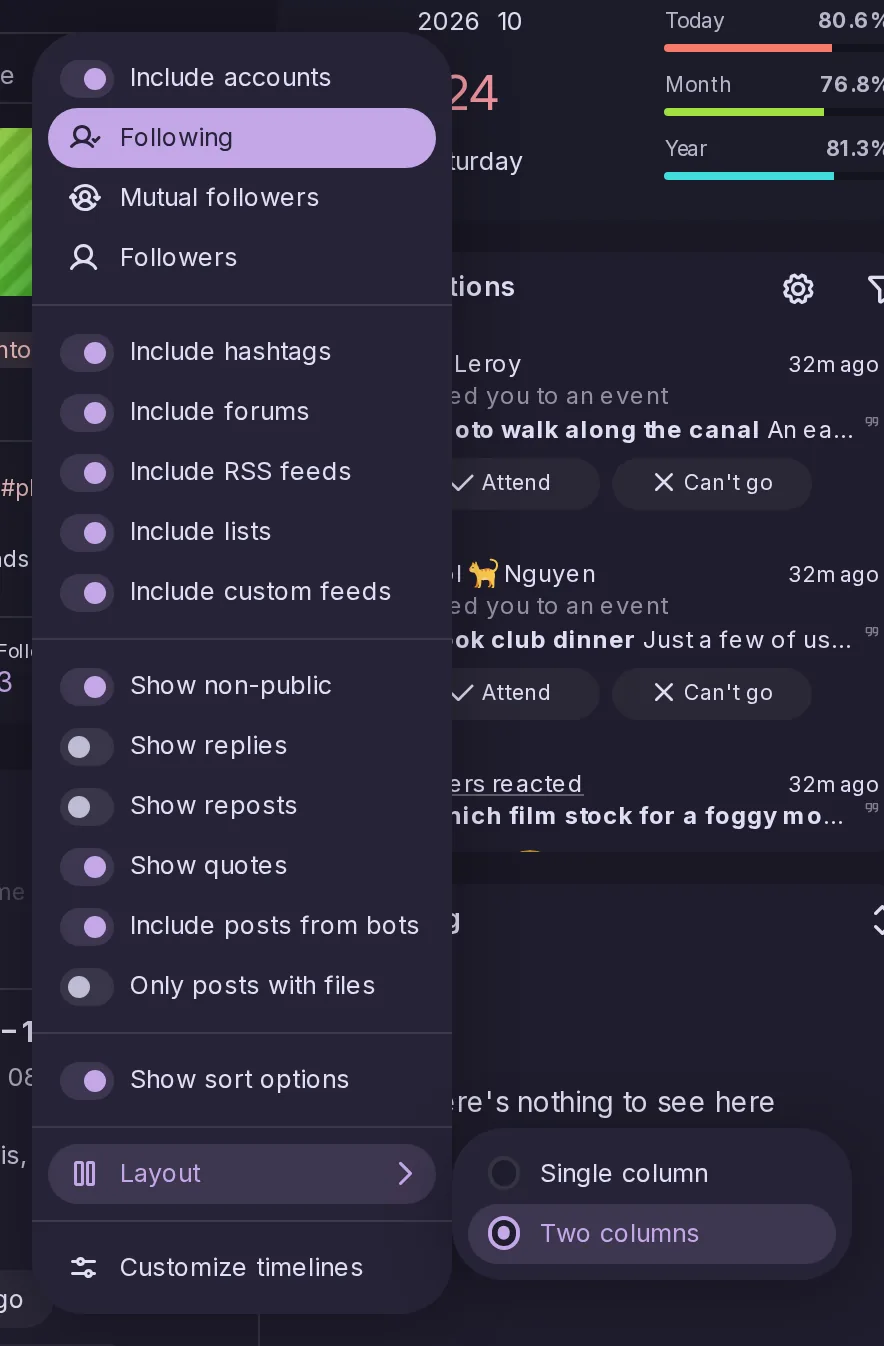
The Accounts, Forums and RSS timelines can now show their list on its own, filling the timeline column, with an account, forum or feed opening on its own page and a back arrow to return, as on a phone. The choice sits in each timeline's Options menu and in Settings, is kept per device for each of the three, and suits screens where two columns side by side feel cramped.
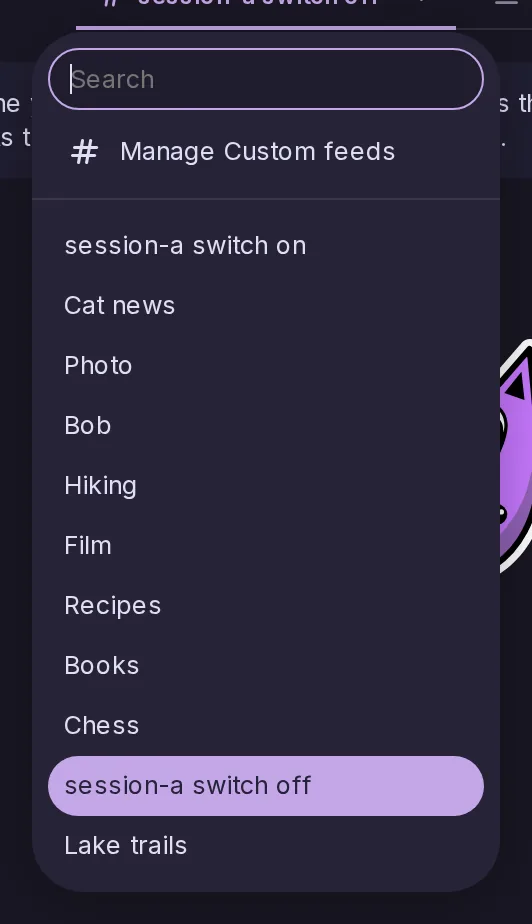
Menus for choosing a custom feed, a list or a timeline now grow a field to narrow them by typing once they hold 10 entries or more, as long dropdowns already did. It covers the Custom feeds and Lists tabs of the timeline, the Timeline widget's picker, and the button that fills the search page from a custom feed.
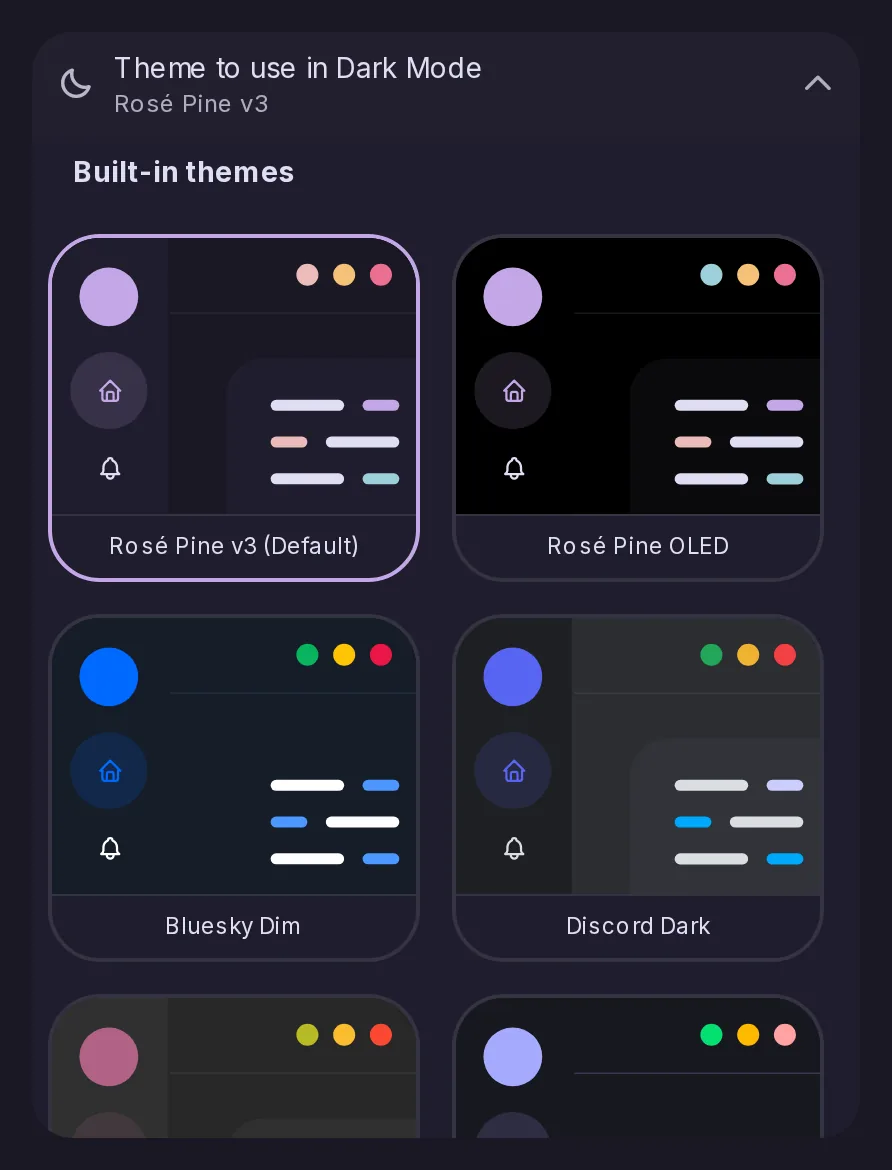
Settings → Appearance gains Gruvbox Dark and Light, Rosé Pine OLED on pure black, Nyan Trail Night made by Sproid for this release, and a dark and a light theme in the colours of Bluesky, Discord, Mastodon, Threads, classic Twitter and 𝕏. The network themes borrow colours only, no logos, darkening any shade too faint to read as text.
A theme, installed or set by an admin as the instance theme, can now set layout widths, spacing and corner radii as well as colours, from a fixed list of custom properties. Values must be plain sizes, anything else is ignored, and server and personal custom CSS still override what the theme sets.
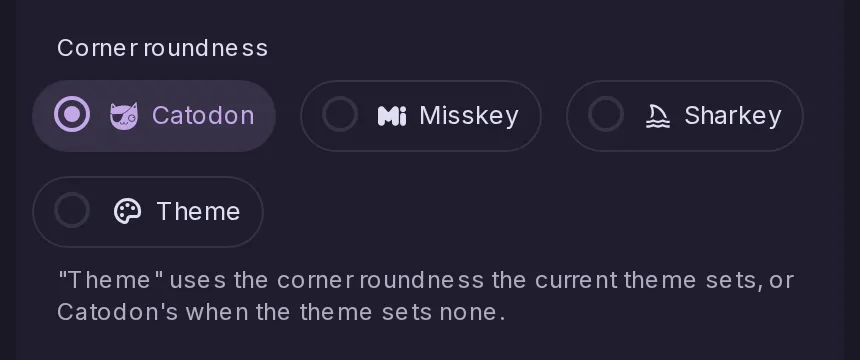
Settings → Appearance → Text and shapes → Corner roundness gains a fourth choice, Theme, next to Catodon, Misskey and Sharkey, which uses the corners the current theme sets. Picking a theme that sets them offers once to switch to it; nothing changes for anyone who does not.
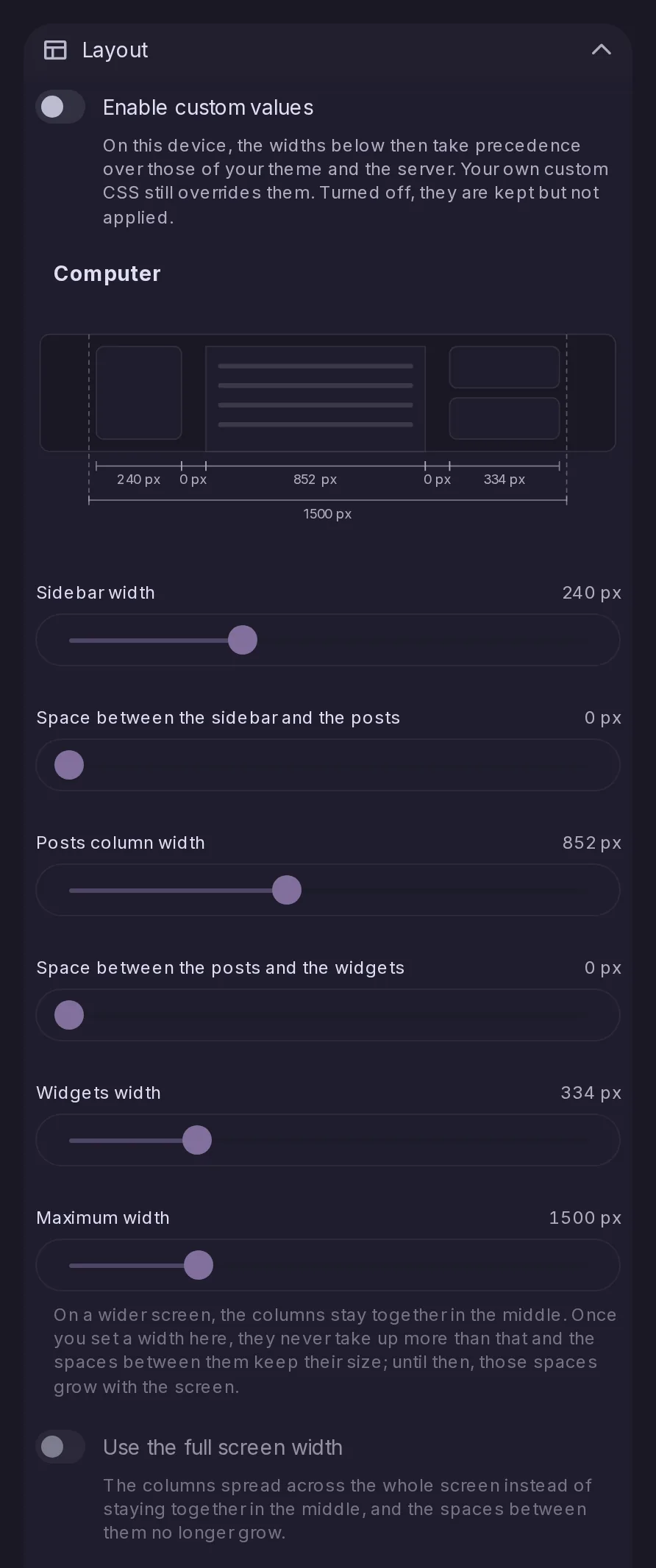
Settings → Appearance has a new Layout section with sliders for the widths of the sidebar, the posts column and the widgets, the gaps between them and the overall maximum, set per device and shown on a diagram. Your values apply once you enable them, ahead of your theme's, and a Use the full screen width option spreads the columns across a wide screen.
As in Element, Discord or Slack, Alt+Down and Alt+Up open the next or previous page of the sidebar, in the order you set. Alt+Shift with the arrow keys switches between the tabs of a page's bars, such as Following, Recommended and All on the Forums view, and holding a key repeats the step.
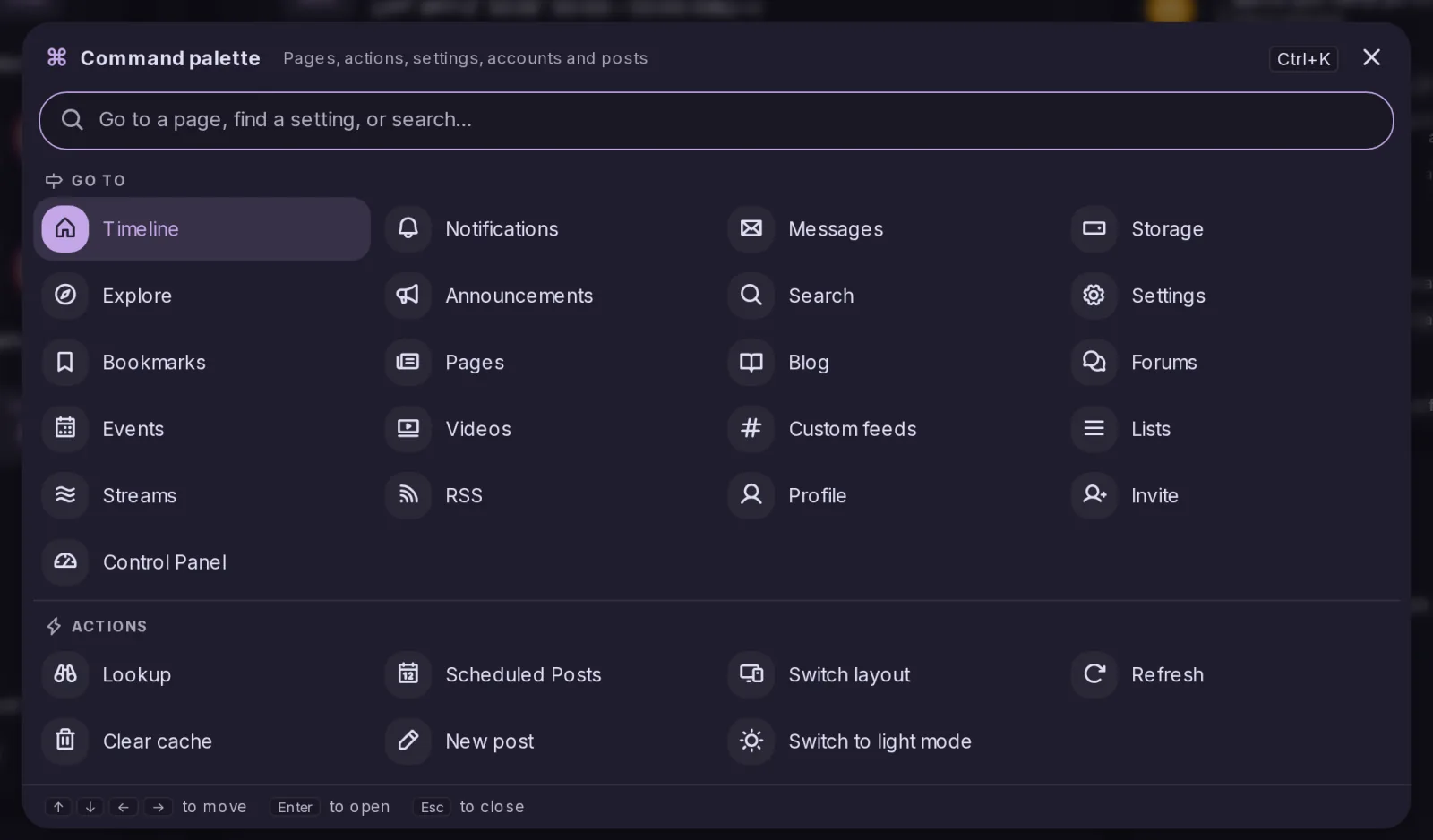
Ctrl+K, or Cmd+K on a Mac, opens a palette that reaches any page of the sidebar, Settings or the Control Panel by typing a few letters, and jumps straight to a setting by name. It also runs a few actions, searches posts or users, and opens hashtags, addresses and links; without a keyboard, it can be added to the sidebar.
The mobile bottom bar can now be edited like the sidebar's list: after the menu and timeline buttons, choose up to three items such as Search, Explore or Custom feeds, with their unread badges, or none. Nothing changes until you do, and when Widgets is left out its button moves to the menu. The arrangement is kept on each device, like the sidebar's.
Signed in with a Mastodon account, the report form now lists that server's rules and sends the ones picked, a picture being posted gets a Focal point that tells the server which part to keep in previews, and a list's settings gain Show replies to. Focal points sent by Mastodon servers are now followed in previews, and accounts on this server find the Focal point entry too.