Interface in 40+ languages
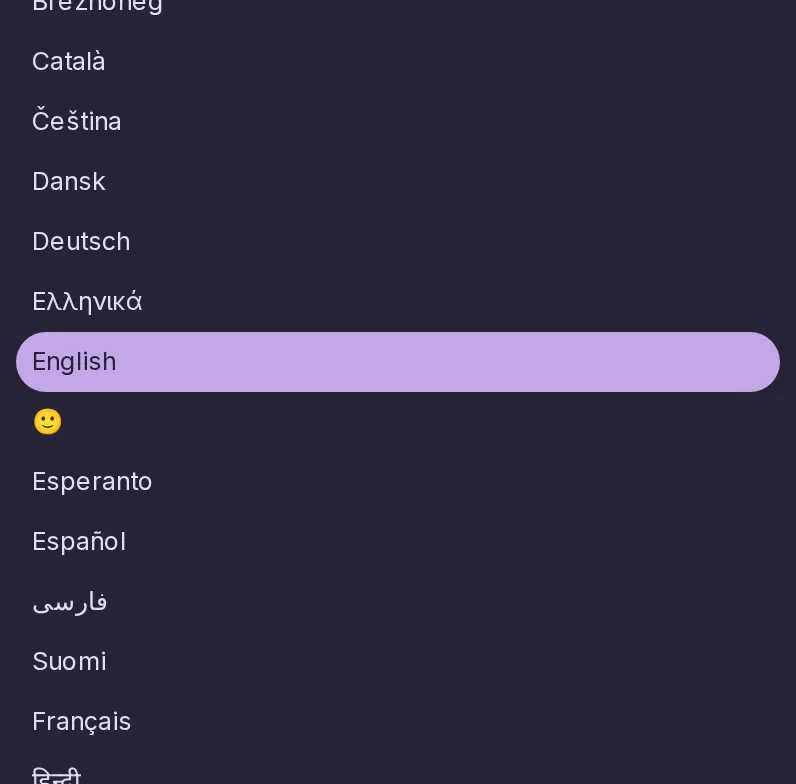
Use the interface in your own language, chosen per device.
4 essential features · 10 added since the fork
Use the interface in your own language, chosen per device.
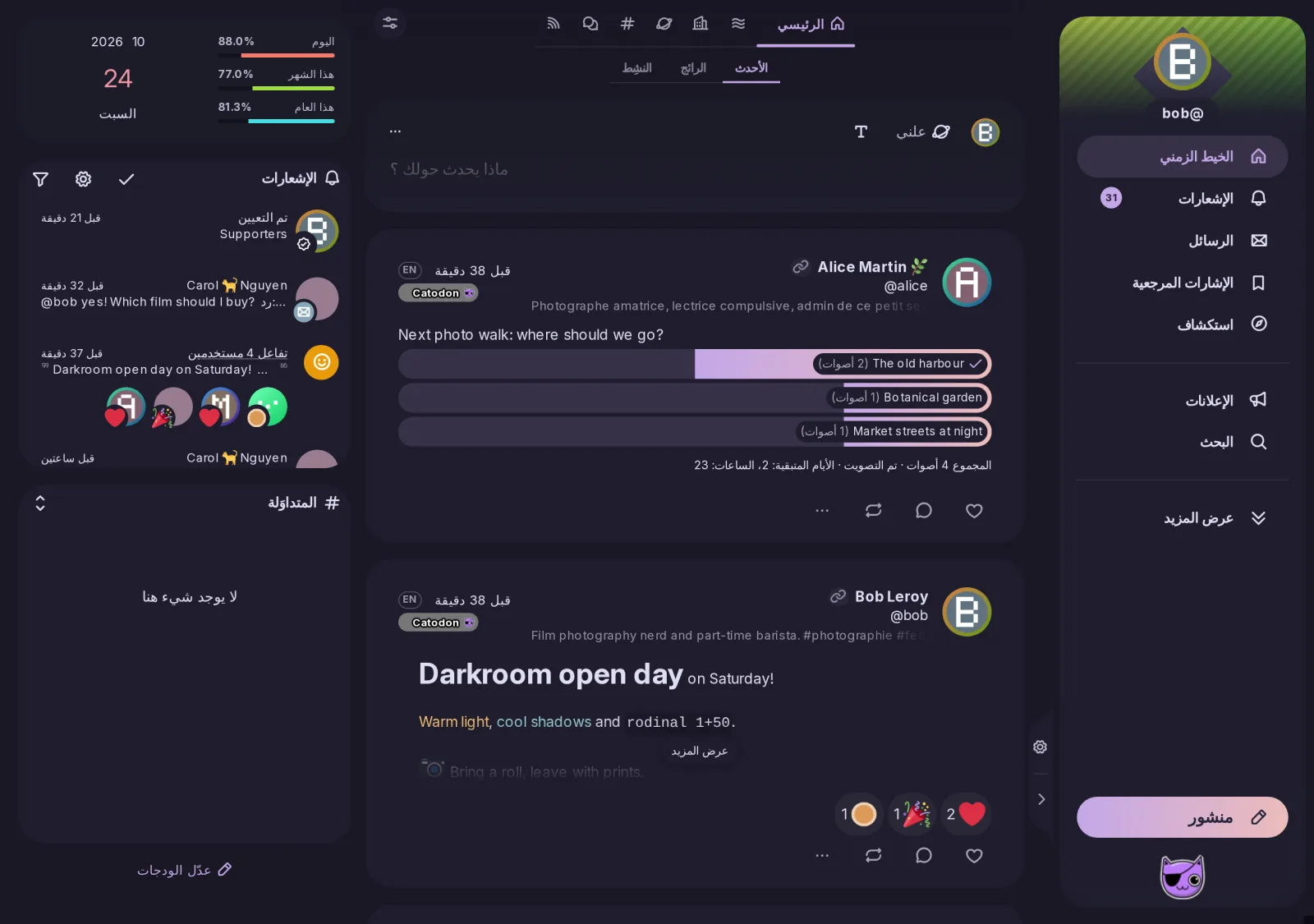
Arabic, Persian and other right-to-left languages get a mirrored layout and icons.
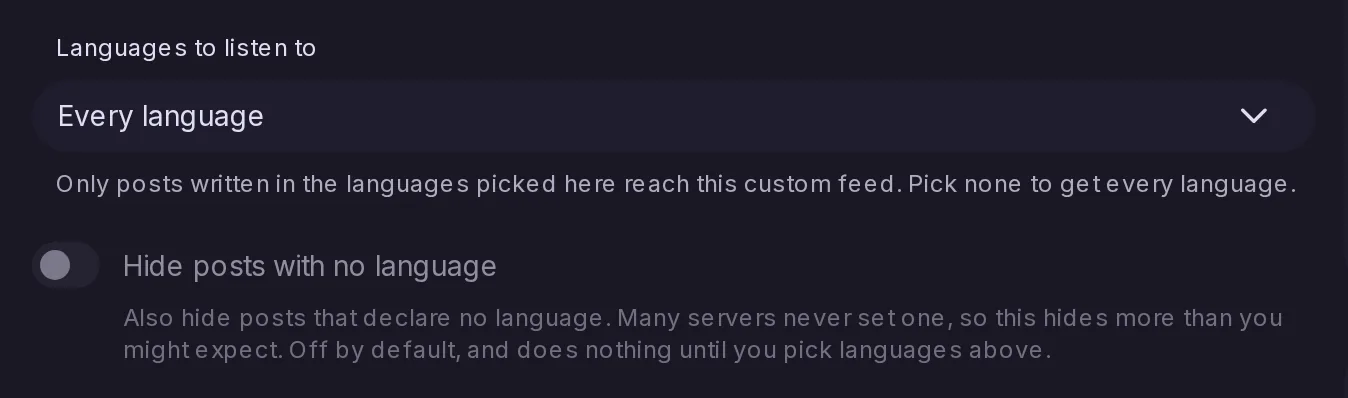
Keep only chosen languages in a custom feed, and let a forum state the languages it is for.
Translate a post, a profile bio, its picture descriptions and any quoted post with one click.
Translating a post now translates the descriptions of its pictures and videos in the same action, shown under a Translated from line, and a post with pictures but no text can be translated for its descriptions alone. A quote is translated along with the post it shows, only the parts in a language you do not read, and the media viewer and quoted posts get translate buttons of their own.
The layout now follows the direction of the interface language: in a right-to-left language, icons, accent bars and drawn shapes are mirrored throughout.
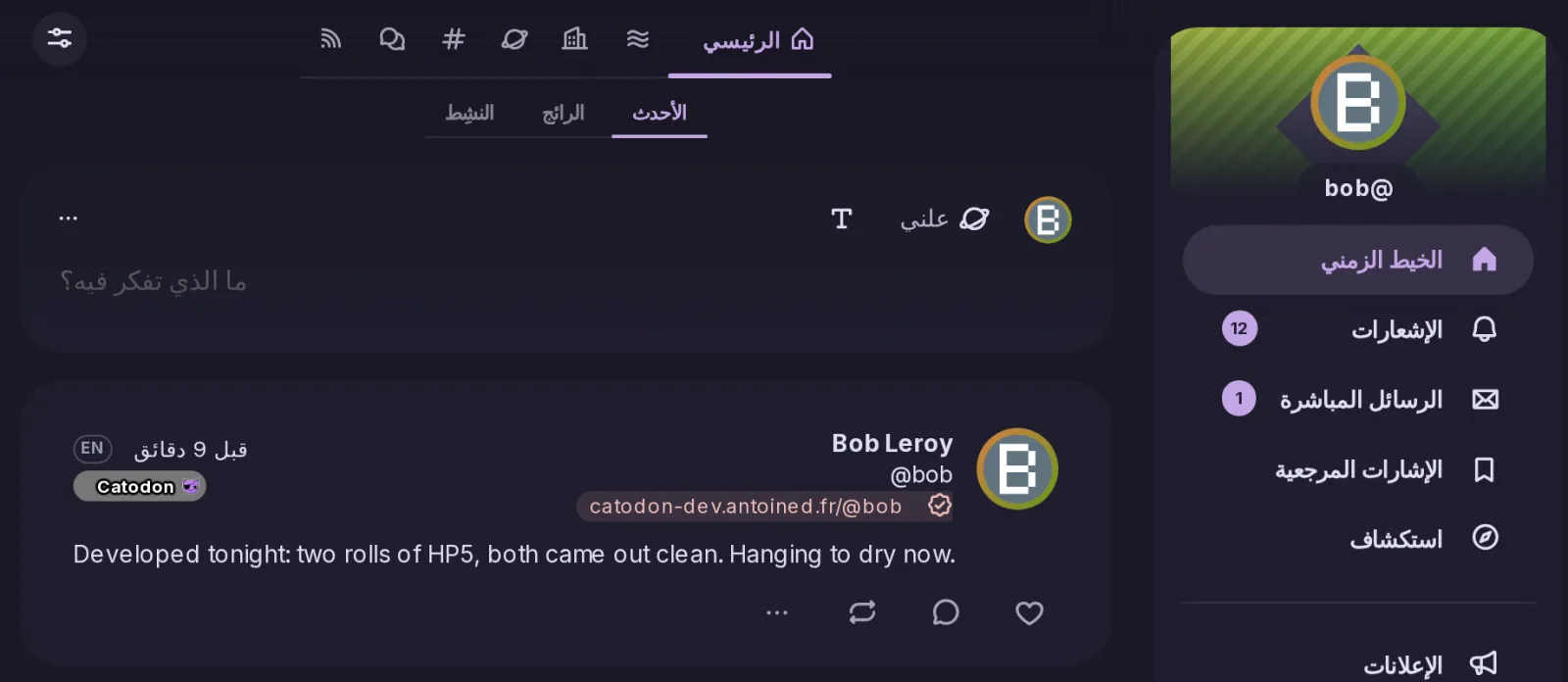
A list of languages in Settings → Timelines, after which your timelines leave out posts written in any other one. It reaches Home, Social, Local, Bubble, Public, your lists and your custom feeds, never hides your own posts, and belongs to the account rather than to one browser, so it works the same in every app.
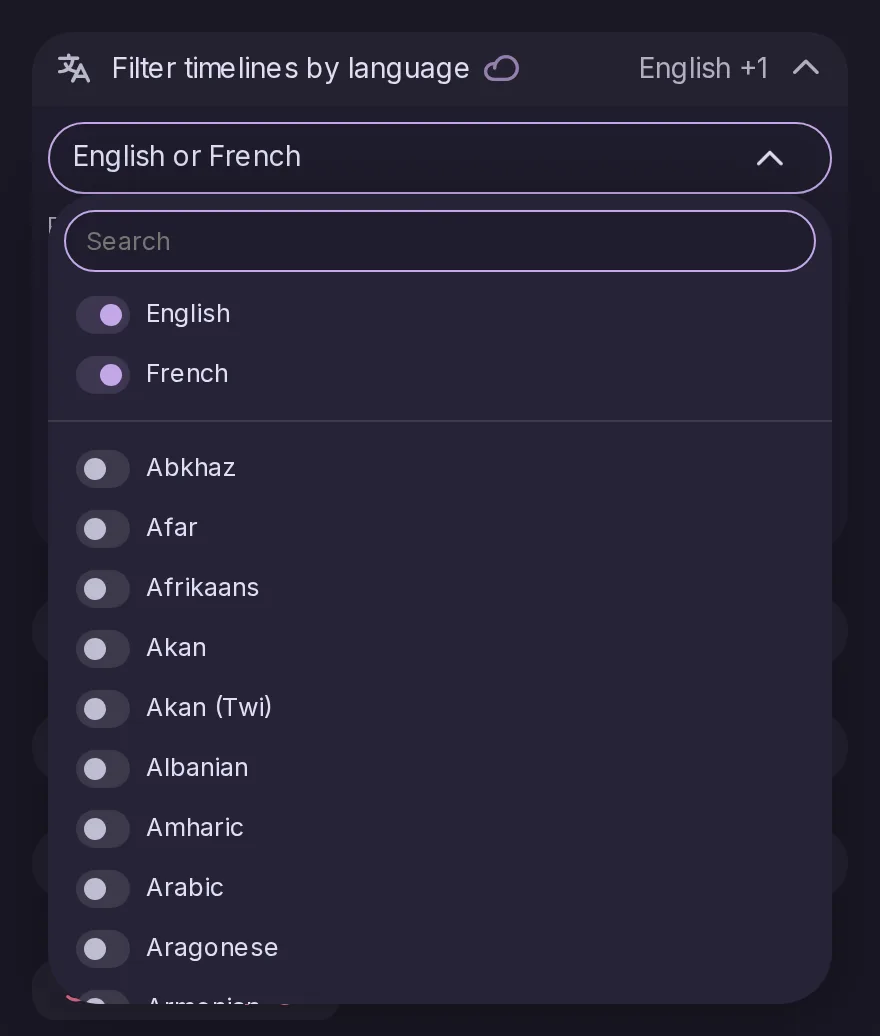
A switch decides what happens to a post that declares no language — off by default, because many servers never declare one and everything received before languages were recorded has none. Every timeline the filter reaches also gains a Show all languages option that stays where you put it.
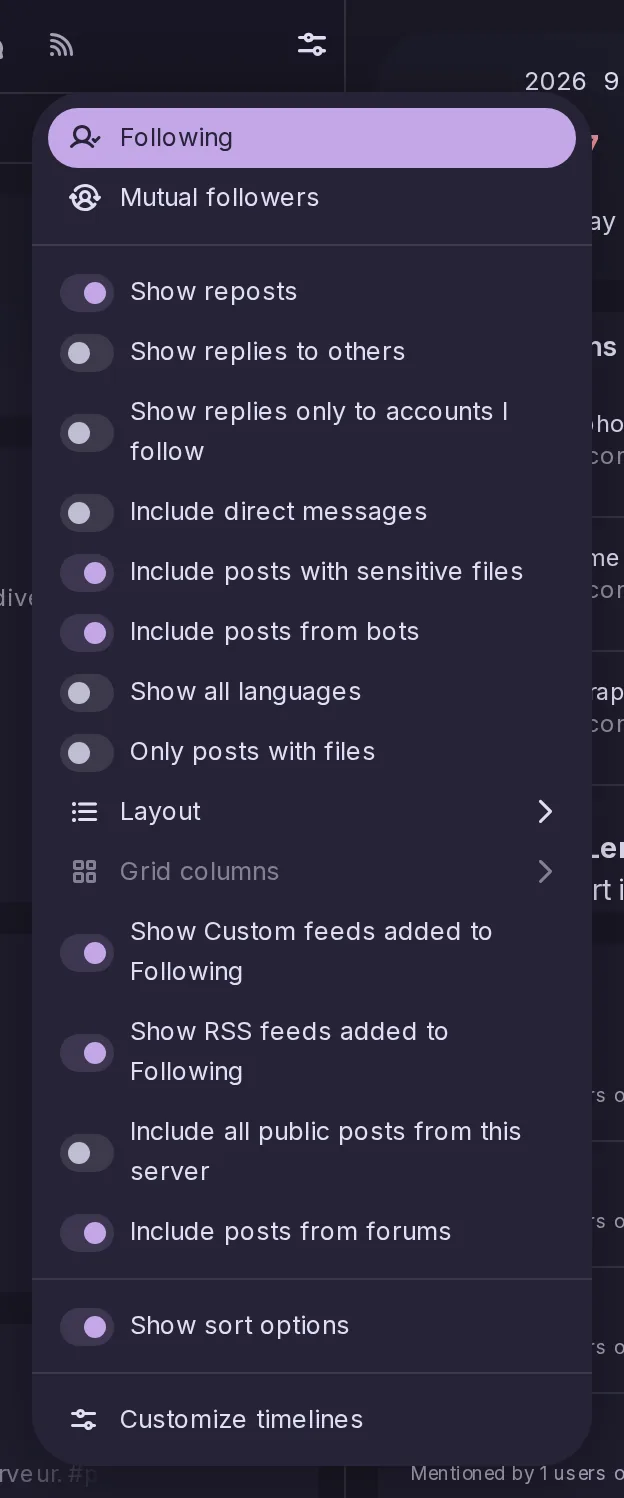
The language travels over ActivityPub in both shapes the network uses, Mastodon's and Lemmy's, and status.language finally reports something instead of always null — which is what the official Mastodon Android app and Moshidon look at to decide whether to offer a translation.

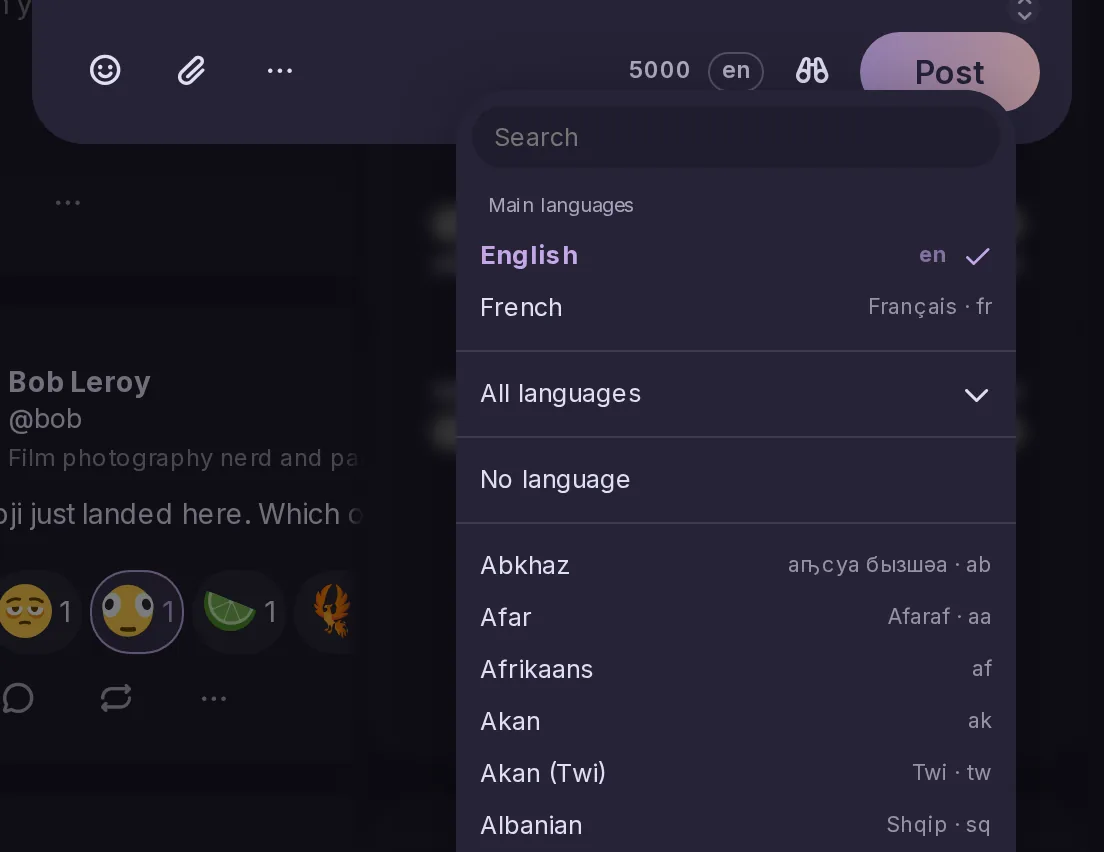
A language pill beside the character count opens a searchable list, with the languages you recently posted in at the top, and Settings → Composing holds the default a new composer starts from. Every rendered post carries its language for screen readers, and shows a small code when it differs from the interface.
Signed in with a Mastodon account on a server running Mastodon 4.0 or later, Glitch-soc or Hometown with translation turned on, the translate button and menu entry now ask that server to translate the post, keeping its links, mentions and emojis. They are offered on public and unlisted posts, the only ones Mastodon translates, and from Mastodon 4.2 only when the server can translate that language.
Off by default. Turned on, the composer's language pill leaves the footer and a Language row takes its place at the bottom of the visibility menu, opening the same list as a submenu.
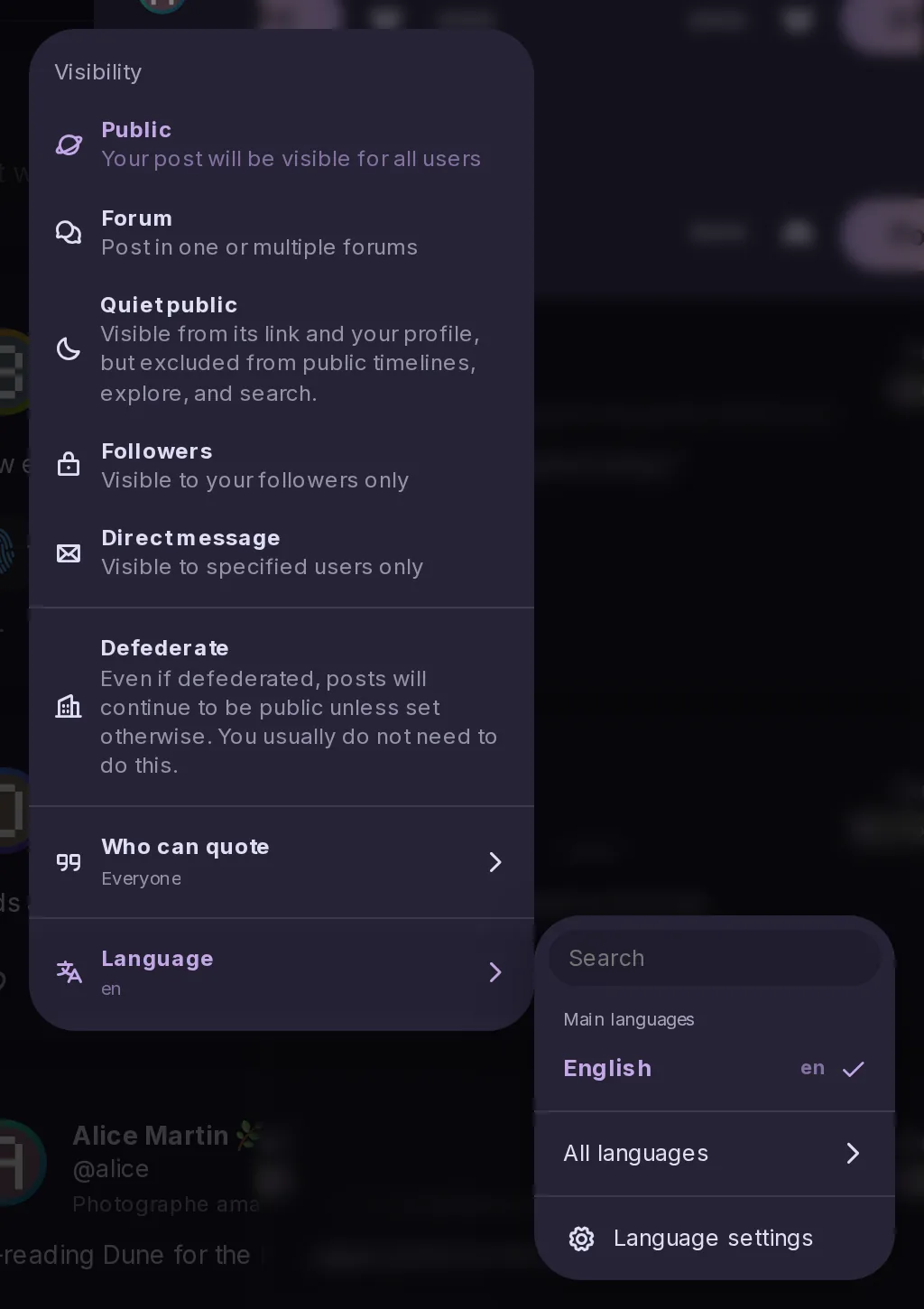
A profile description now has a Translate button under it, as a post does, using the server's translator and showing the result under the bio with the language it came from. It is offered when a translator is configured and the profile declares a language you do not read; apps reach it through the new users/translate endpoint.
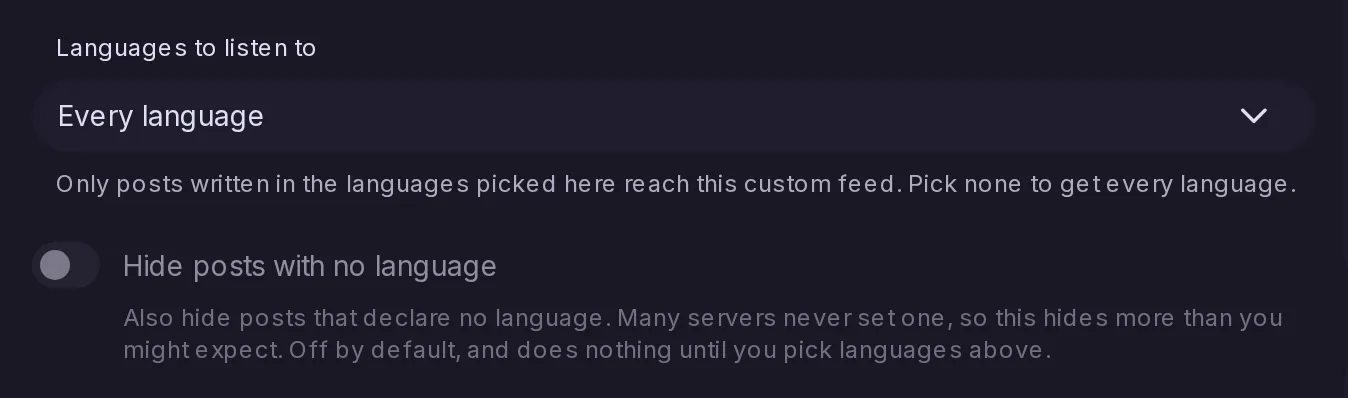
The custom feed editor gains Languages to listen to, so a feed only takes posts written in the languages you pick, with an option to hide posts that declare none; a feed with none picked takes every language, as before. A feed can now be made of languages alone, such as every post in French, and keeps them when exported and imported.