Chat-style Messages
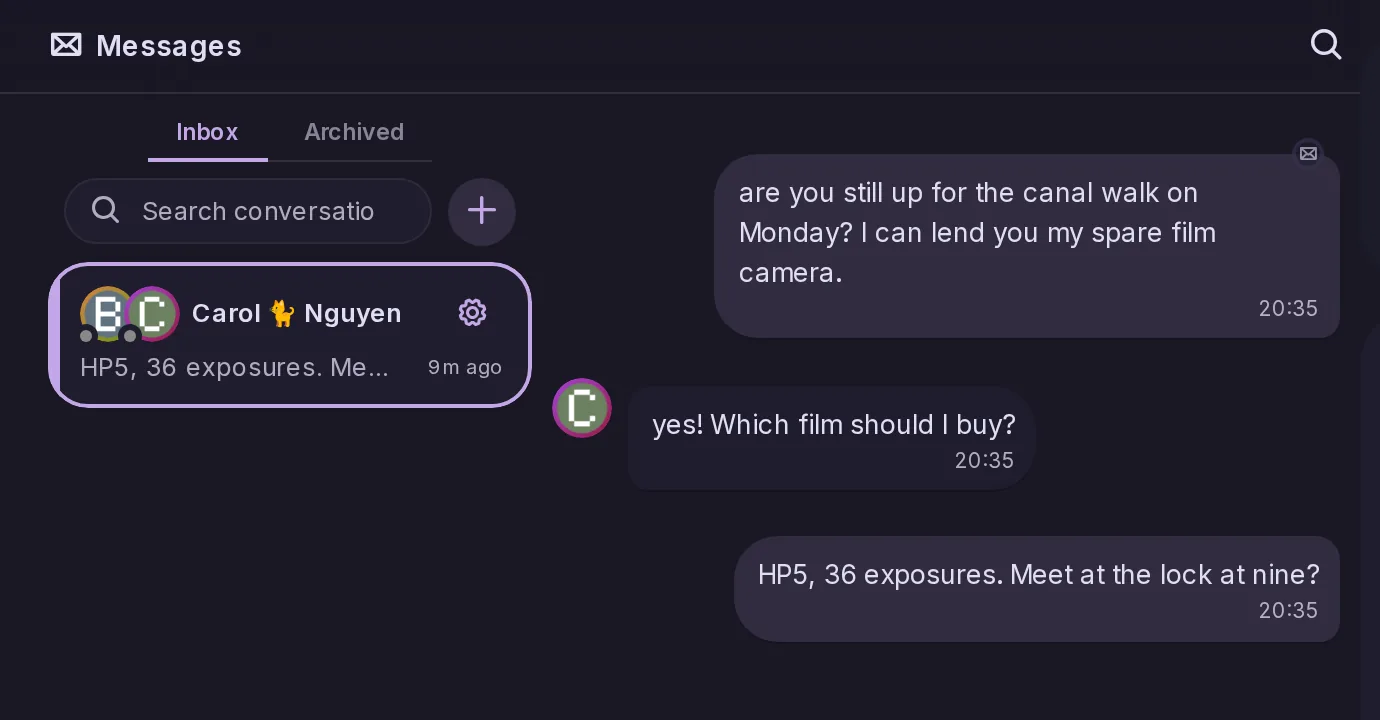
Made by CatodonTalk privately in message threads with an inbox, search, reactions and archived conversations.
3 essential features · 2 added since the fork
Talk privately in message threads with an inbox, search, reactions and archived conversations.
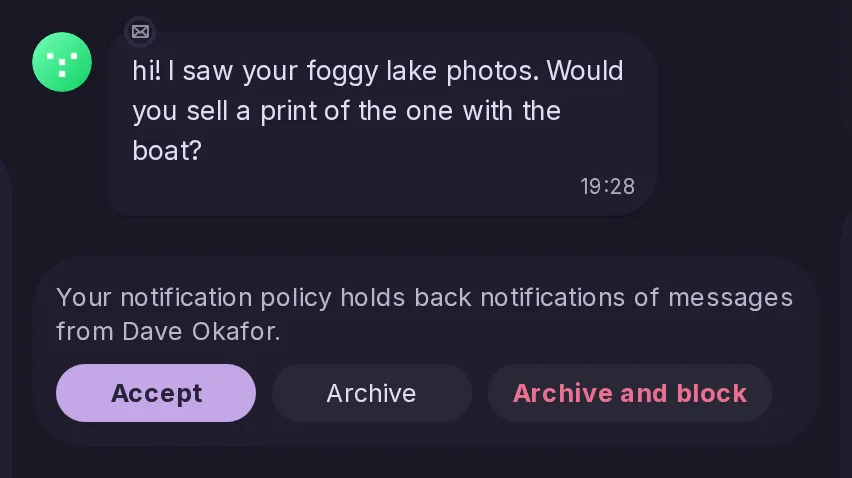
Messages from people you do not follow can be held back, then accepted or archived.
Address a person by @name in a post or reply to continue a conversation, with threads shown in context.

Messages gets a space of its own: an inbox, a list of conversations and chat bubbles, with search, reactions and unread markers. It works in the deck, with the keyboard and on mobile.
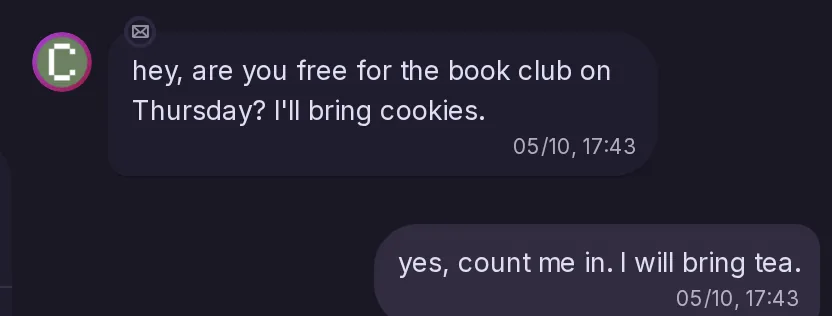
When your notification policy holds back what someone sends you, their newest message in Messages now has Accept, Archive and Archive and block buttons. Accepting lets the account through from then on and releases its held notifications, while archiving moves and mutes the conversation on every device. Apps get the new notes/direct-messages/filtered-senders and notes/direct-messages/accept-sender endpoints.