Reports
Improved by CatodonReport an account or post to moderators, giving a reason, the broken rules and the posts concerned.
7 essential features · 6 added since the fork
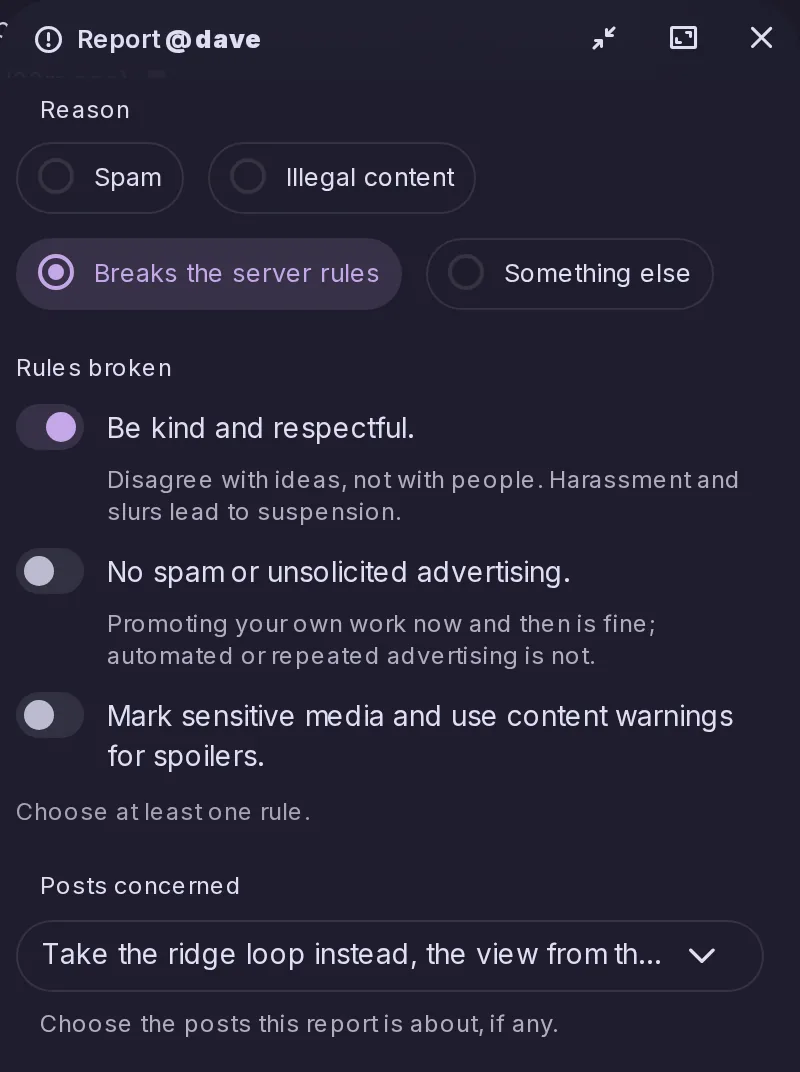
Report an account or post to moderators, giving a reason, the broken rules and the posts concerned.
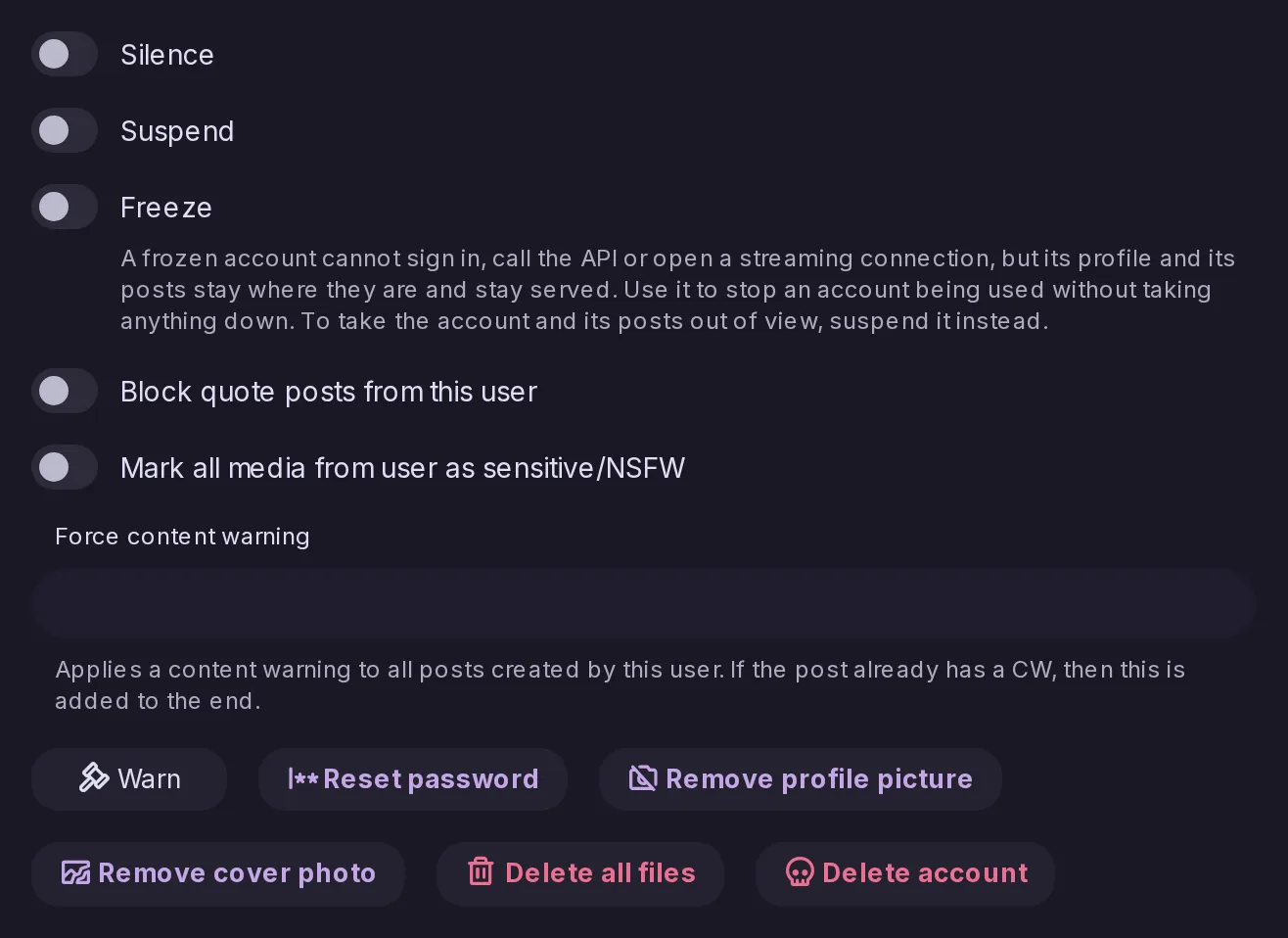
Freeze or limit an account, and tell the people it followed when it is suspended.
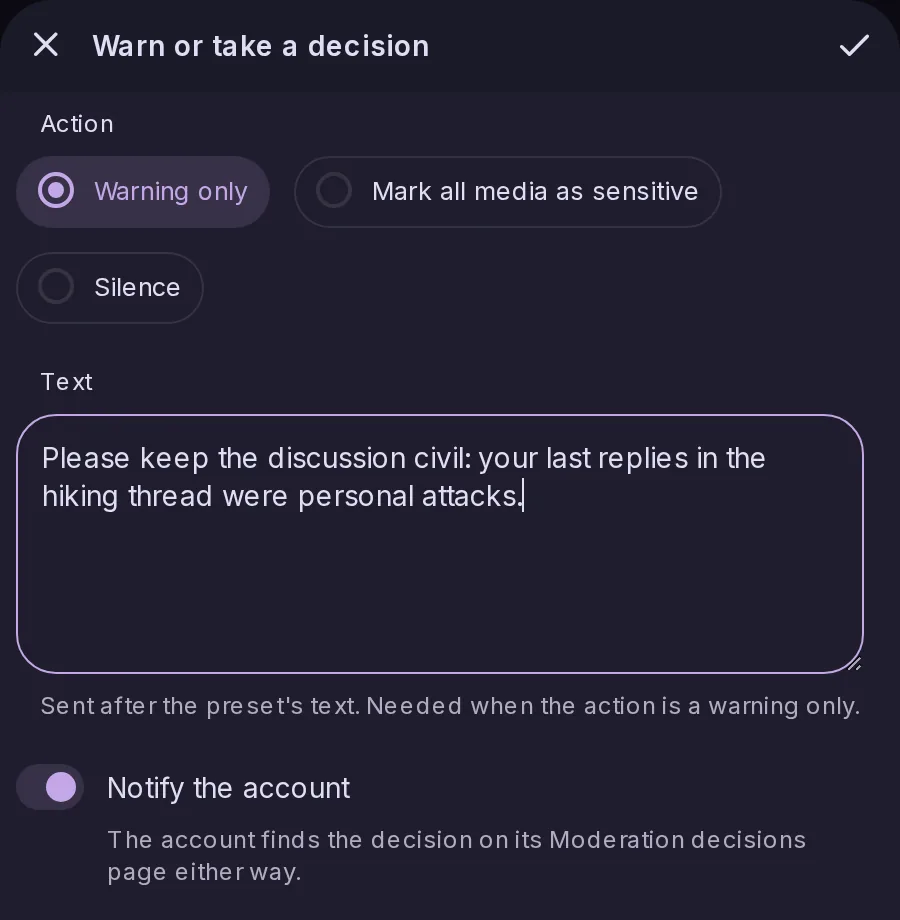
Send an account a formal warning that it can appeal.
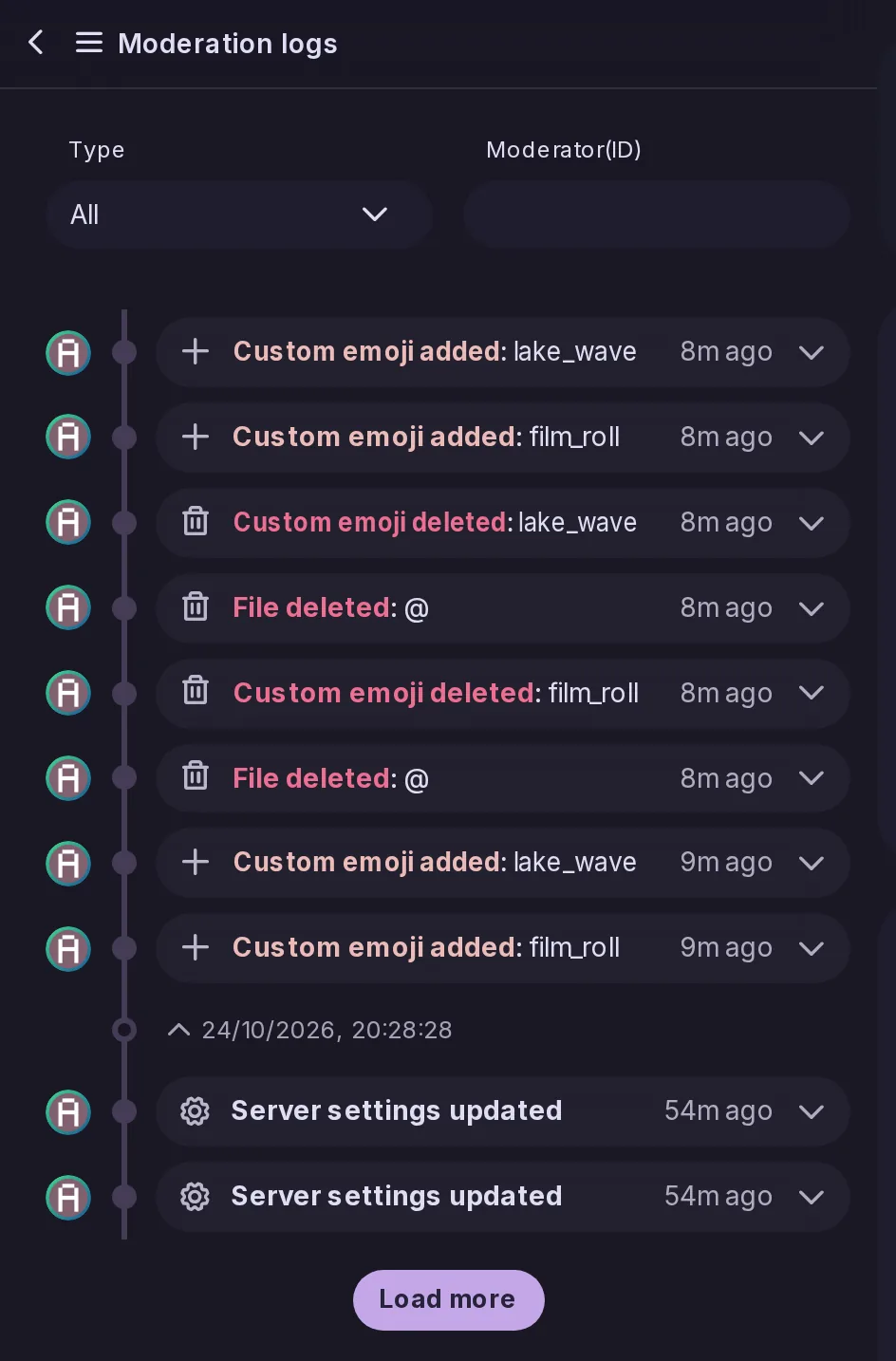
Keep a record of every moderator action.
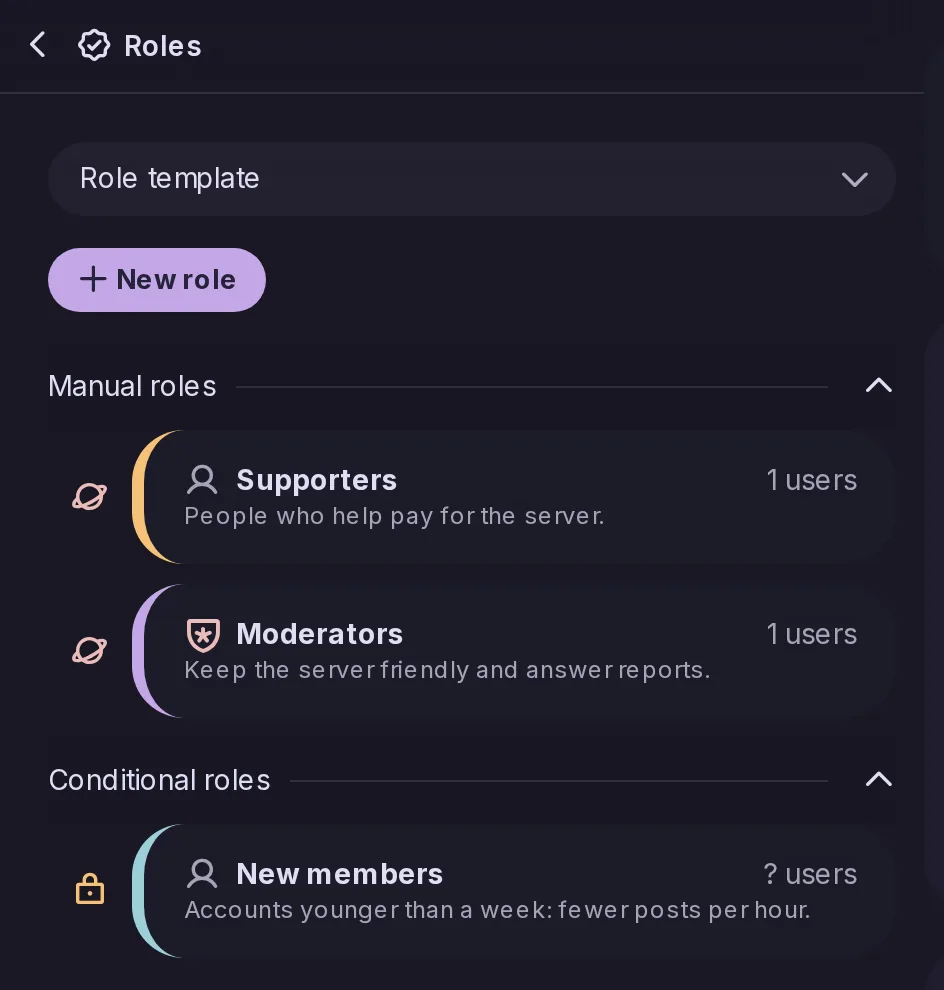
Give moderators and members different powers and limits, including requiring two-factor sign-in.
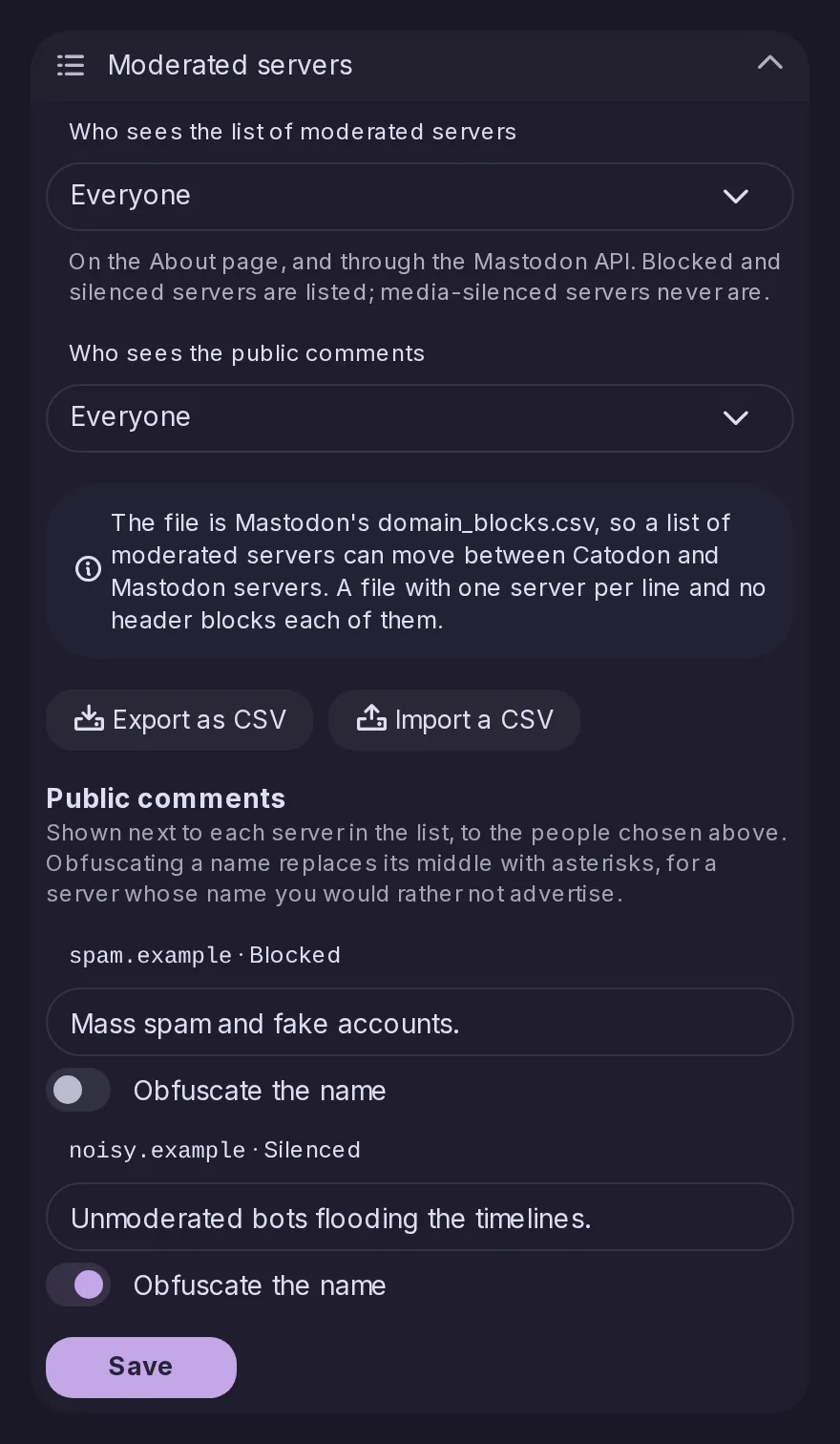
Block, silence or limit other servers one by one.
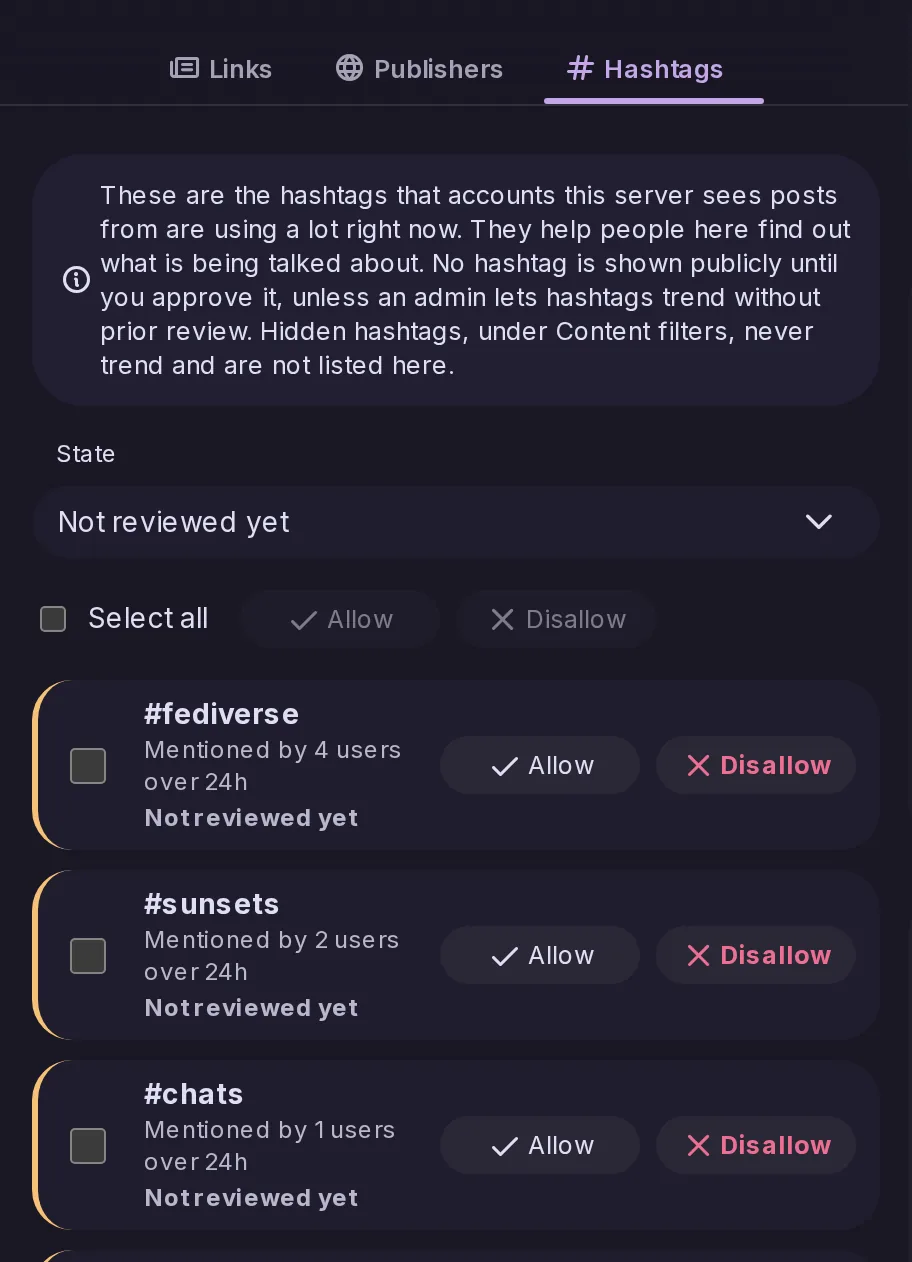
Let moderators approve or hide trending hashtags and links before they are promoted.
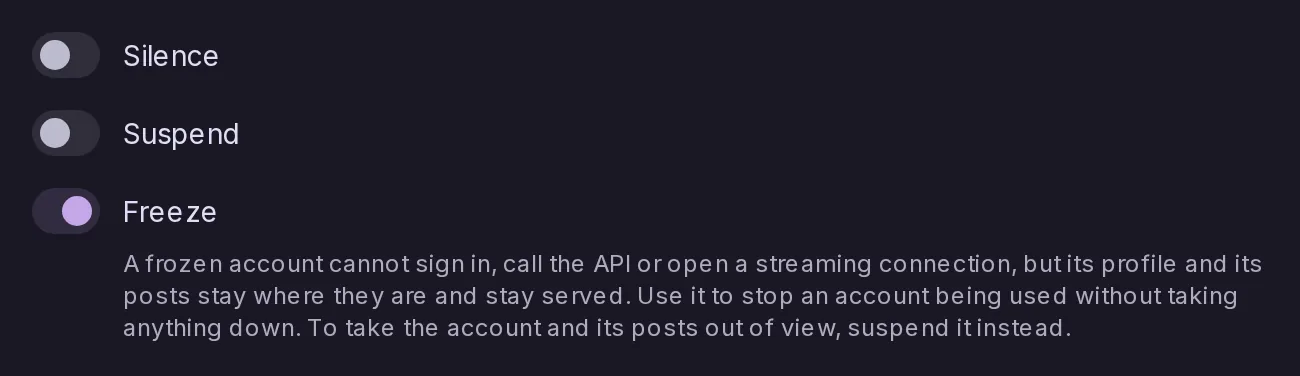
A frozen account can no longer sign in or act, on any path, including with an access token it was already holding, while its profile and its posts stay exactly where they are and stay served to everyone. It is the tool for stopping an account being used without taking anything down.
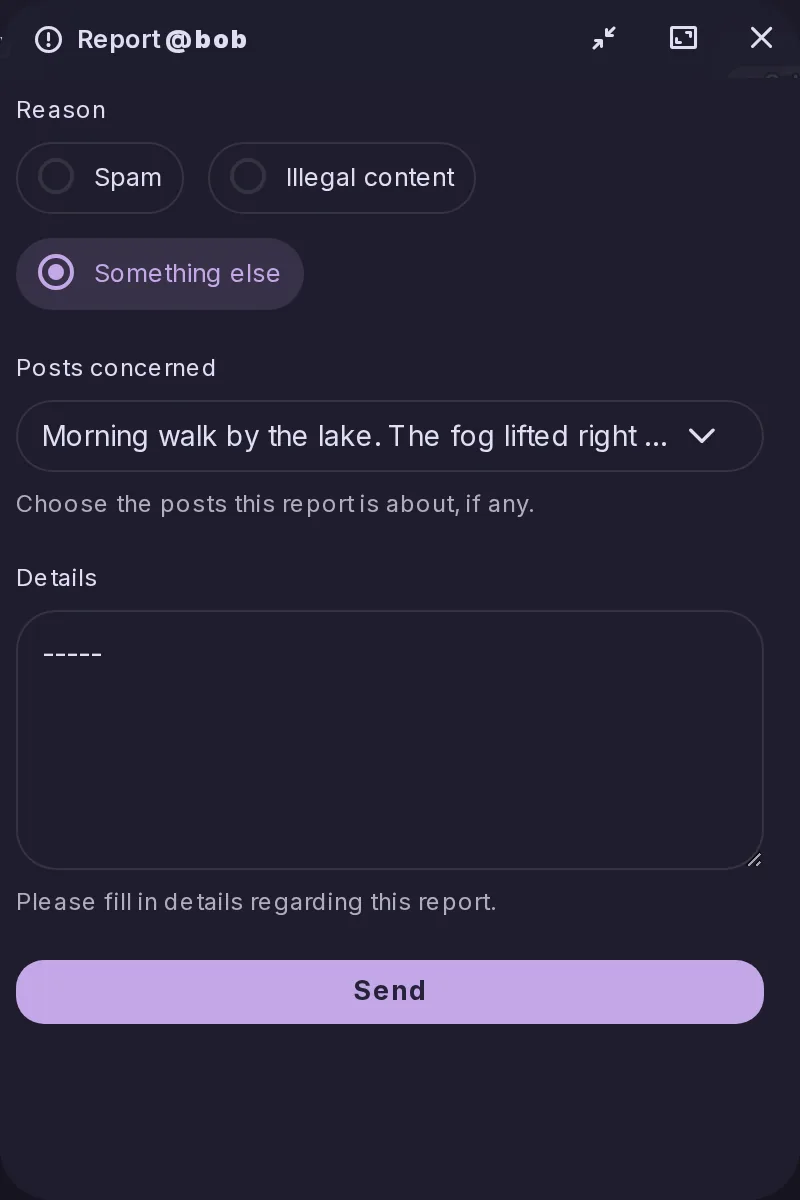
A report used to be a comment and nothing else: the category was glued to the top of the text, the posts were listed at the bottom as bare identifiers, and the rules ticked were dropped without a word. A report now has a category, the rules it says were broken and the posts it is about, each stored as itself.
Moderators have a Refresh remote data entry in the menu of a post from another server, which reads it again from its origin as if it had just arrived. A post received before a display fix, such as a PeerTube video, picks up the current look; it is not an edit, so the post is not marked as edited and nobody is notified.
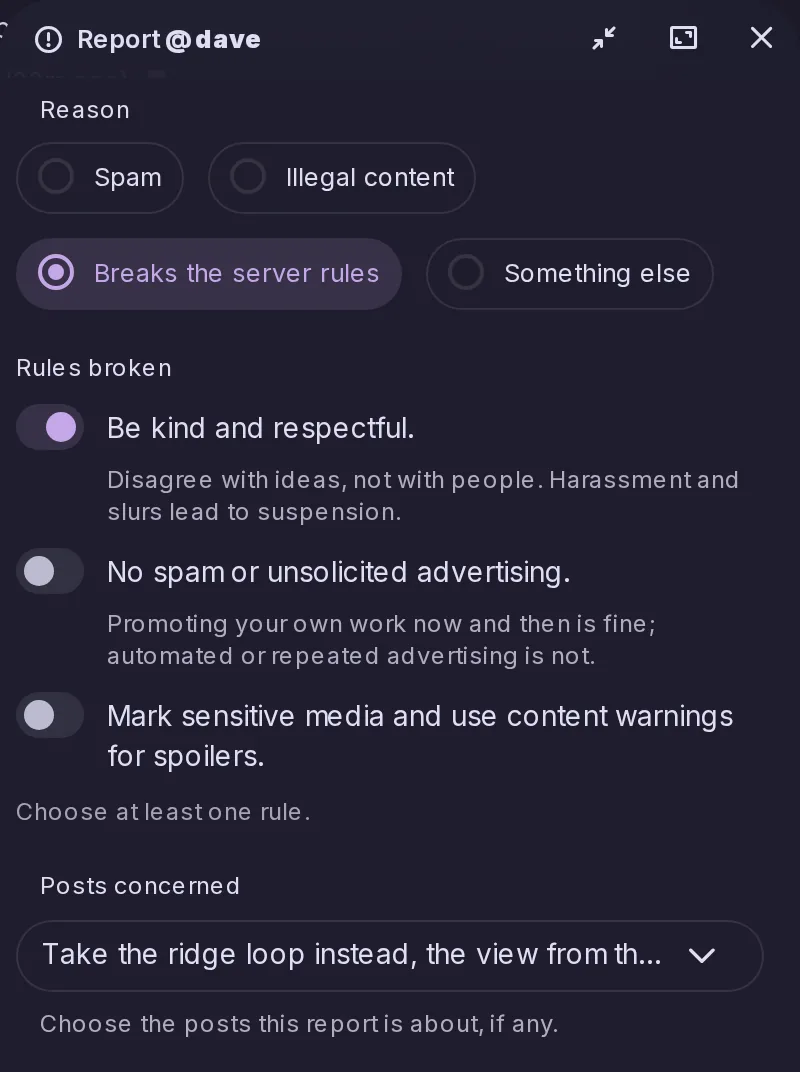
The report window now asks for a reason, lets the reporter tick the server rules broken and attach the account's recent posts, with the post reported from already ticked. Moderators see all of it in the Control Panel, rules as they read when filed, and a reporter can only attach posts they can see themselves.
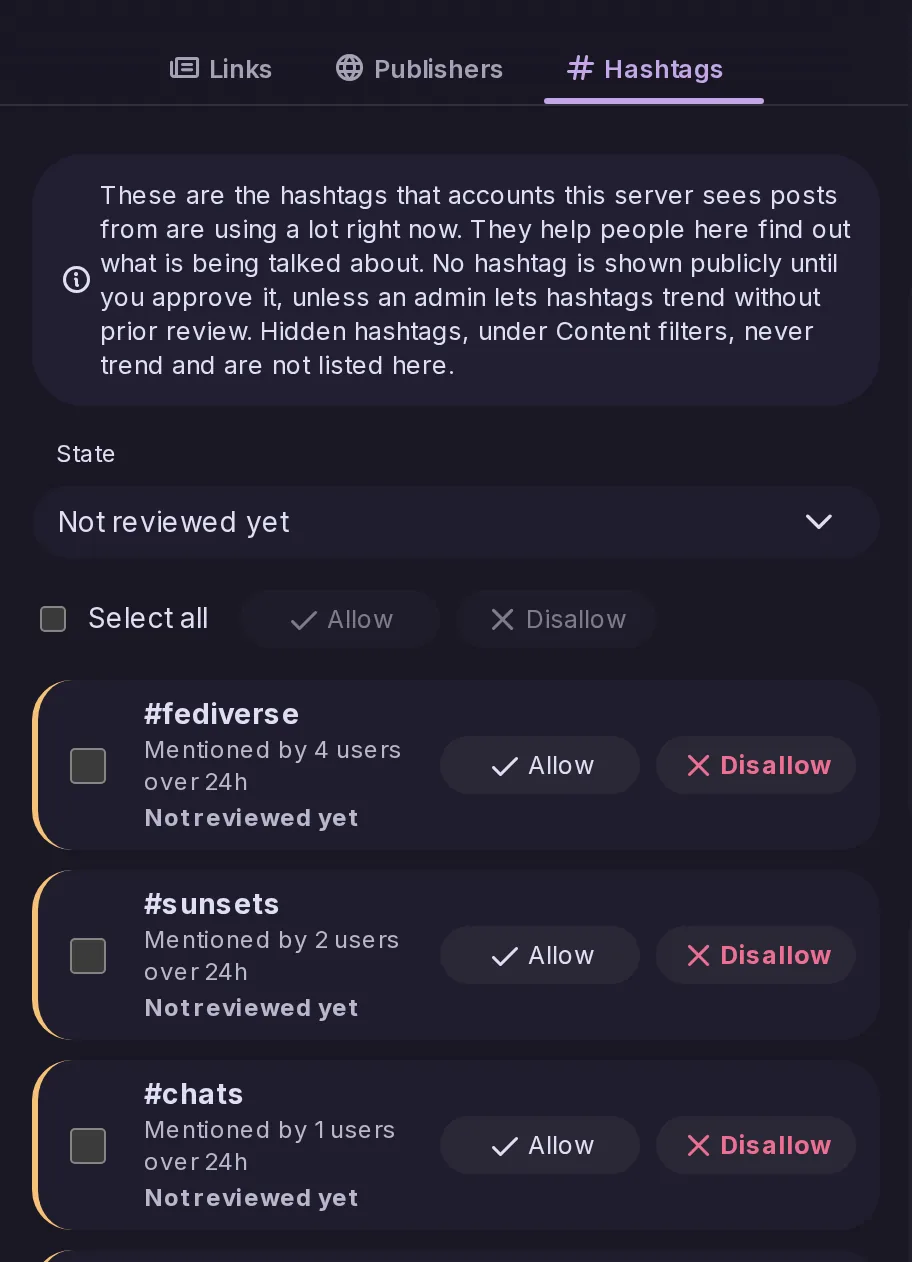
A new Hashtags tab in Control Panel → Trends lists the hashtags trending now and lets moderators allow or disallow each one, as in Mastodon. A switch decides whether an unreviewed hashtag may trend, left on for existing servers and off for new ones, and Mastodon apps reach the review through Mastodon's admin API.
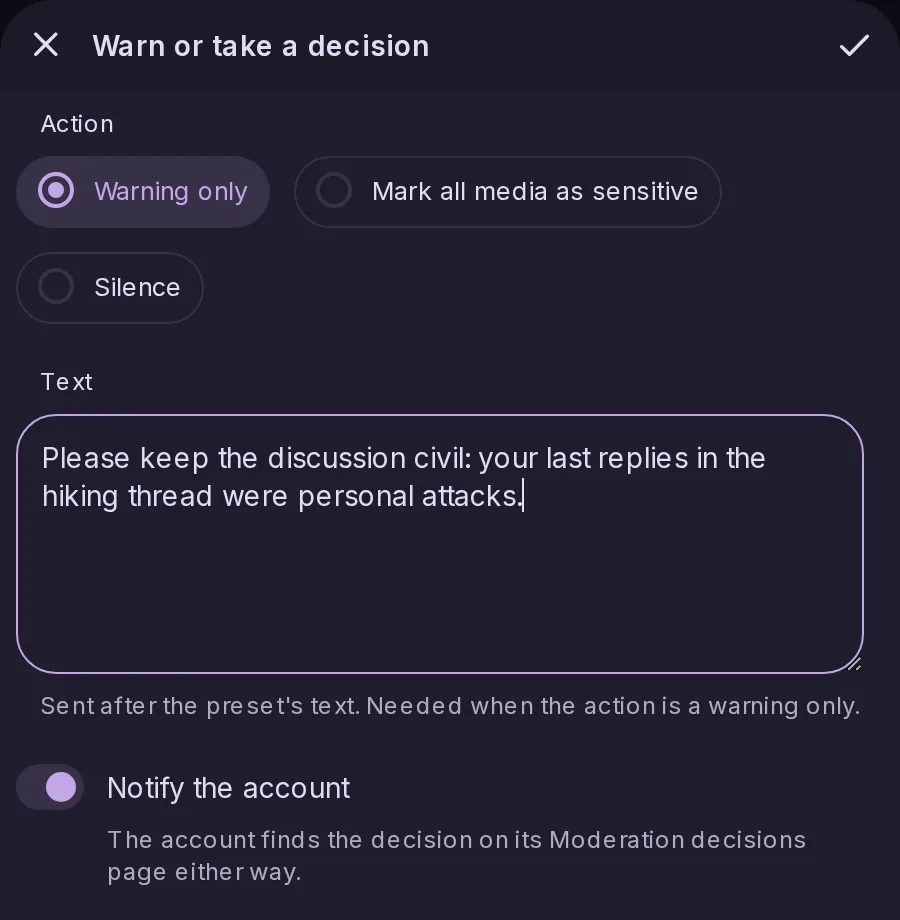
Moderators can warn a local account, optionally with a decision to silence it or mark its media as sensitive, starting from a preset if they wish. The account is notified, finds every decision on a new Moderation decisions page and can appeal each one once within 20 days; moderators approve or reject appeals in Control Panel → Appeals, as on Mastodon.