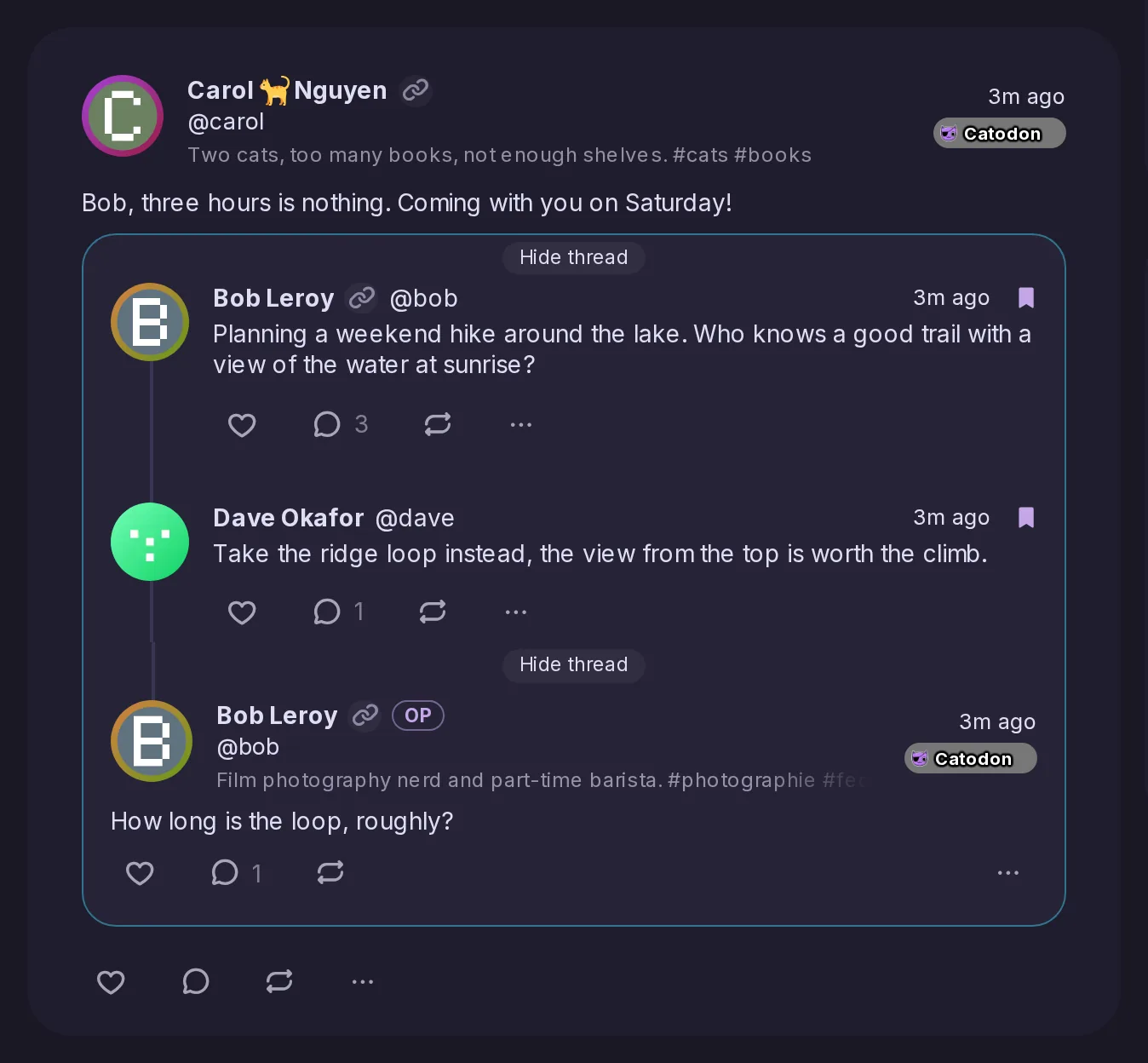
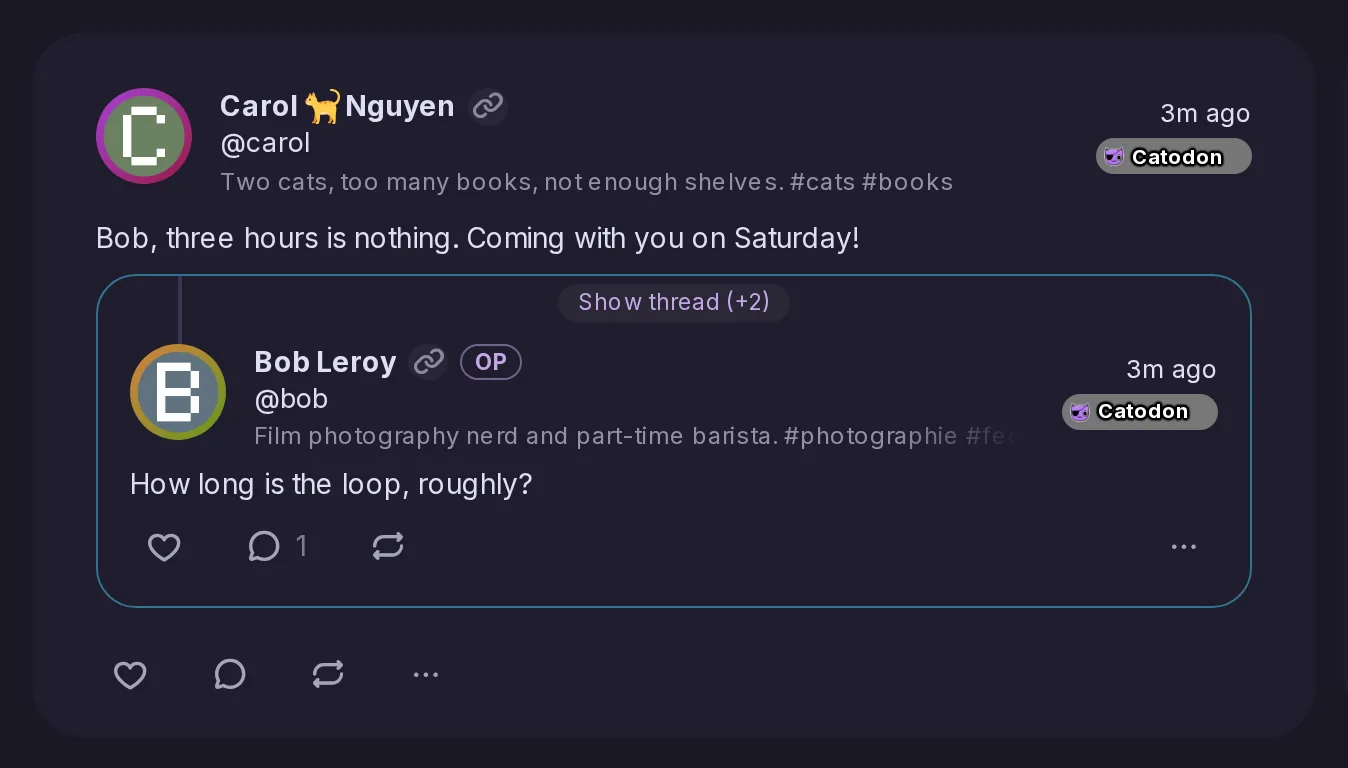
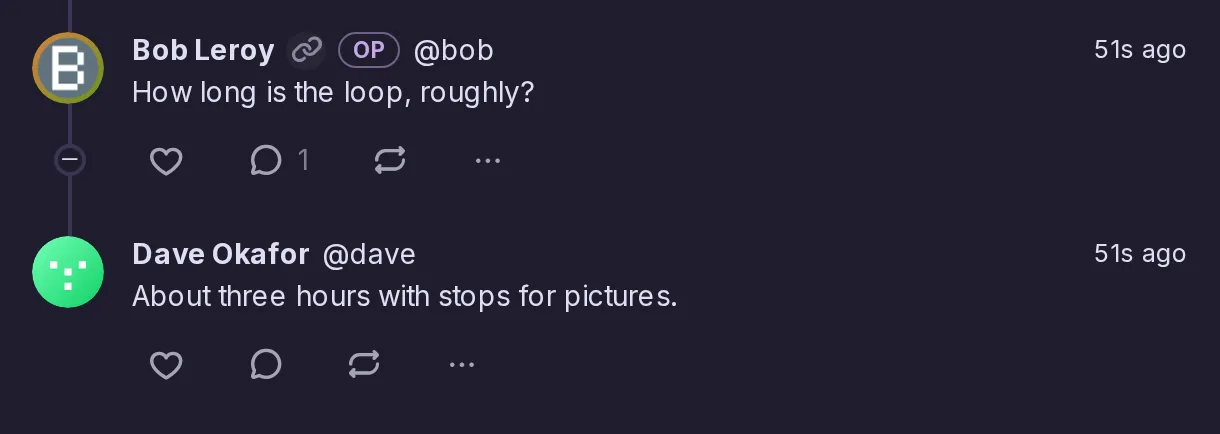
A reply or a thread in a timeline, and now a quoted post that is itself a reply, has a Show thread button that unfolds the posts it answers right where it is, without moving what you are reading. Hide thread folds them again, the thread also folds by itself once scrolled off screen, and when the post it answered was deleted, the button opens onto a line saying so.
Every delivery from a webhook with a secret now carries an X-Catodon-Signature header, an HMAC-SHA256 of a timestamp and the body keyed with that secret, so a receiver can check that it comes from your server and is recent. Webhooks created without a secret now get a random one, and X-Misskey-Hook-Secret, which sends the secret itself, is deprecated and will be removed in 27.1.0.
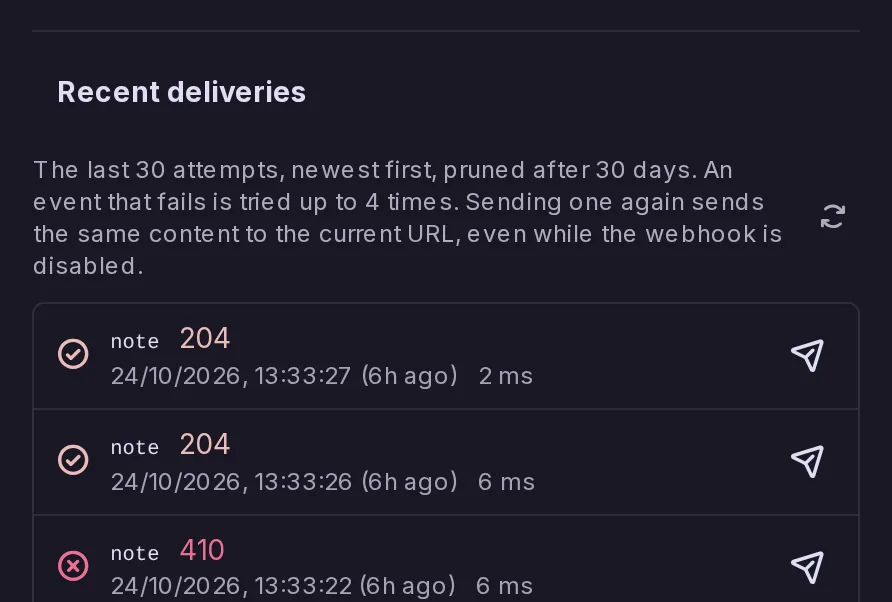
Account and system webhooks now list their last 30 delivery attempts: when, which event, the HTTP status or why no answer came, and how long it took. A Send again button resends a delivery lost while your receiver was down, even while the webhook is disabled, keeping its eventId so a receiver can recognise it. The log is also readable through i/webhooks/deliveries and admin/system-webhook/deliveries.
A webhook that fails to deliver 10 events in a row, the first at least an hour earlier, is now disabled instead of being sent to a dead address forever, and its owner is notified: the account, or every moderator and admin for a system webhook. Only events that used all their retries count, so a short outage changes nothing, and the webhook can be turned back on once its receiver works.
A forum on another server, such as Lemmy, Mbin or PieFed, can now be followed through this server's proxy account, so the forum sees the proxy as its follower instead of you, while its posts still reach your timelines and notifications work as with any follow. A setting chooses which way the Follow button goes; it is not offered for this server's forums nor for forums that approve followers by hand.
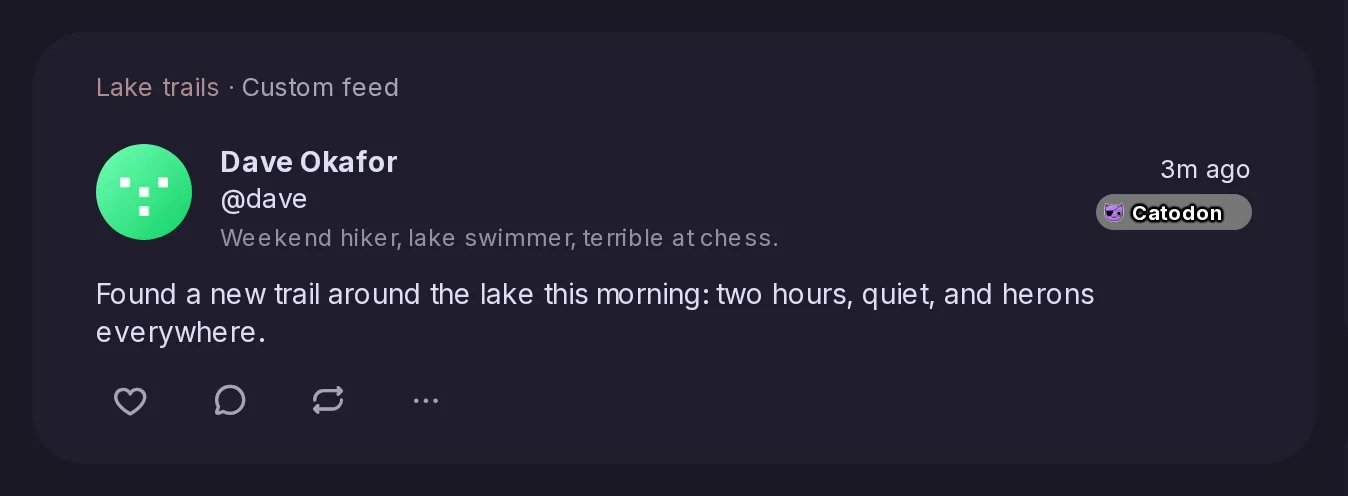
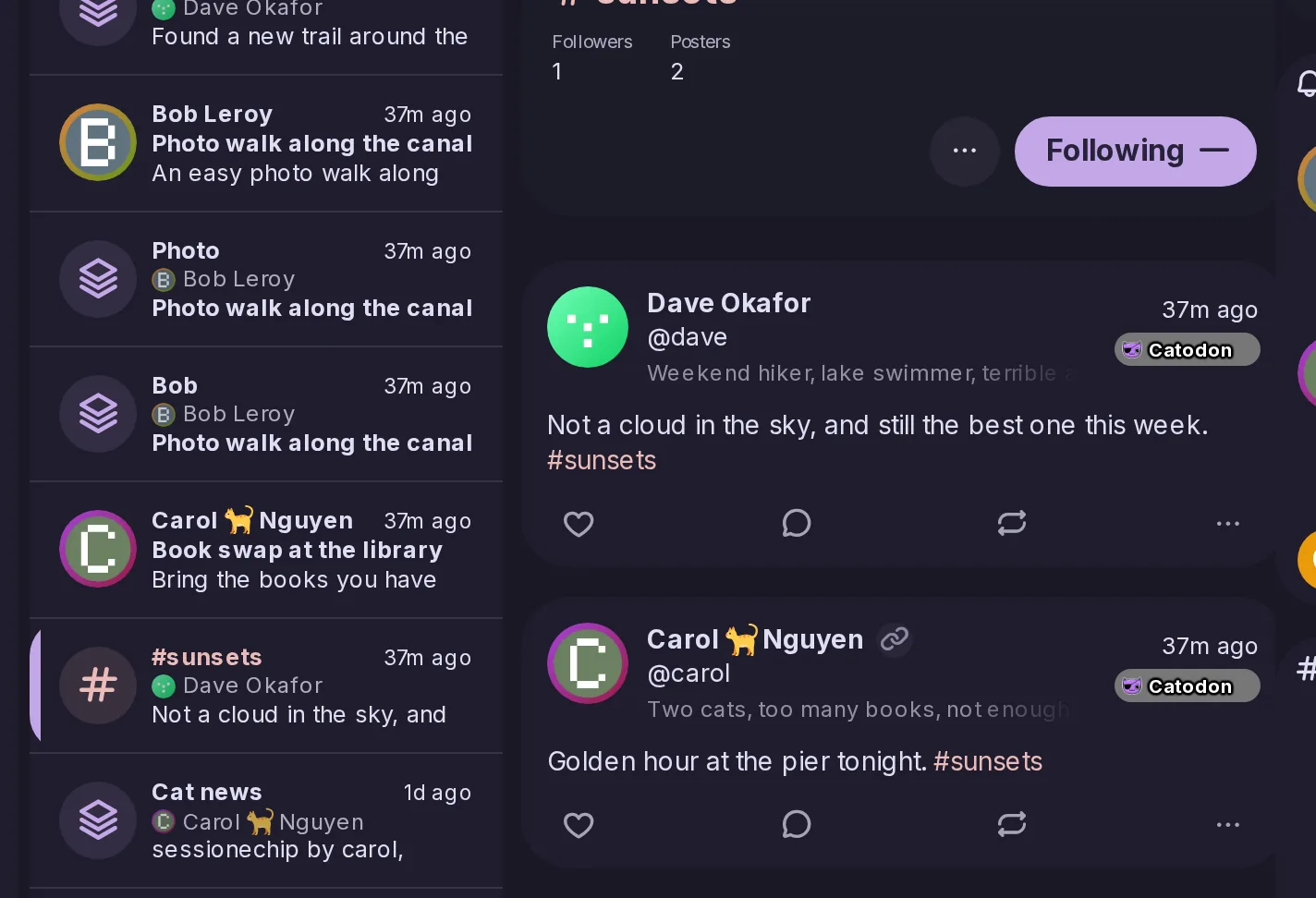
A post that one of your custom feeds added to Following, from an account you do not follow, now has a line over it naming that feed, which opens it, much like the Followed hashtag line. When a hashtag you follow already explains the post, only the hashtag is named, and posts that would be in Following anyway get no line.
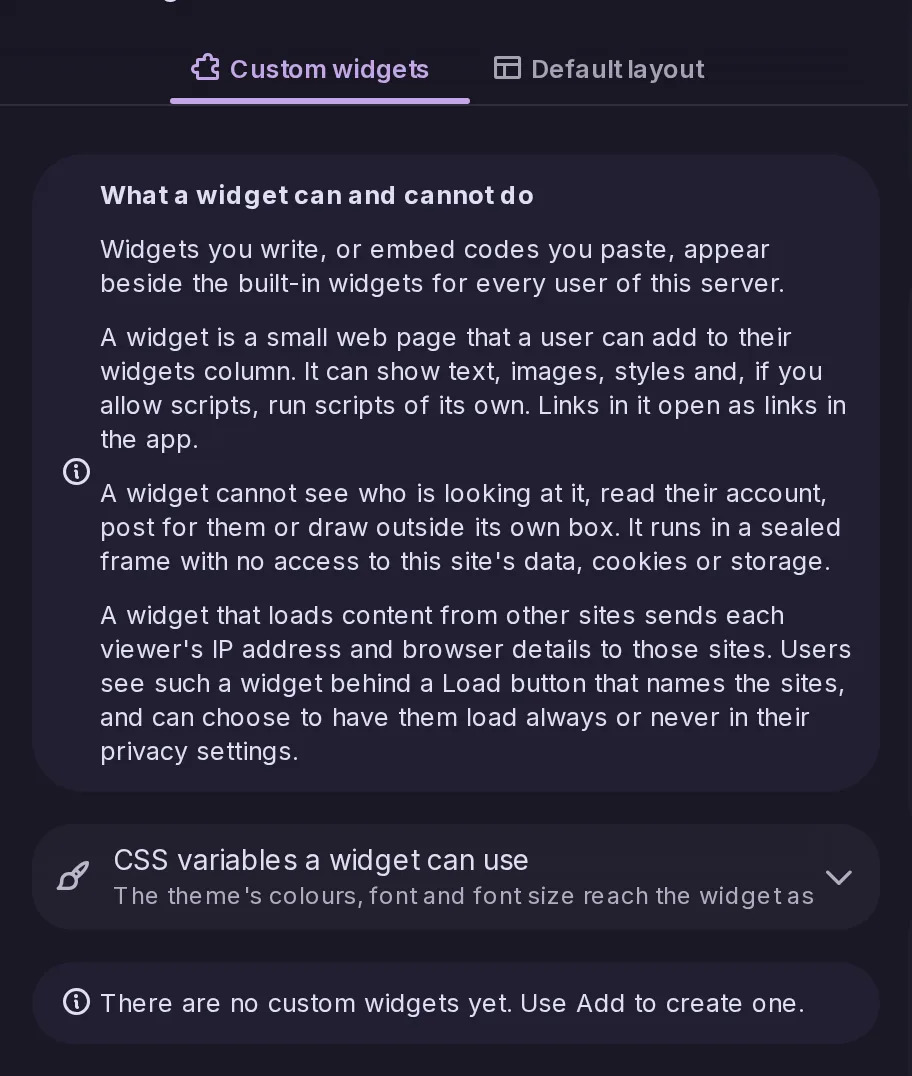
Administrators can add their own widgets to the widget column: a small HTML page, with CSS and optionally JavaScript, or an embed such as a donation button or a Discord widget. Each runs sealed off from the app, unable to see who you are or act for you, and one that loads content from other sites asks before fetching anything, since those sites would see your IP address.
A new custom feed switch stops a keyword from matching inside the handle of an account a post mentions: with catodon as a keyword, a post that only mentions someone on catodon.social no longer lands in the feed. It applies to excluded keywords too, is off by default, travels with exports, and apps set it through keywordsIgnoreMentions in antennas/create and antennas/update.
A post from Misskey, Sharkey, CherryPick or another Catodon server used to show only the reactions your server happened to receive. Now, when someone signed in opens one, your server asks the post's server for its reactions and shows the larger count for each emoji, updating the post on screen, and Mastodon apps see the same counts. Requests are few and spaced out, and blocked or silenced servers are never asked.
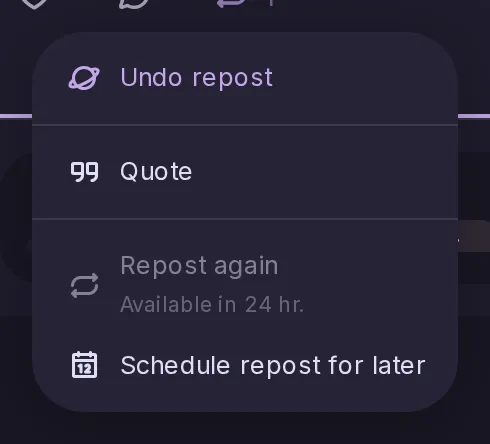
A post you have already reposted now offers Repost again, bringing it back up for your followers without undoing the first repost, with the visibility of your latest one. To keep timelines from flooding, reposts of the same post, scheduled ones included, must be at least 24 hours apart, and the post climbs no further in trends. Undo repost still removes all your reposts of it at once.
Tusky, Pachli, Ice Cubes and other Mastodon apps can now register for push, so they hear of each new notification at once instead of checking every 15 minutes or getting nothing while closed. The kinds of notification the app asks for and its "from whom" setting are respected, and revoking an app's access removes its subscription. It relies on the server's existing Web Push settings.
Translating a post now translates the descriptions of its pictures and videos in the same action, shown under a Translated from line, and a post with pictures but no text can be translated for its descriptions alone. A quote is translated along with the post it shows, only the parts in a language you do not read, and the media viewer and quoted posts get translate buttons of their own.
With Click to open posts on, a click on a quote's header, empty space or padding now opens the quoted post, as a click on its text already did, in timelines and on the post page. Before, the post page's quote did nothing there, and a timeline's opened the post holding the quote.
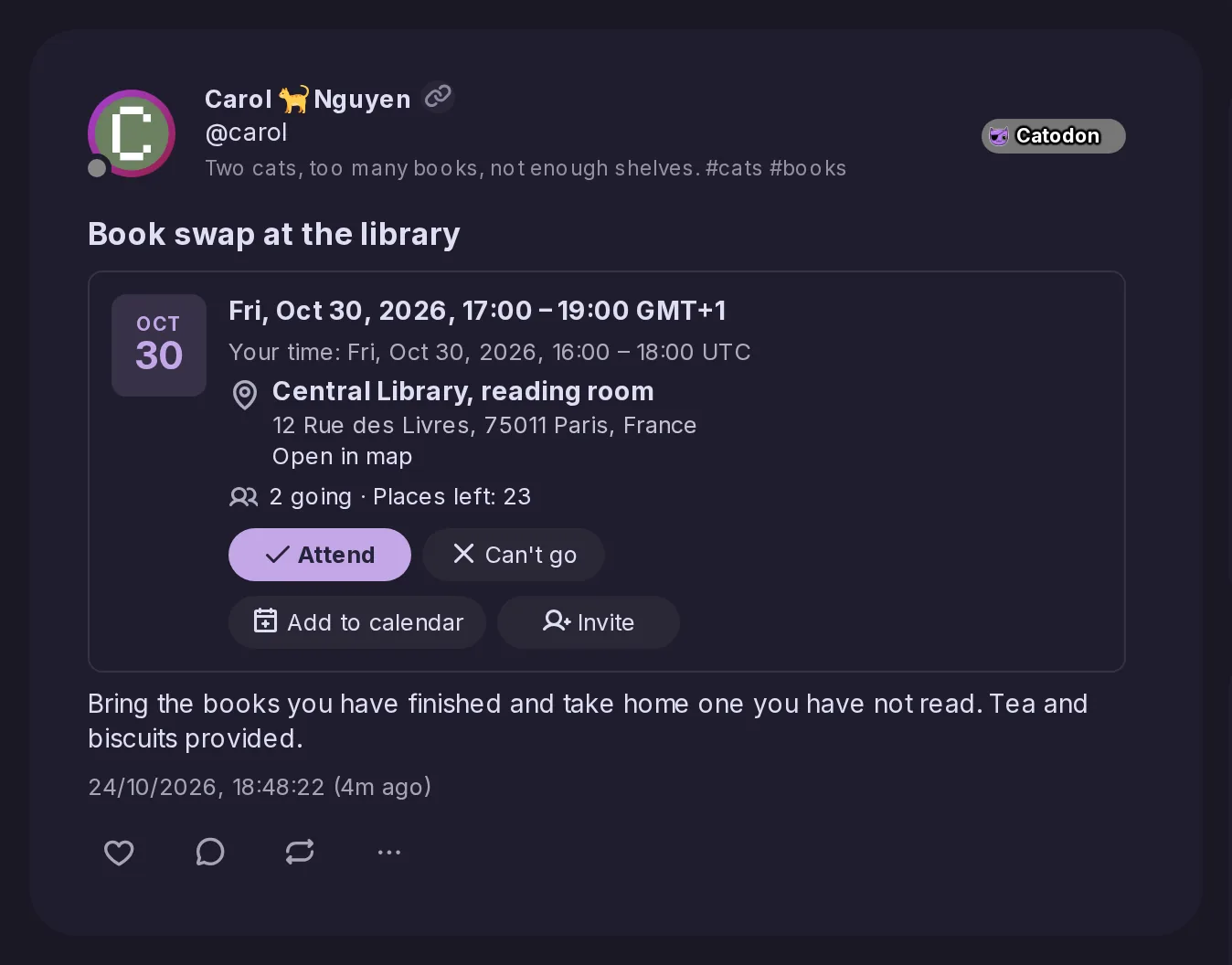
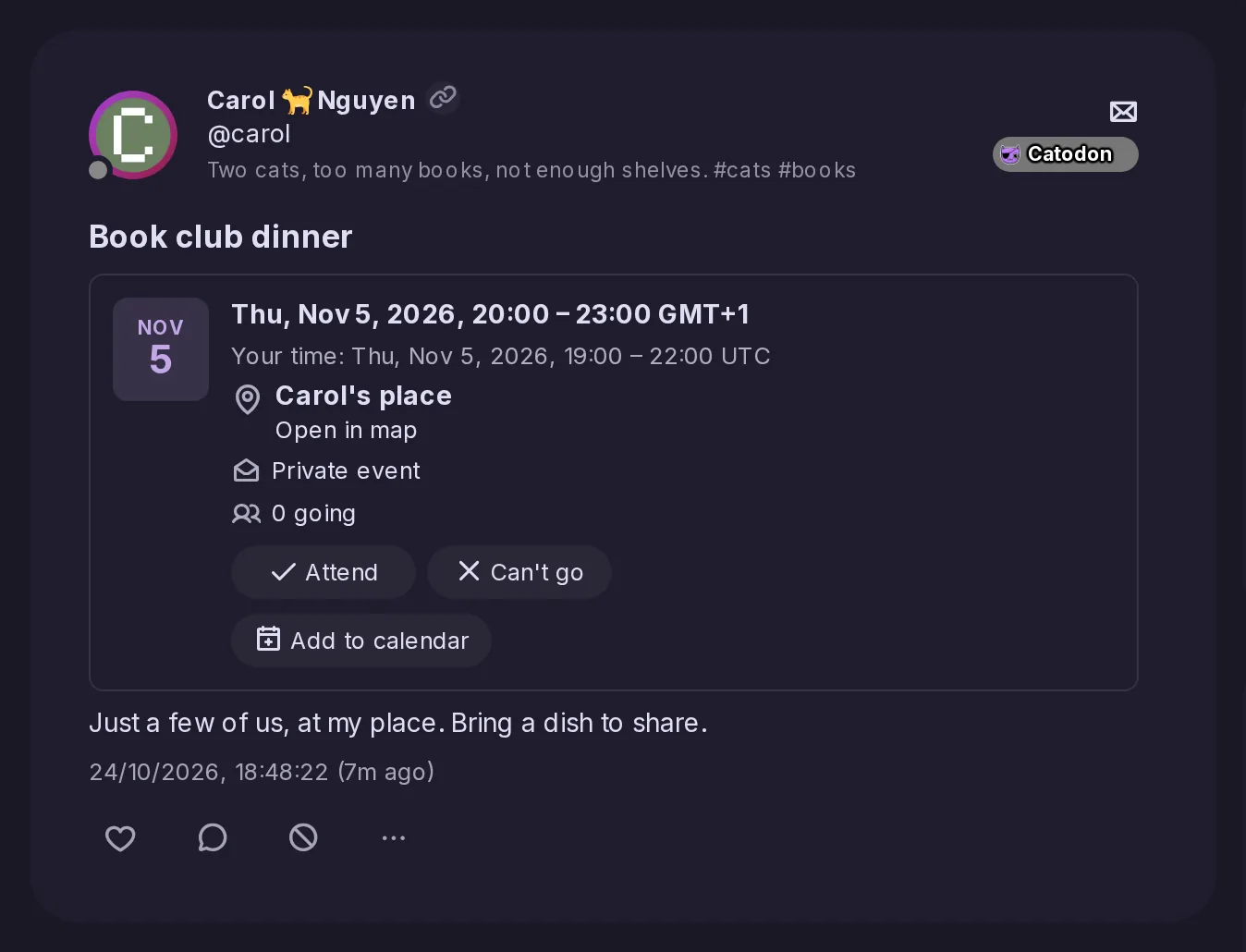
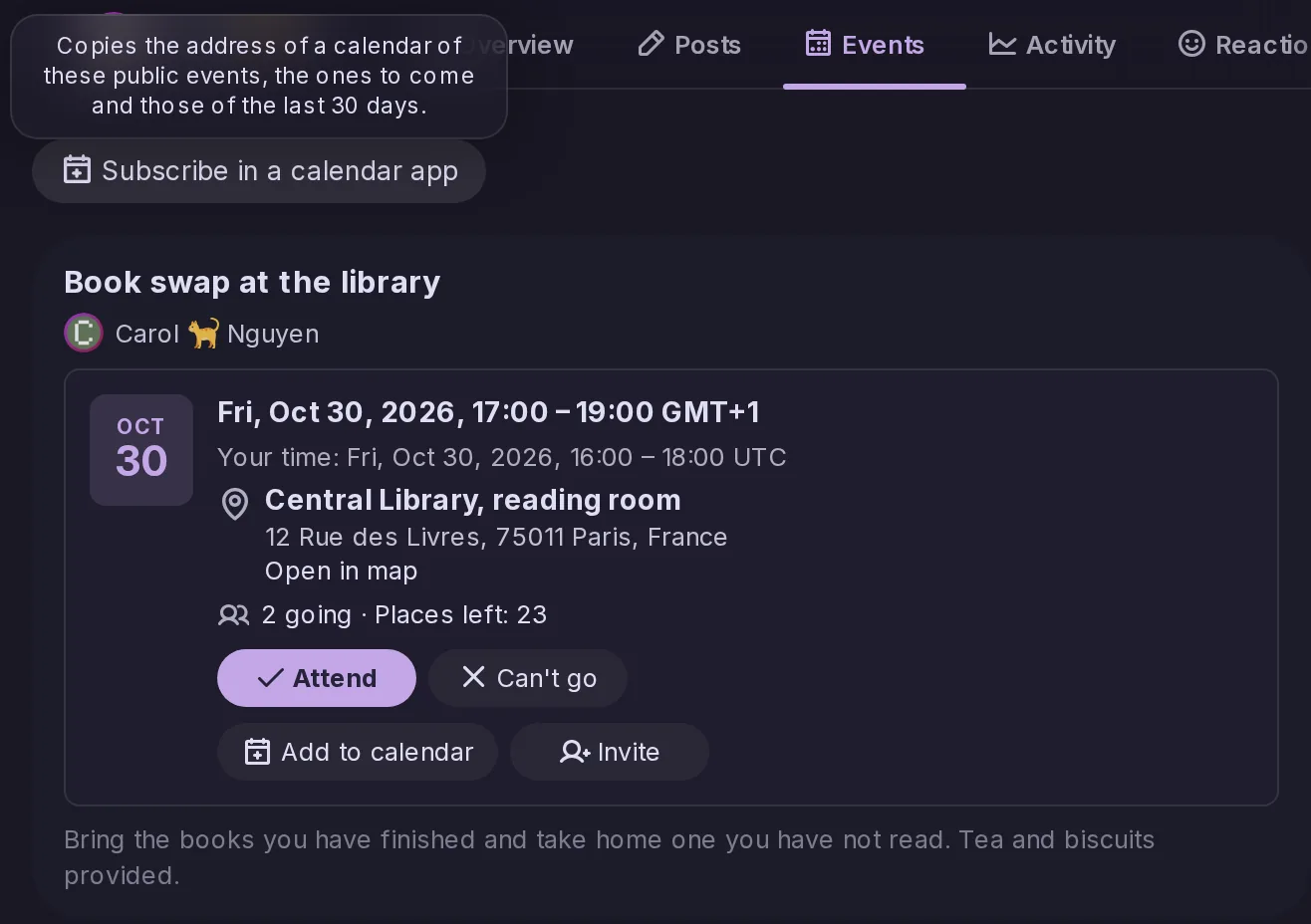
A post that is an event from Mobilizon, Gancio or another server now shows a card under its title with the date, the time in the event's time zone and in yours, each place with its address, any online link, and whether it is cancelled or postponed. Nothing is loaded from a map service until you follow a link, and Add to calendar downloads an .ics file built in your browser.
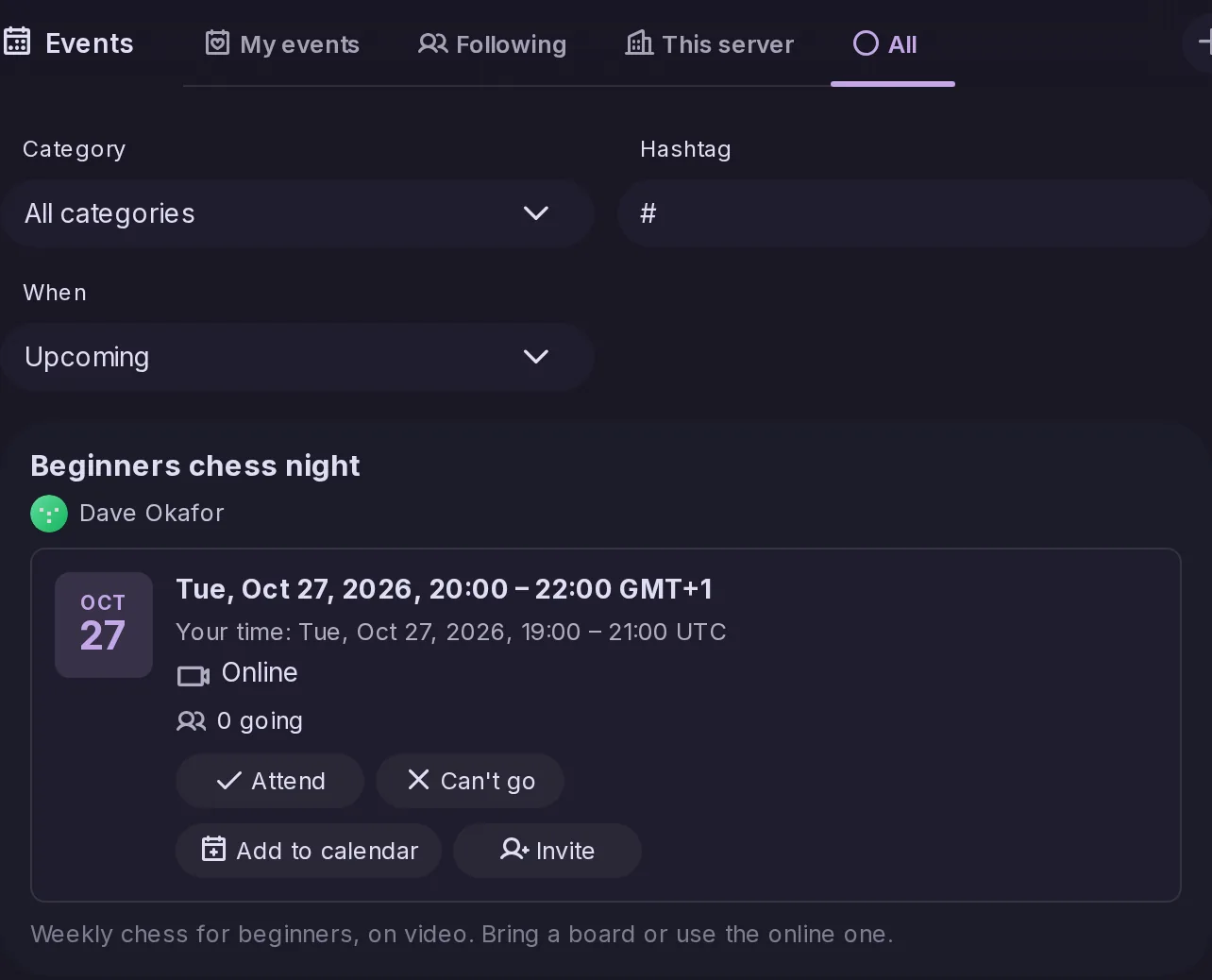
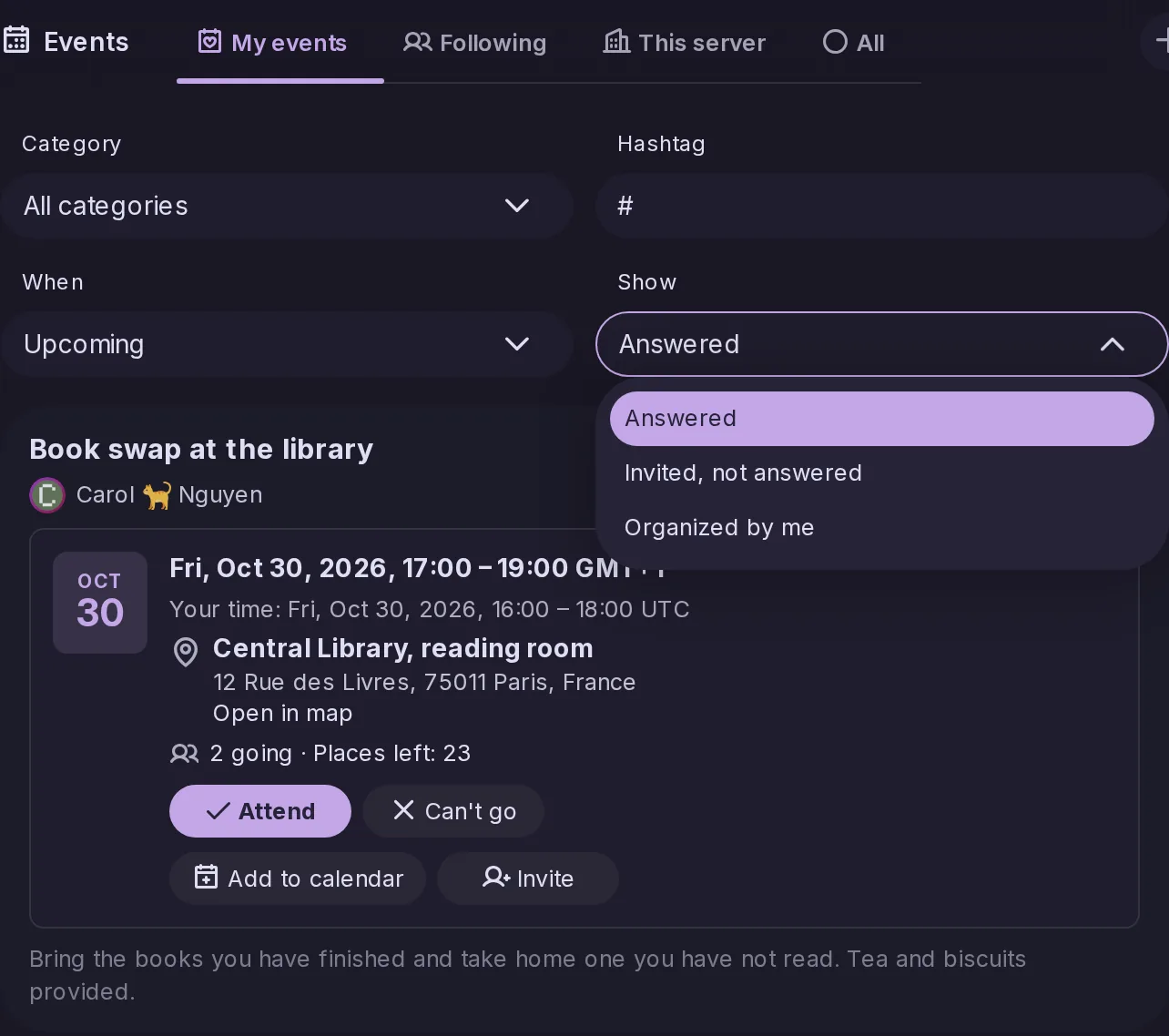
A new Events page lists the events that have not ended yet, soonest first, from every public event the server knows, with tabs for this server's own and for the accounts and forums you follow, and filters by category or hashtag. Profiles and forums with events to come get an Events tab, and apps read the list through the new events/upcoming endpoint.
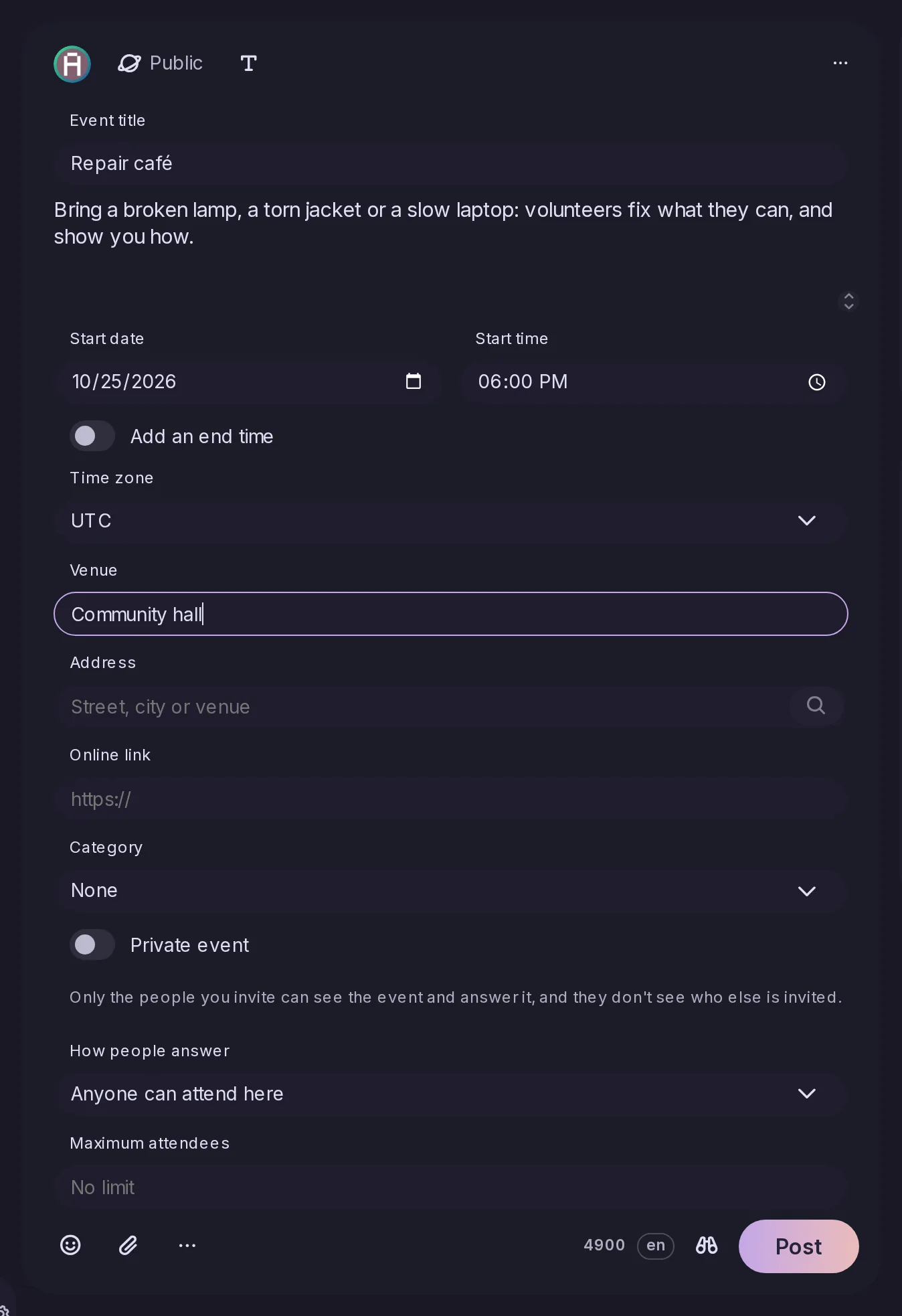
Event, in the post form's … menu, turns a post into an event with a title, start and end, time zone, venue, address and online link, and an edit can cancel or postpone it. Other servers receive it as an ActivityPub Event in the shape FEP-8a8e describes, with a line of date and place so that Mastodon shows them too. Apps use the new event parameter of notes/create, notes/edit and notes/schedule/create.
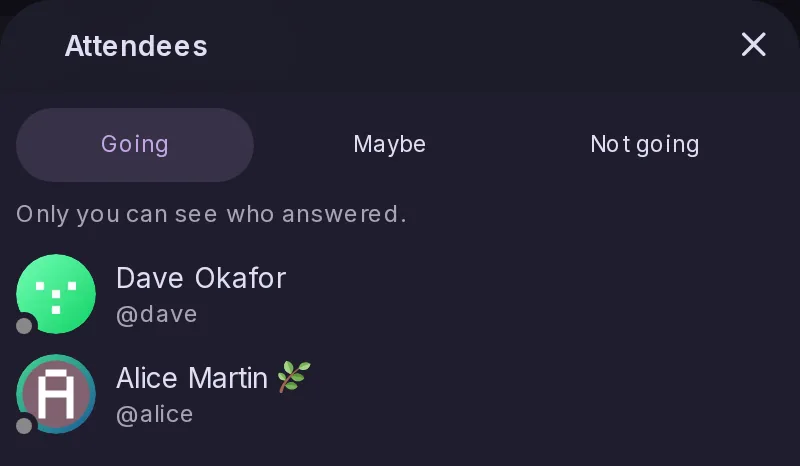
An event made here takes answers from everyone by default, up to a number of places if the organizer sets one, and people on Mobilizon, Friendica and Hubzilla can answer too. Attend, Maybe and Can't go sit under the event; how many are coming is public, who is coming only the organizer sees. Apps use the new events/rsvp, events/unrsvp and events/attendees endpoints, for events on any server.
Private event, in the event editor, turns an event into a direct post to the people you invite, who alone can see and answer it and are notified with answer buttons. None of them can see who else was invited, on this server or any other, and the organizer keeps the list of invitees and their answers under Attendees.
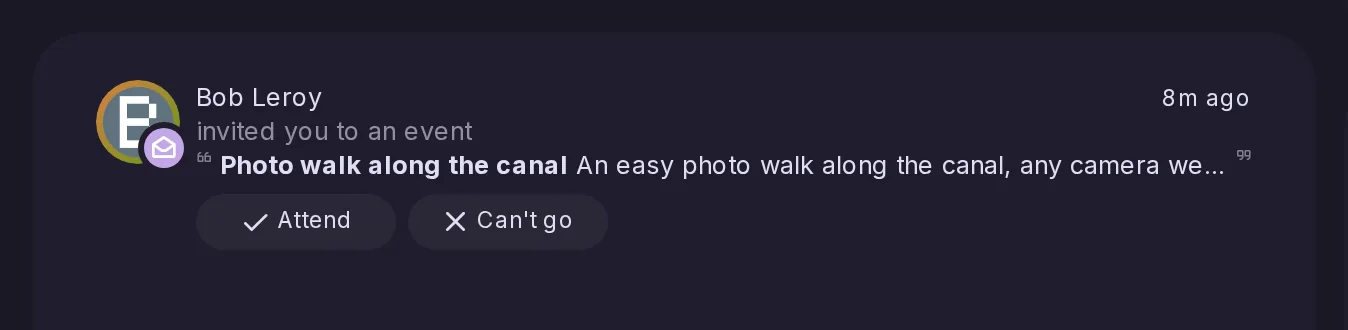
Anyone can now invite someone to a public or unlisted event from its card. A person on this server gets a notification with answer buttons and finds the event under My events, while someone elsewhere gets a message with the title, time, place and link, which Catodon servers that know these invitations turn into the same notification. Each person is invited once, and never someone who blocks or mutes you.
Misskey, Sharkey and earlier Catodon releases, which know nothing of events, now show an event's title, date, place and link above its description, so an event posted here still says what, when and where on those servers.
The Events page gains a New event button, Upcoming and Past views, and a My events tab for events you answered, invitations and events you organize. The editor now sets a category, how people attend and a maximum number of attendees, and its address field searches for the place and pins it on a map you can adjust. The search and map tiles go through your own server, so your browser never contacts OpenStreetMap.
Tested against Mobilizon, Gancio, Friendica, Hubzilla, Mastodon, Lemmy, NodeBB, Mbin and PieFed, events now show better on many of them: Mastodon and Hubzilla show a line saying when and where, answers reach Hubzilla, and an invite-only event arrives on Friendica as an event rather than a private message. Events posted in NodeBB, Mbin or PieFed forums now reach them as ordinary forum posts.
When you ask to go to an event on another server, such as a Mobilizon event that approves its participants, you are notified when the organizer accepts or declines you; for an event open to everyone, only a refusal is announced. The notification can be turned off in Settings > Notifications, and an event open on screen updates without a reload once the answer arrives.
Mobilizon does not tell other servers when someone joins an event, so the counts shown here went stale. Now, when someone signed in opens or lists an upcoming event from another server, that server is asked again for the count, at most every ten minutes per event, and the new number appears on the open page as soon as it arrives.
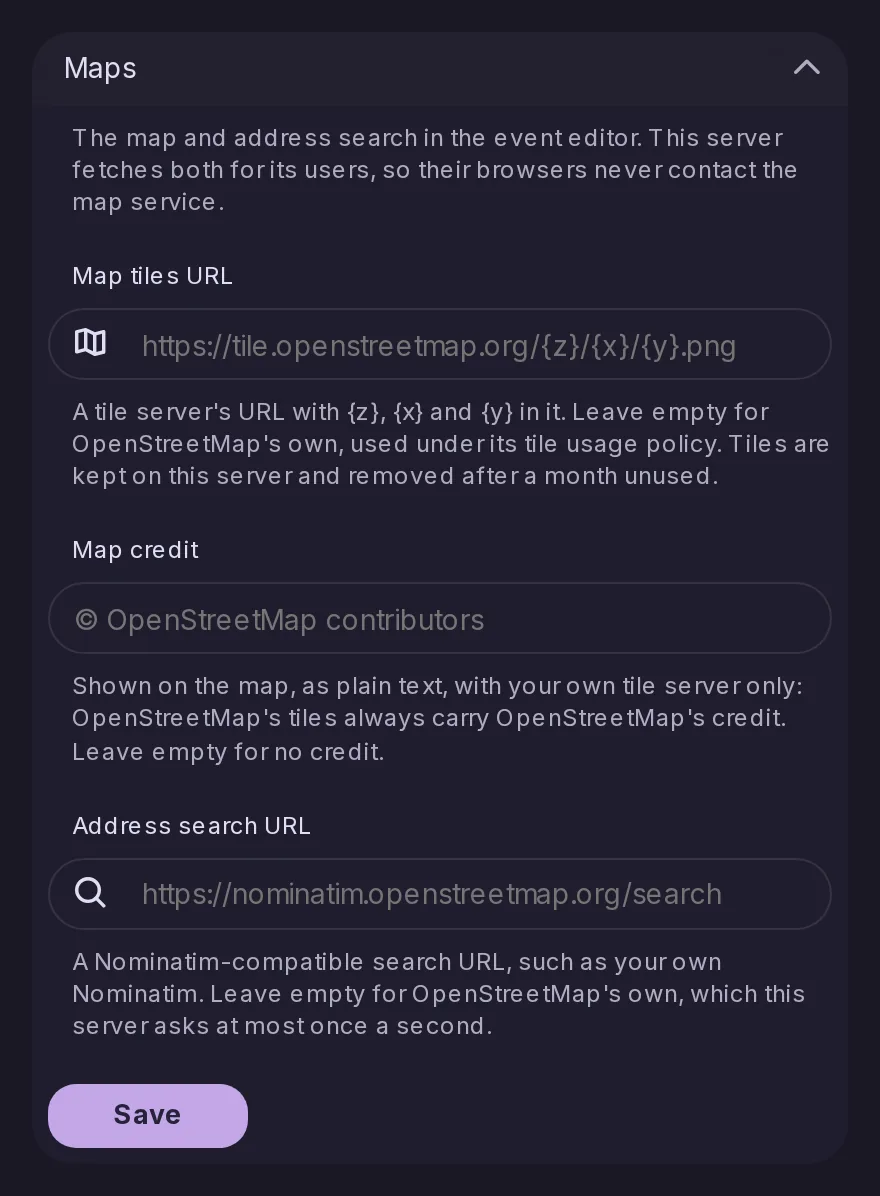
Control Panel > Integrations > Maps sets the tile server, the credit shown on the map and the Nominatim-compatible address search the event editor uses, instead of OpenStreetMap's own. Tiles are kept per tile server, so switching never shows the old ones, and a daily clean-up removes tiles nobody looked at for a month.
The upcomingEvents collection that other servers read used to list only an account's first 50 events to come. It still lists those, and now links further pages when there are more, so other servers can reach all of an account's upcoming events.
/@user/events.ics is an iCalendar feed of an account's public events, those to come and those of the last 30 days, so you can follow them in your calendar app. It is offered for the same accounts as their Atom and RSS feeds, a button on the profile's Events tab copies its address, and followers-only, unlisted and private forum events never appear in it.
A quoted post, and a post shown in a link preview card, now has its own reply, repost, like and menu buttons with their counts, so you can answer or like it without opening it. A forum cross-post shows its original this way, with its score and downvote, and the counts update live as others reply, like, vote or repost.
A post's repost count now rises and falls as other people repost it or undo their repost, in timelines, forum cards and quotes, where before only your own reposts showed without a reload. Apps watching a post on the streaming API get the new renoted and unrenoted events, and forum cards now show the higher counts reported by the post's own server.
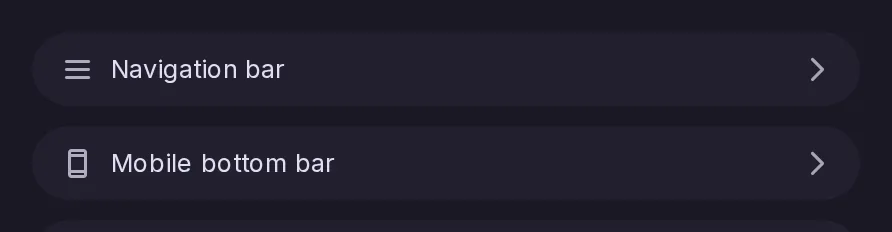
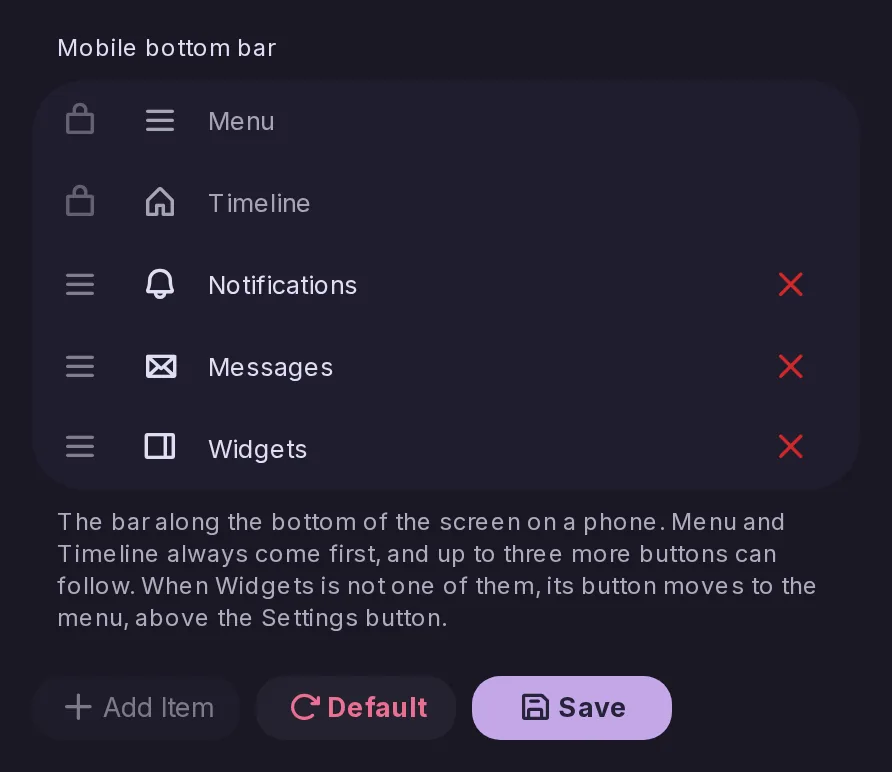
The mobile bottom bar's settings used to sit inside the Navigation bar settings; they now have their own Mobile bottom bar page in Settings → Navigation and layout, under Navigation bar. Its Widgets button is now shown turned the same way as in the bar itself.
A forum on another server that nobody here follows used to look empty. Its page now has a reload button, as a remote profile does, which updates its details and fetches up to ten of its latest threads, for Lemmy, PieFed, NodeBB and other forums that list their posts publicly. Threads already known here are now filed under their forum too, and each forum can be refreshed once every five minutes.
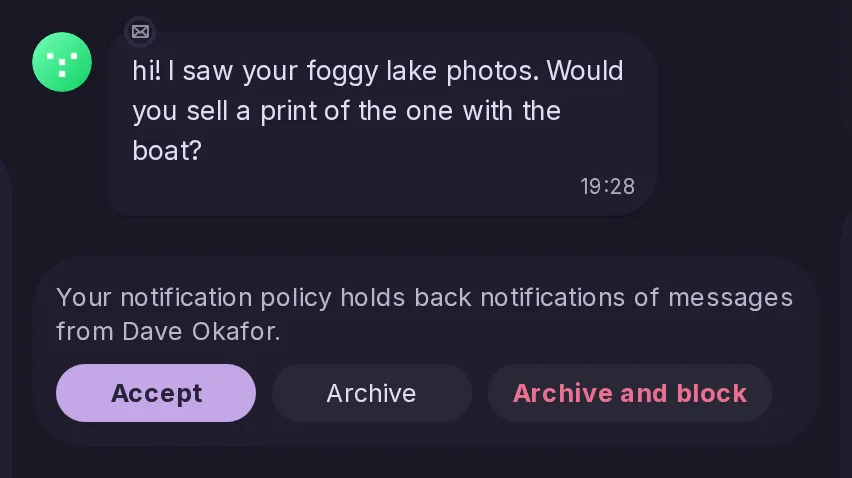
When your notification policy holds back what someone sends you, their newest message in Messages now has Accept, Archive and Archive and block buttons. Accepting lets the account through from then on and releases its held notifications, while archiving moves and mutes the conversation on every device. Apps get the new notes/direct-messages/filtered-senders and notes/direct-messages/accept-sender endpoints.
A new Videos view gathers the videos of the PeerTube channels you follow and the YouTube channels you subscribe to as RSS feeds in one grid by date, with live PeerTube and Owncast streams first. It remembers how far you watched on any device, keeps a Watch later list and searches PeerTube through a search index, and YouTube subscriptions can be imported from Google Takeout or OPML.
In the Videos view's Channels tab, Select turns the list into checkboxes, so you can tick several channels, export the ticked YouTube ones as a Google Takeout CSV or an OPML file, or unsubscribe from all of them after a single confirmation. Select all then Unsubscribe on the YouTube tab removes every YouTube channel, and a channel that could not be unsubscribed stays ticked so you can try again.
When the server is connected to an OpenID Connect provider such as Keycloak, Authentik or Entra ID, the sign-in and sign-up dialogs offer a button for it, while the server's usual sign-up rules still apply. Existing accounts can link or unlink the provider in Settings > Security. Admins list providers in the new sso section of the configuration file, which can also let the provider manage roles.
A list or custom feed import now ends with a notification of a new type, importCompleted, carrying importedEntity and counts of what was written and what was left out. The web interface and push notifications show it, an API client can leave it out, and Mastodon apps are not sent it, since Mastodon has no such type.
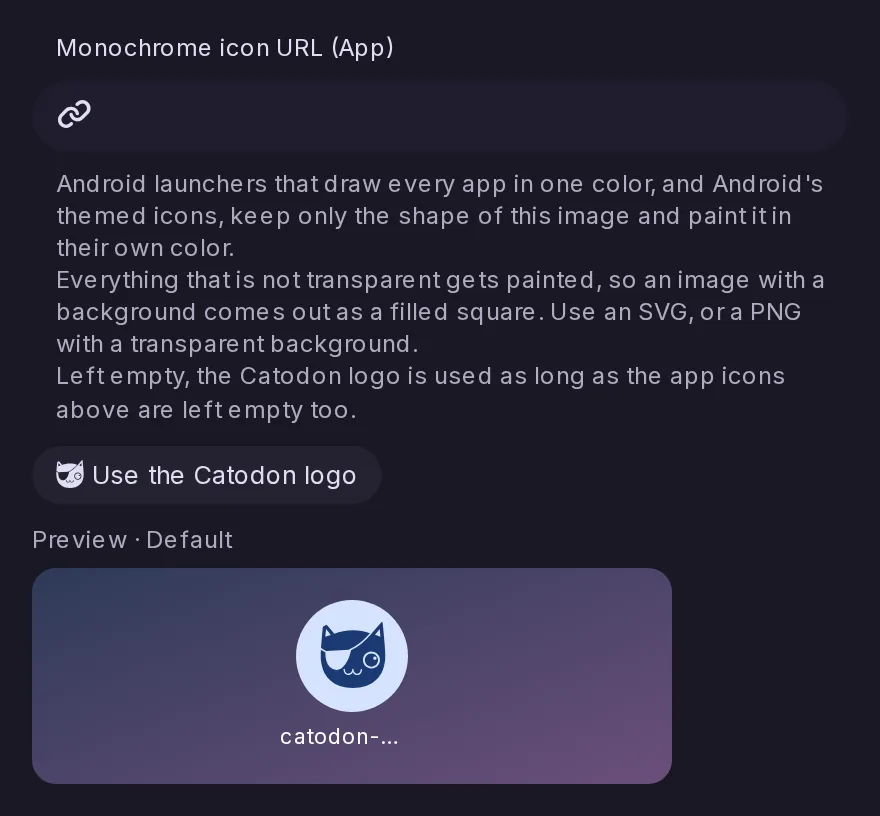
Android launchers that draw every app in one colour, and Android's themed icons, showed an installed Catodon as a filled square. The app now offers the Catodon logo as its monochrome icon, so those launchers draw the logo in their colour. Admins who set their own app icons can add one in a new field of Control Panel > Branding, a page now grouped by where each image appears.
Signed in to a Mastodon account, Explore now has a Links tab with the news its server finds trending, a Users tab with its profile directory, and Followed hashtags beside Trending in the Hashtags tab. Each appears only where the account's server has it, from Mastodon 3.0, 3.5 or 4.0 and on other servers that answer, and an account on this server sees no change.
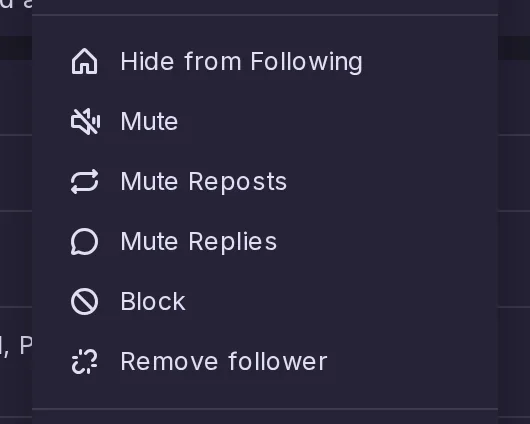
Beside Mute Reposts, an account's menu now has Mute Replies: its replies to other people leave every timeline, while its own posts, threads, reposts, replies to you and messages stay. Settings > Mutes and Blocks lists the accounts whose replies you muted, and apps have reply-mute/create, reply-mute/delete and reply-mute/list, with isReplyMuted on a user's relation.
Signed in with a Mastodon account, Announcements now lists that server's announcements with their links, mentions and custom emoji, marks the unread ones and puts a dot on the navigation entry. Got it dismisses one on the server, and reactions can be added or taken back. It appears on Mastodon 3.1 and later and the releases built on it, and on other servers once they answer for announcements.
Signed in to Catodon with a Mastodon account, a remote account's menu now offers Block this server, and Settings > Mutes and Blocks lists the blocked servers with a field to add one. Blocks go through Mastodon's own domain blocks, so they are the same ones Mastodon's apps show, and what they do beyond hiding is up to the account's server. It is offered on Mastodon since 1.4, Akkoma and compatible servers.
Signed in with a Mastodon account on a server running Mastodon 4.0 or later, Glitch-soc or Hometown with translation turned on, the translate button and menu entry now ask that server to translate the post, keeping its links, mentions and emojis. They are offered on public and unlisted posts, the only ones Mastodon translates, and from Mastodon 4.2 only when the server can translate that language.
An app that offers to create an account, such as Mastodon's own, can now do so on a Catodon server through Mastodon's POST /api/v1/accounts, following every rule of the server's own form: invitations, approval, email verification, minimum age and reserved usernames. Each refusal is reported against its field. A server with a captcha refuses sign-ups from apps, and app sign-ups are rate limited per IP address and per app.
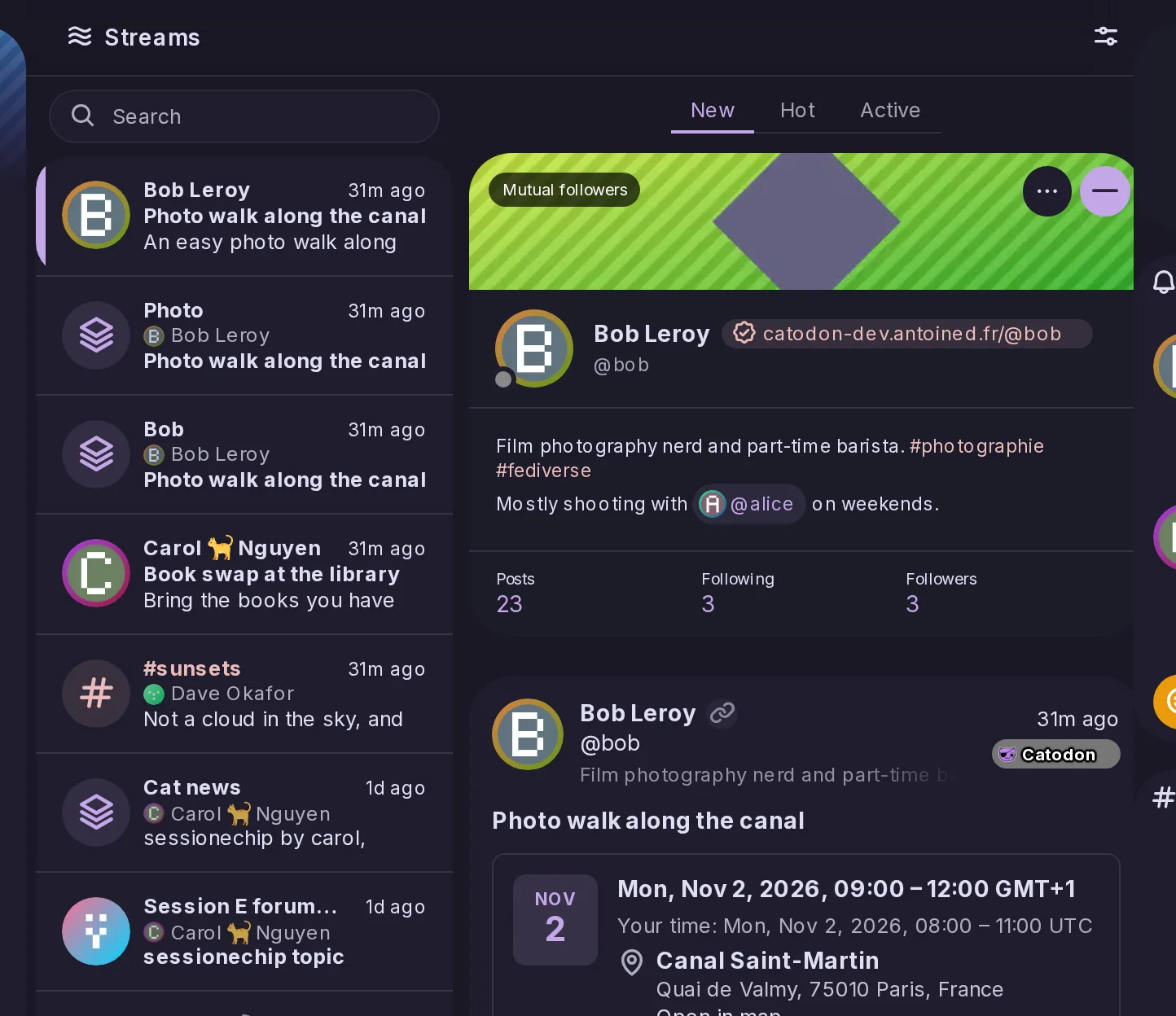
The Accounts timeline is renamed Streams, and beside accounts and hashtags its list now has a row for each followed forum and RSS feed and each of your lists and custom feeds, placed by its newest post. Selecting a row shows its posts beside the list, switches in Options choose which kinds are listed, and the search box finds them by name. Apps get the new streams/latest endpoint.
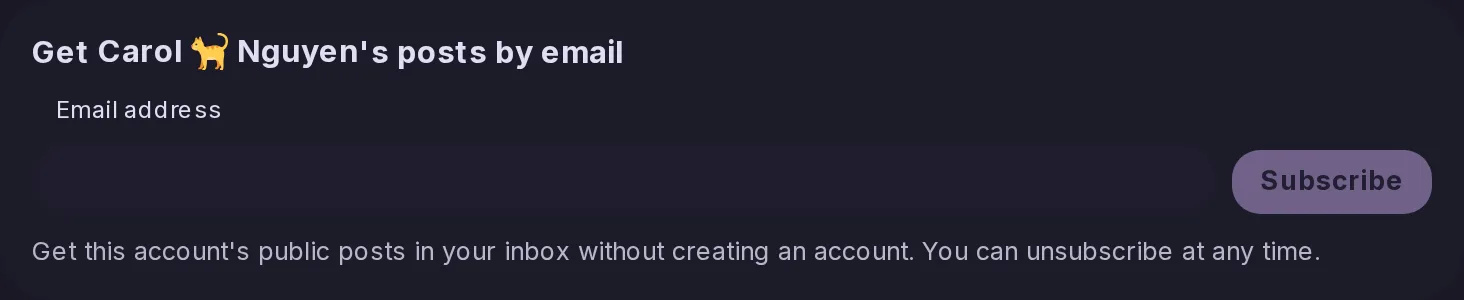
As in Mastodon 4.6, a visitor without an account can leave an email address on a profile that offers it and receive that account's public posts by email, once the address is confirmed, with an unsubscribe link in every email. An account turns it on in Settings > Privacy, where it sees how many subscribers it has but never their addresses. Admins enable it per role, and apps can use POST /api/v1/accounts/:id/email_subscriptions.
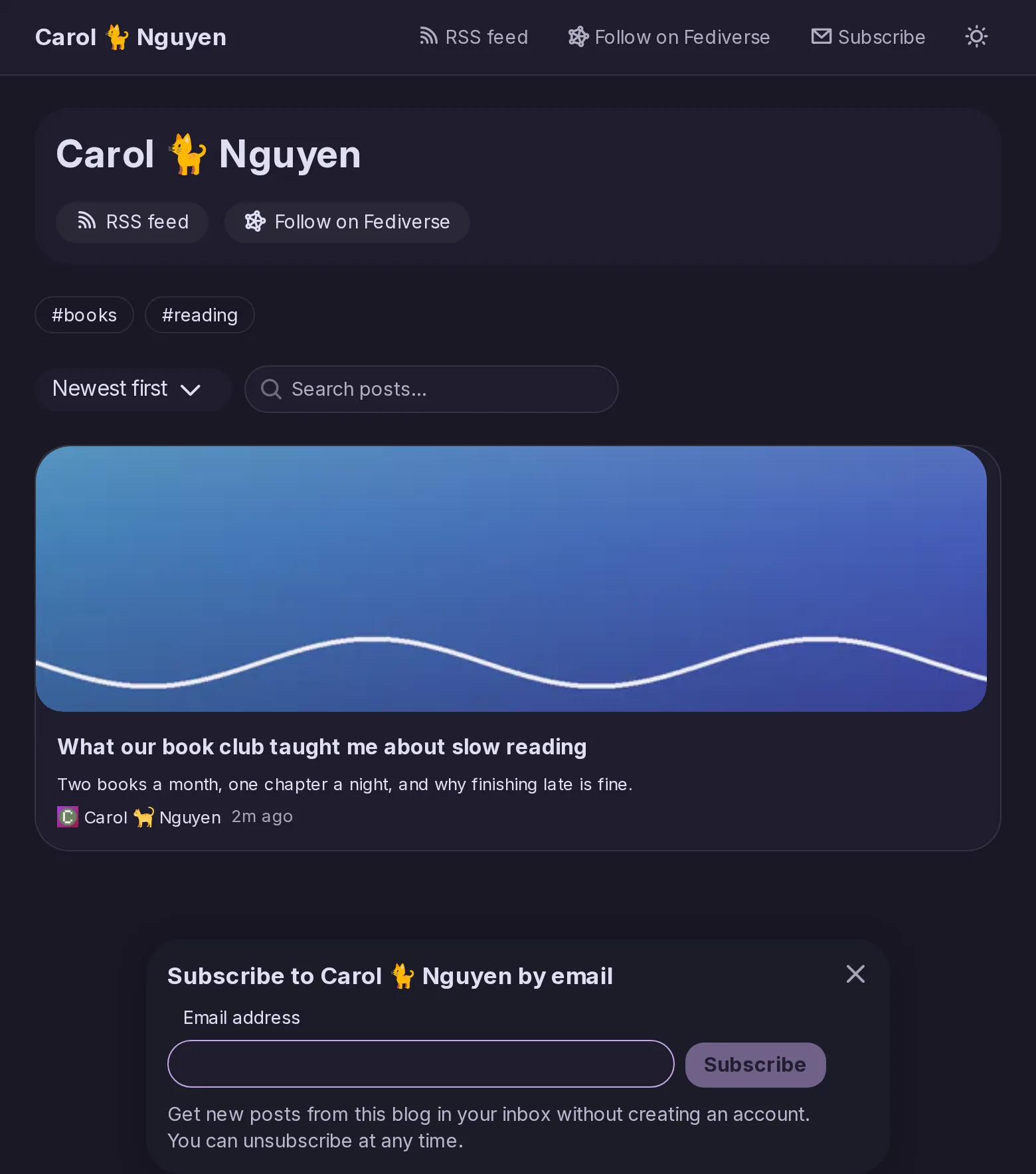
Email subscriptions now reach blogs: a visitor who is not signed in finds a Subscribe button in the blog's header and a panel after reading a post to its end, and then gets the blog posts alone by email, each with its title, summary and link. An author can offer the profile's form, the blog's, both or neither, and email-subscriptions/create takes a new kind, all or blog.
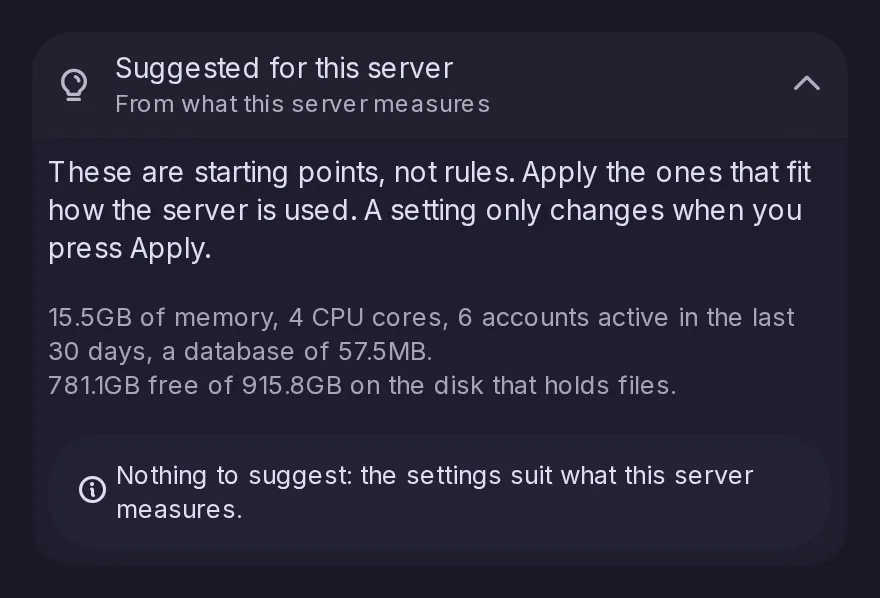
Control Panel > Performance now opens with settings suggested for the machine it runs on, worked out from its memory, CPU cores, active accounts, database size and free disk space, each with its reason and an Apply button. Nothing changes until you apply one, and a nearly full disk for cached remote files lights the Control Panel dot. The list is also available through admin/performance-suggestions.
The Accounts, Forums and RSS timelines can now show their list on its own, filling the timeline column, with an account, forum or feed opening on its own page and a back arrow to return, as on a phone. The choice sits in each timeline's Options menu and in Settings, is kept per device for each of the three, and suits screens where two columns side by side feel cramped.
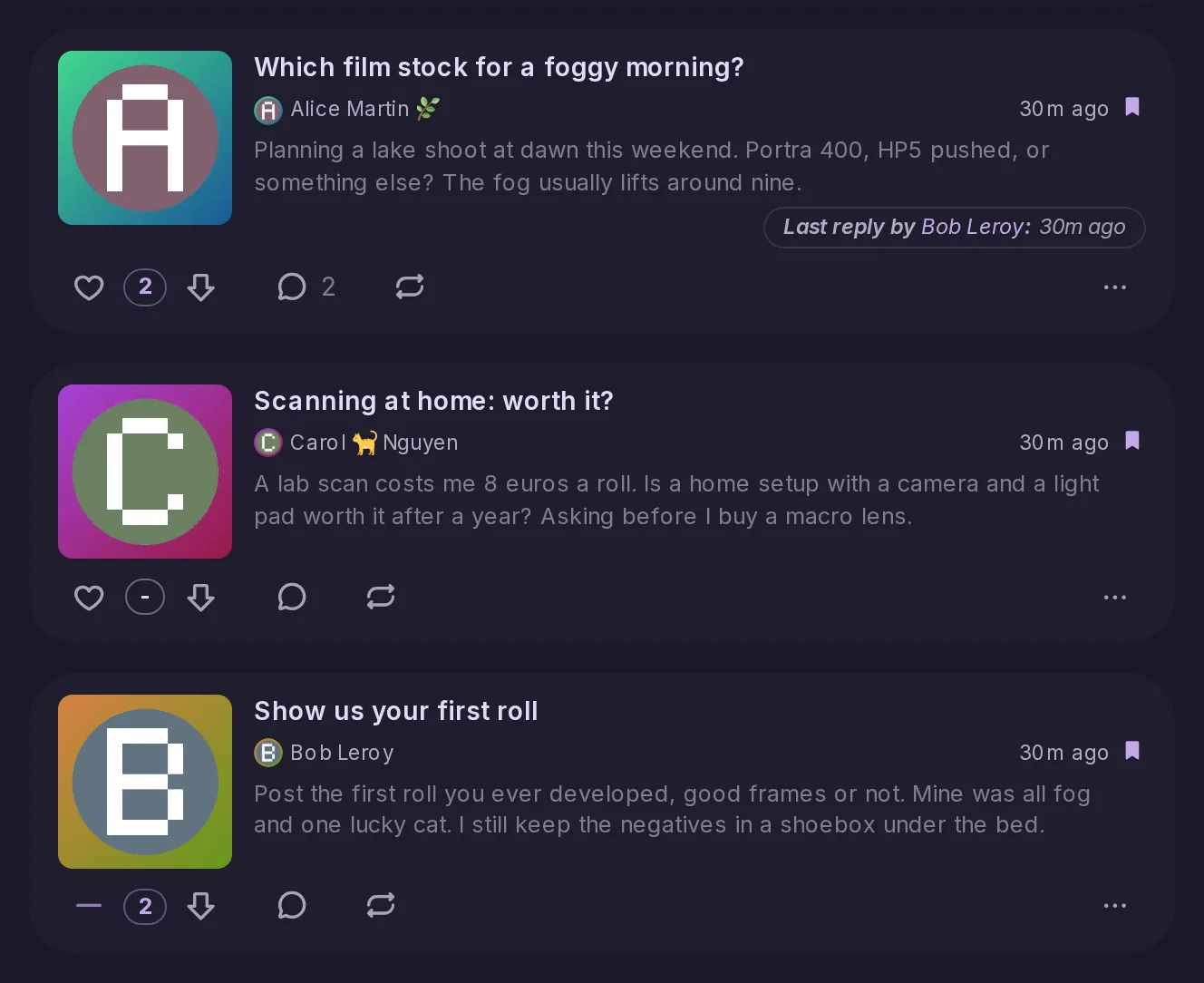
A post in a forum's list now shows up to three lines of its text under its title, or the description of the linked page for a bare link, unless it is behind a content warning. Posts are drawn as panels like a timeline's, and in the single column layout each forum in the list shows the start of its description with its follower and post counts.
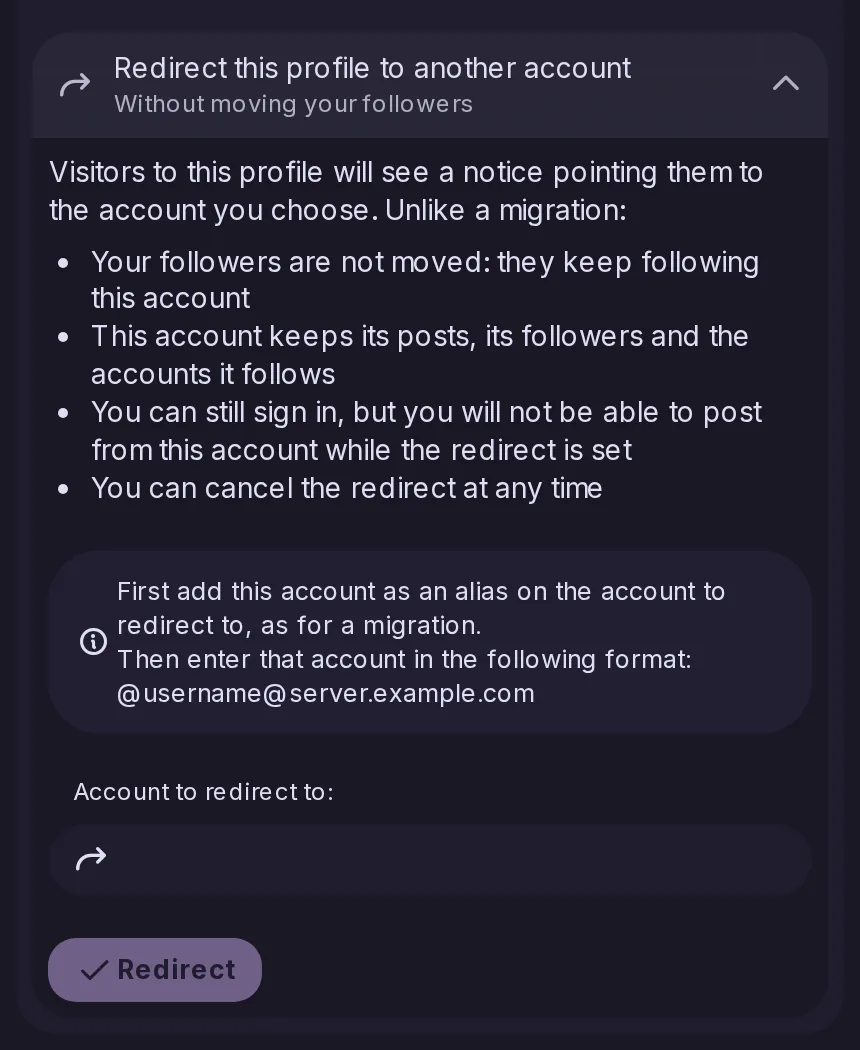
The redirect added on the server in 26.10.0 now has a screen in Settings → Manage account → Account Migration. Visitors to your profile see a notice pointing to the other account, while your followers, posts and follows stay where they are; you cannot post while the redirect is set, and unlike a migration it can be cancelled at any time.
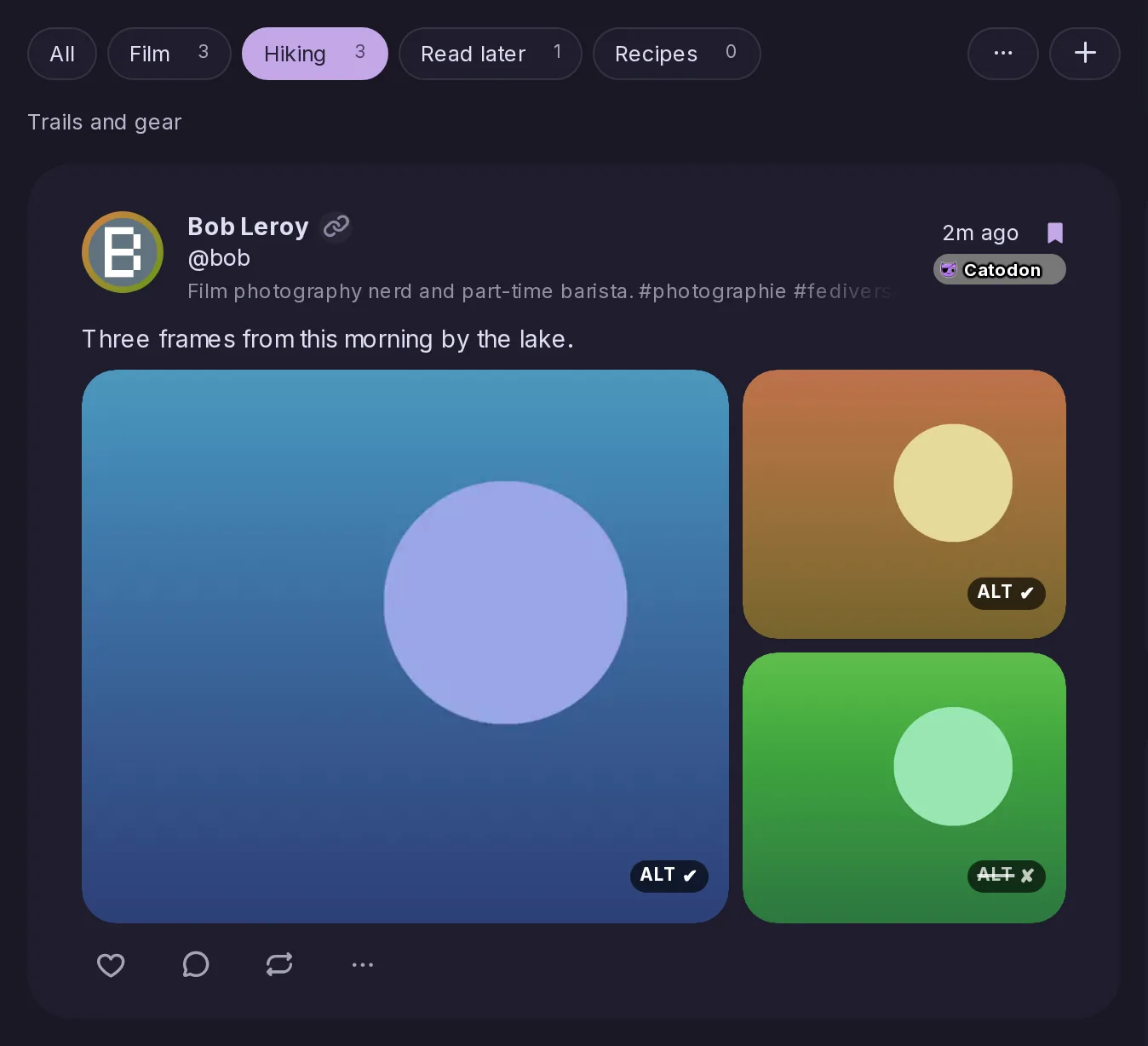
Bookmarks can be sorted into private categories, shown as a row above your saved posts, so a long list stays easy to browse; a post can sit in several at once, and a post's menu files it in one click. Nobody else can see your categories, Misskey apps see them as clips, and a server migrated from Misskey gets its users' old clips back as categories.
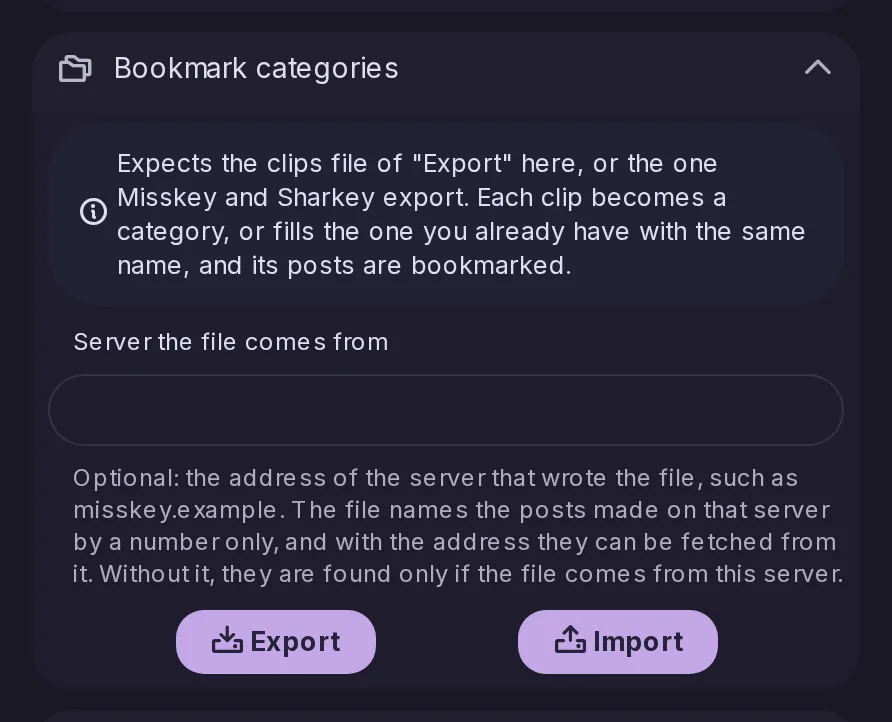
Settings → Data has a Bookmark categories section that exports your categories as a clips file, the format Misskey and Sharkey use, and imports one from Catodon, Misskey or Sharkey, bookmarking every post it holds. A new field naming the server a file comes from lets posts from that server be found again, for this import and for the bookmark import alike.
Moderators have a Refresh remote data entry in the menu of a post from another server, which reads it again from its origin as if it had just arrived. A post received before a display fix, such as a PeerTube video, picks up the current look; it is not an edit, so the post is not marked as edited and nobody is notified.
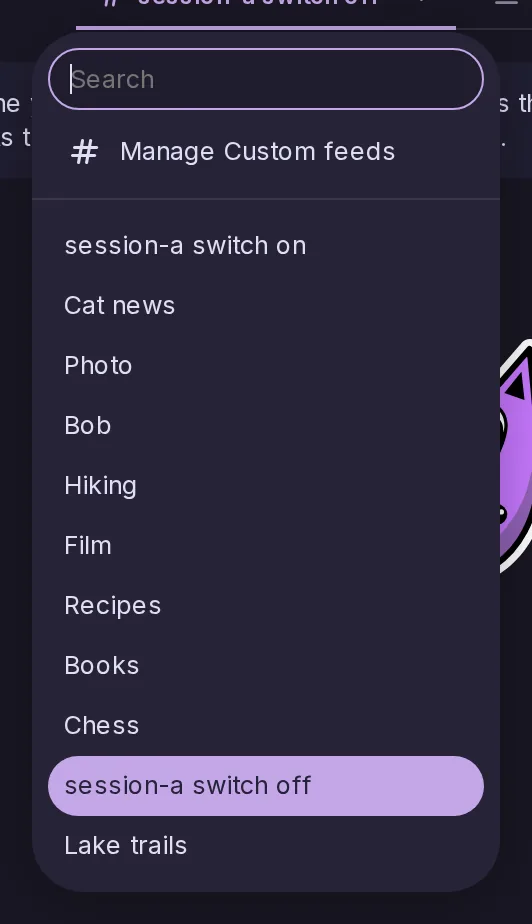
Menus for choosing a custom feed, a list or a timeline now grow a field to narrow them by typing once they hold 10 entries or more, as long dropdowns already did. It covers the Custom feeds and Lists tabs of the timeline, the Timeline widget's picker, and the button that fills the search page from a custom feed.
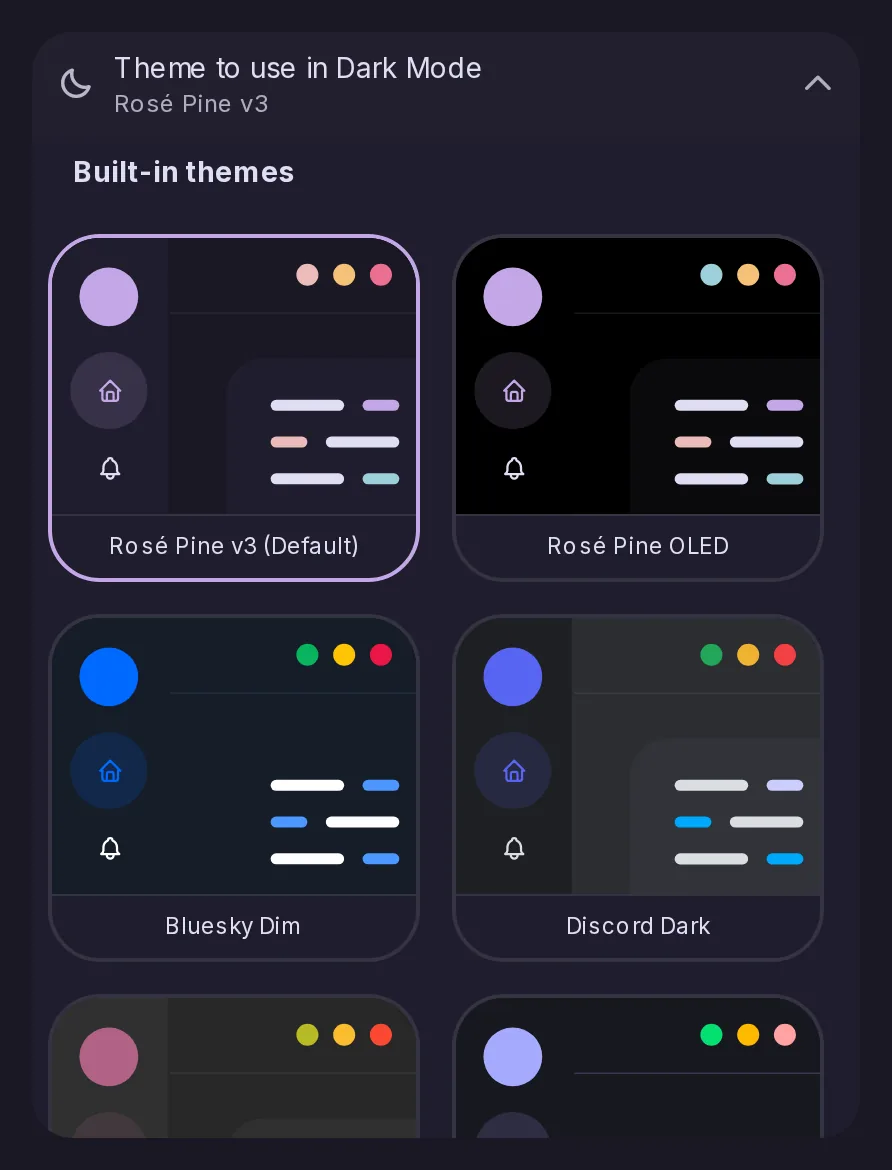
Settings → Appearance gains Gruvbox Dark and Light, Rosé Pine OLED on pure black, Nyan Trail Night made by Sproid for this release, and a dark and a light theme in the colours of Bluesky, Discord, Mastodon, Threads, classic Twitter and 𝕏. The network themes borrow colours only, no logos, darkening any shade too faint to read as text.
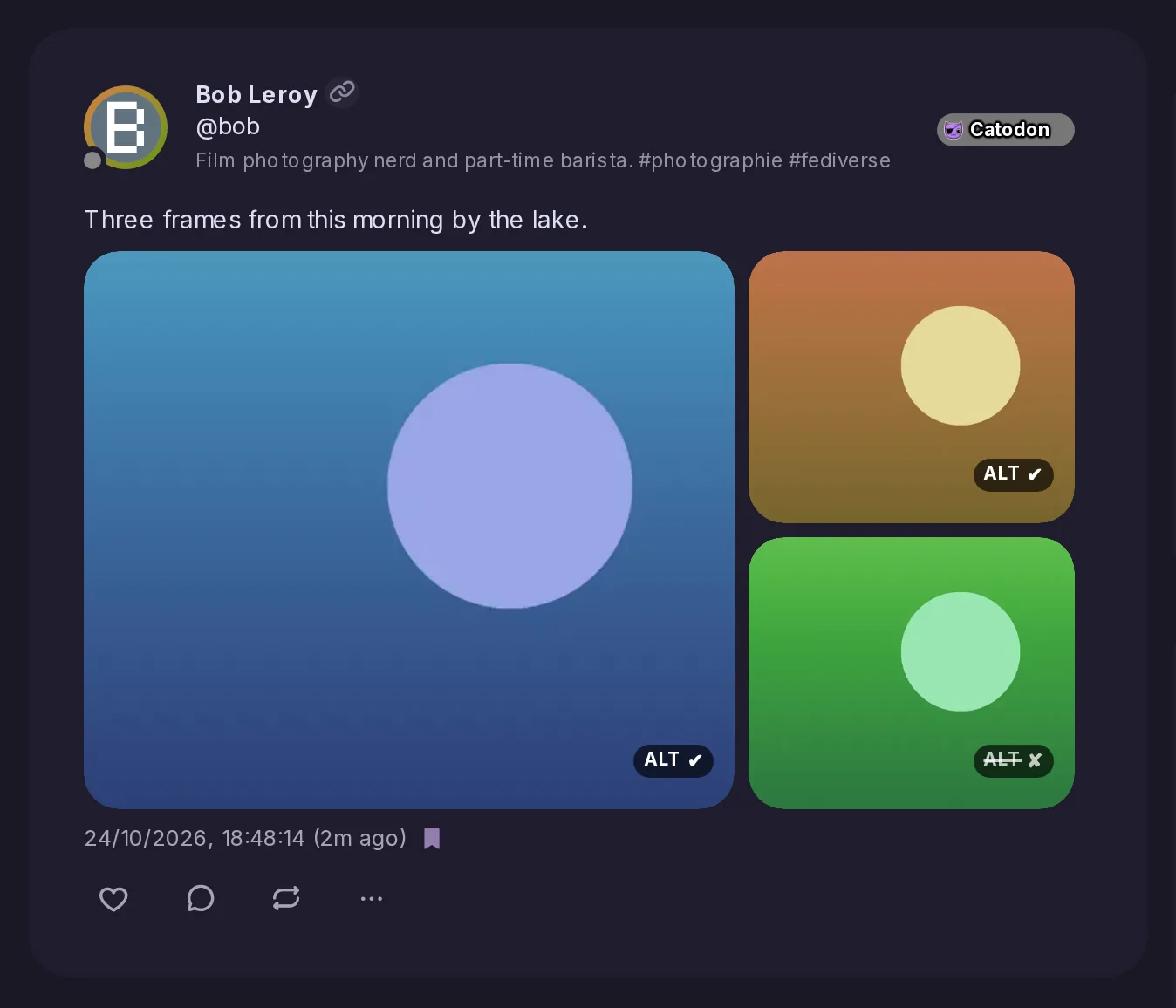
Every picture now carries a chip on its thumbnail: ALT ✔ when it has a description, which a click unfolds over the picture, and a struck-through ALT ✘ when it has none, so undescribed pictures stand out. Videos and media grid tiles show the same, and screen readers keep reading the description from the picture itself.
The media viewer gains a toolbar with an ALT button that shows the description without shrinking the picture, a magnifier for viewing it at actual size, and the same menu as a thumbnail, along with a counter and the file's size, weight and format. Covered pictures stay covered until you reveal them, and the viewer loops from the last picture back to the first.
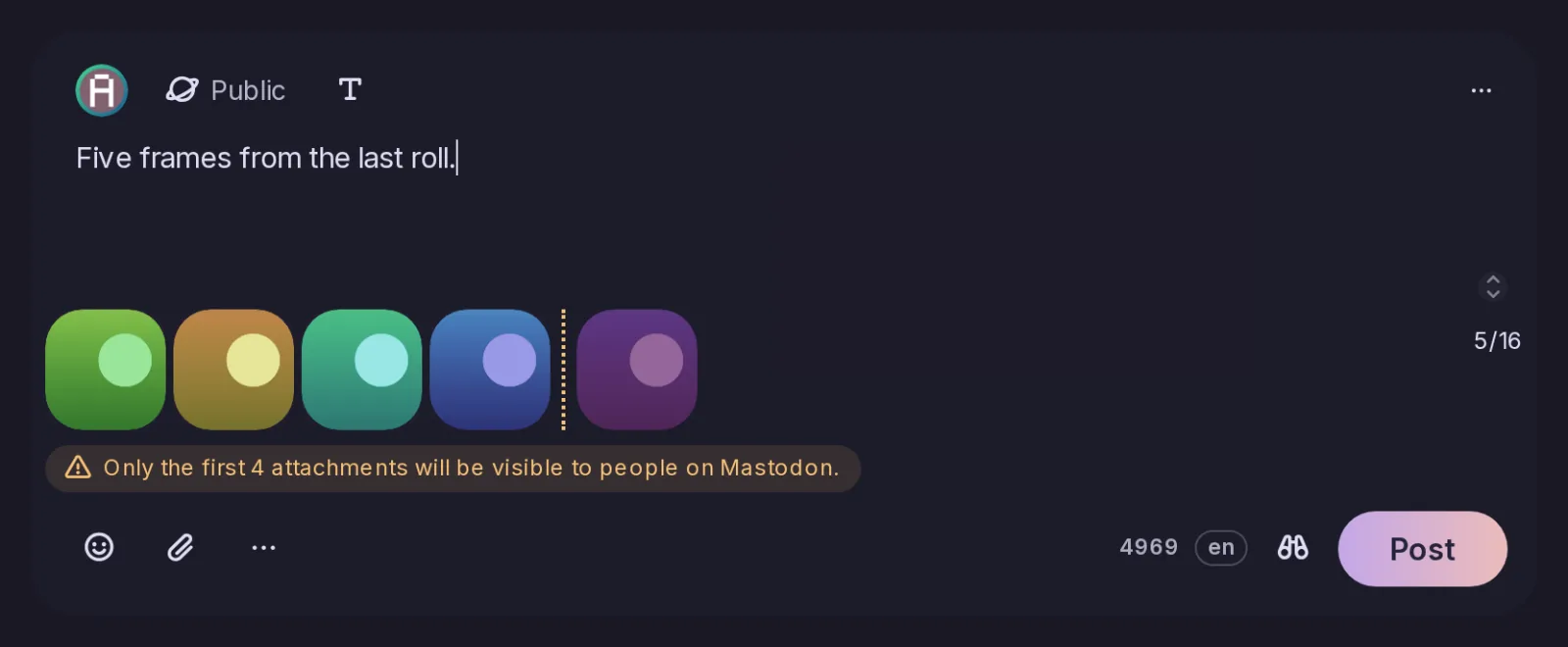
Mastodon shows only the first four files of a post, so the post form now warns as soon as a fifth is attached, marks the cut with a dotted line and dims the thumbnails after it. Files can be dragged to choose which four come first; nothing is blocked, and people on Catodon still see every file.
A profile description now has a Translate button under it, as a post does, using the server's translator and showing the result under the bio with the language it came from. It is offered when a translator is configured and the profile declares a language you do not read; apps reach it through the new users/translate endpoint.
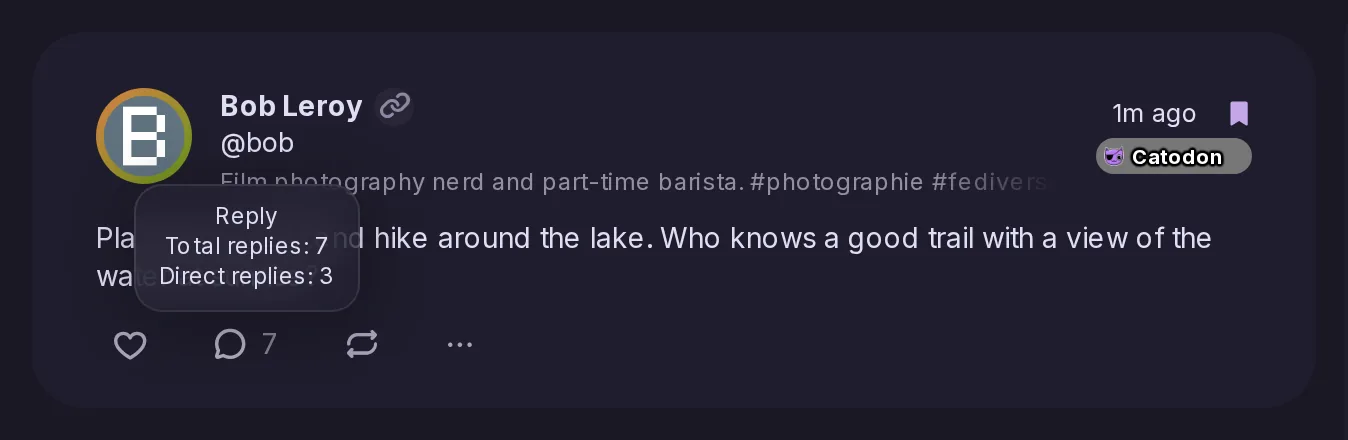
Beside the reply button, a post in a timeline or on a forum card now shows how many replies its whole thread holds, not just the direct replies, and pointing at the button spells out both numbers. A setting brings back the old "3 (12)" form or direct replies alone, and apps find the total as threadRepliesTotal.
The new notes/thread endpoint returns the replies under a post several levels deep in one request, as a flat list in which each reply names its parent, with a cursor wherever more replies remain. It sorts by top, oldest or newest at every level, takes limits on its size, and leaves out replies you cannot see along with everything under them.
The Accounts timeline now lists the hashtags you follow among the accounts you follow, each with its latest public post, and selecting one shows its posts beside the list with a button to unfollow it. A switch in Options leaves them out and a new Hashtags category lists them alone; the deck's Accounts column has the same, and the list now loads more as you scroll.
The new notes/followed-hashtags endpoint returns, for each hashtag you follow, its newest public post, newest first, with the same filters and paging as notes/following. Posts from muted, blocked or suspended accounts and servers, and posts carrying a hashtag you blocked, are left out.
A reply written by the author of a thread's first post now shows a small OP beside their name, in timelines, on post pages and on profiles, and clicking it opens the first post. Apps can read it as byThreadAuthor on each reply.
A theme, installed or set by an admin as the instance theme, can now set layout widths, spacing and corner radii as well as colours, from a fixed list of custom properties. Values must be plain sizes, anything else is ignored, and server and personal custom CSS still override what the theme sets.
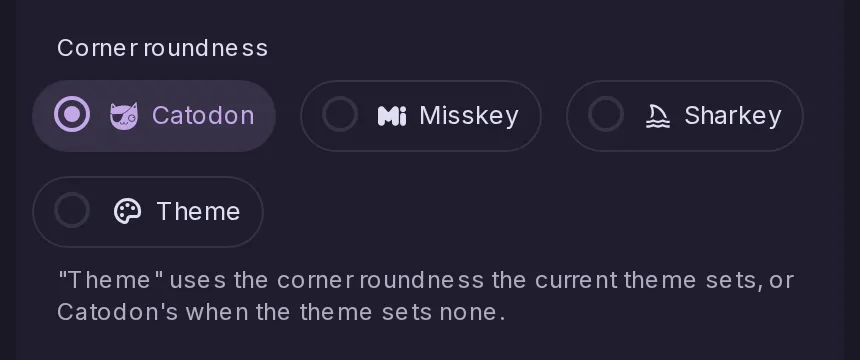
Settings → Appearance → Text and shapes → Corner roundness gains a fourth choice, Theme, next to Catodon, Misskey and Sharkey, which uses the corners the current theme sets. Picking a theme that sets them offers once to switch to it; nothing changes for anyone who does not.
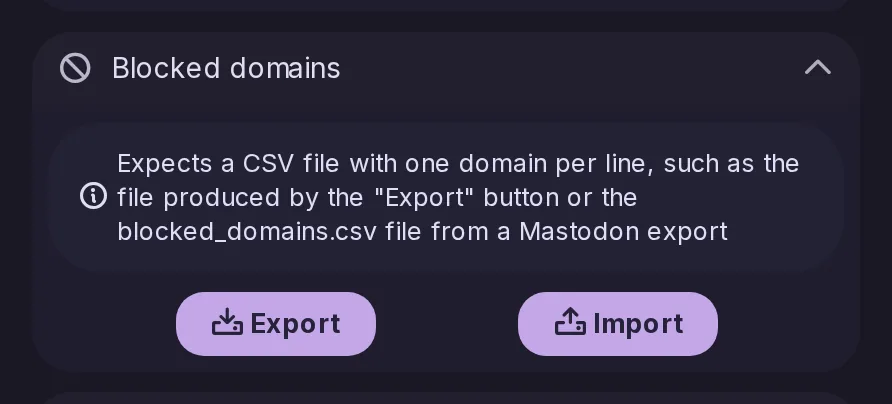
The bookmark and blocked domain imports added on the server in 26.10.0 now have buttons in Settings → Data and storage → Import and export, taking Catodon's own files or Mastodon's. Blocked servers export straight away as blocked_domains.csv, the file Mastodon reads, and admins can allow or refuse either import per role.
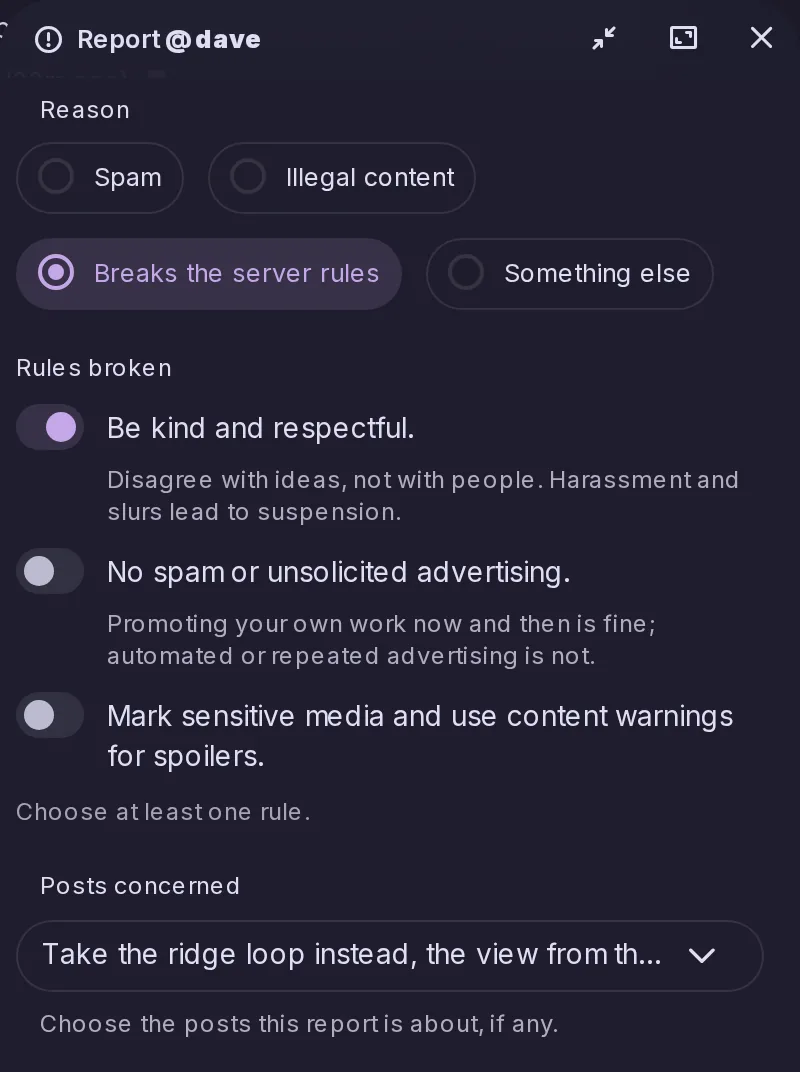
The report window now asks for a reason, lets the reporter tick the server rules broken and attach the account's recent posts, with the post reported from already ticked. Moderators see all of it in the Control Panel, rules as they read when filed, and a reporter can only attach posts they can see themselves.
When a moderator suspends an account, local or remote, everyone on the server who followed it or was followed by it gets a notification saying so and how many of their follows stopped working, as a server block already does. The follows are kept, so lifting the suspension restores them, and Mastodon apps receive it as severed relationships notifications.
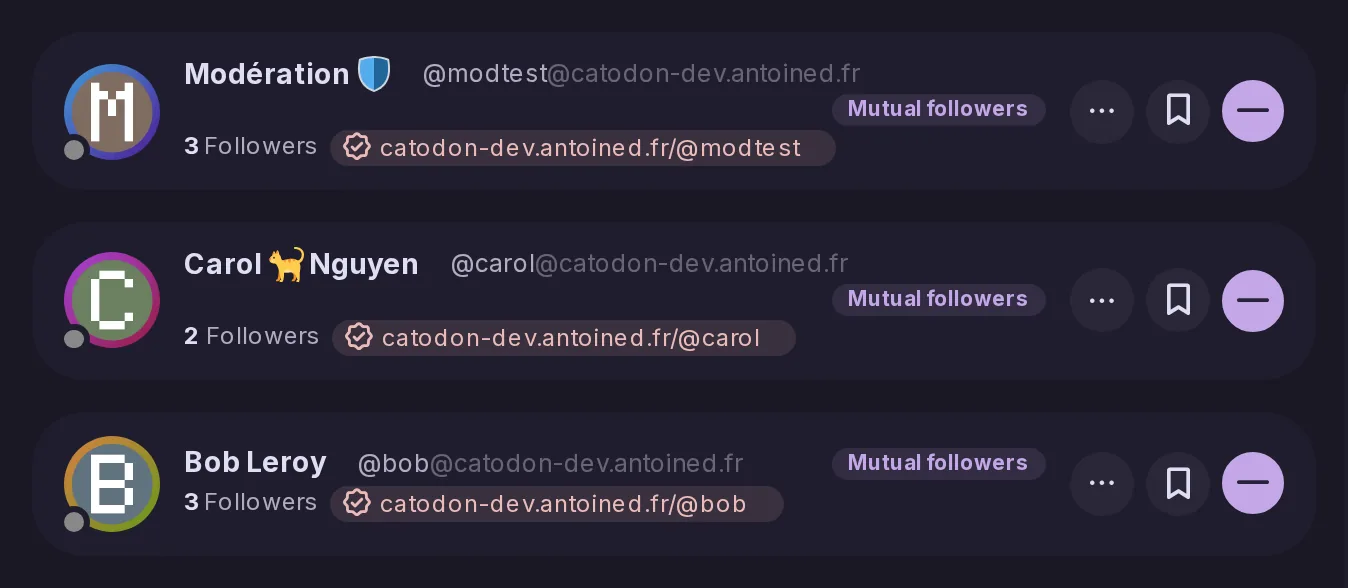
When an account has a verified link, checked the same way as Mastodon's, the line under its handle in posts, follower lists, a post's tabs and user search shows it as a chip with a check. Catodon checks links from other servers itself rather than trusting them, and follower lists, search results and profile previews get more compact cards.
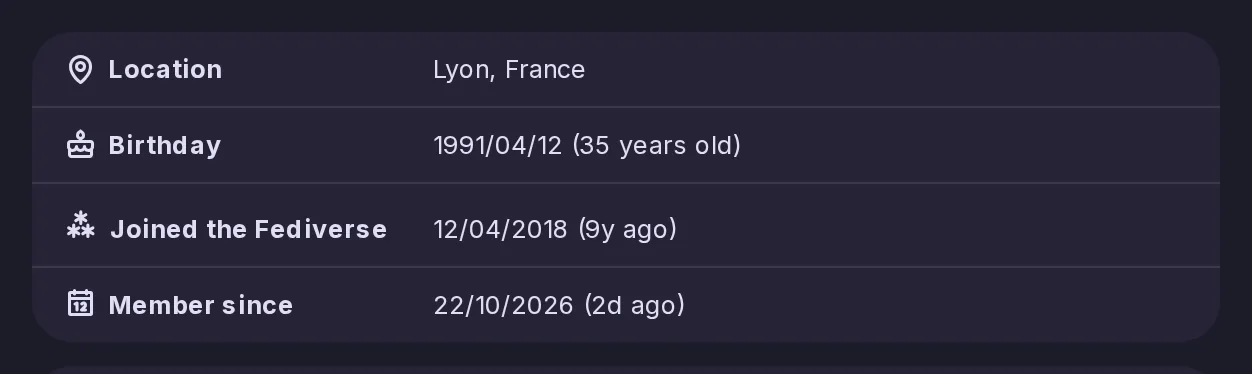
Settings → Profile has an optional date for the day you first joined the Fediverse, on any server, shown on your profile beside the date you joined this one, now labelled Member since. It is shared with other servers, which Catodon servers display, and admins can turn the feature off for their server.
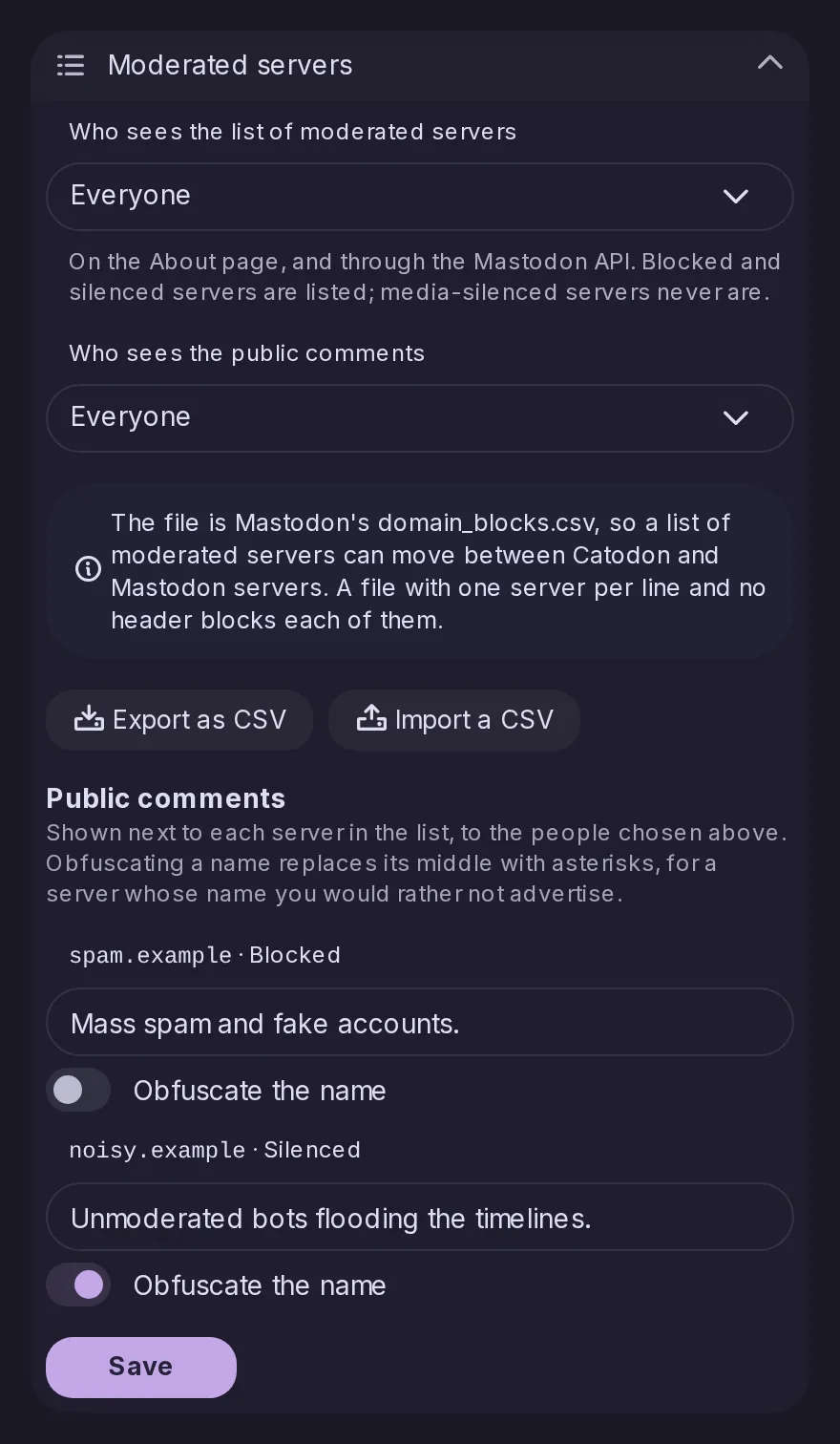
Control Panel → Federation → Policy gains a Moderated servers section: each blocked or silenced server can carry a public comment and have its name obfuscated, and admins choose who may see the list and the comments, nobody by default. The list then shows on the About page and to Mastodon apps, and imports and exports Mastodon's domain_blocks.csv with a preview before saving.
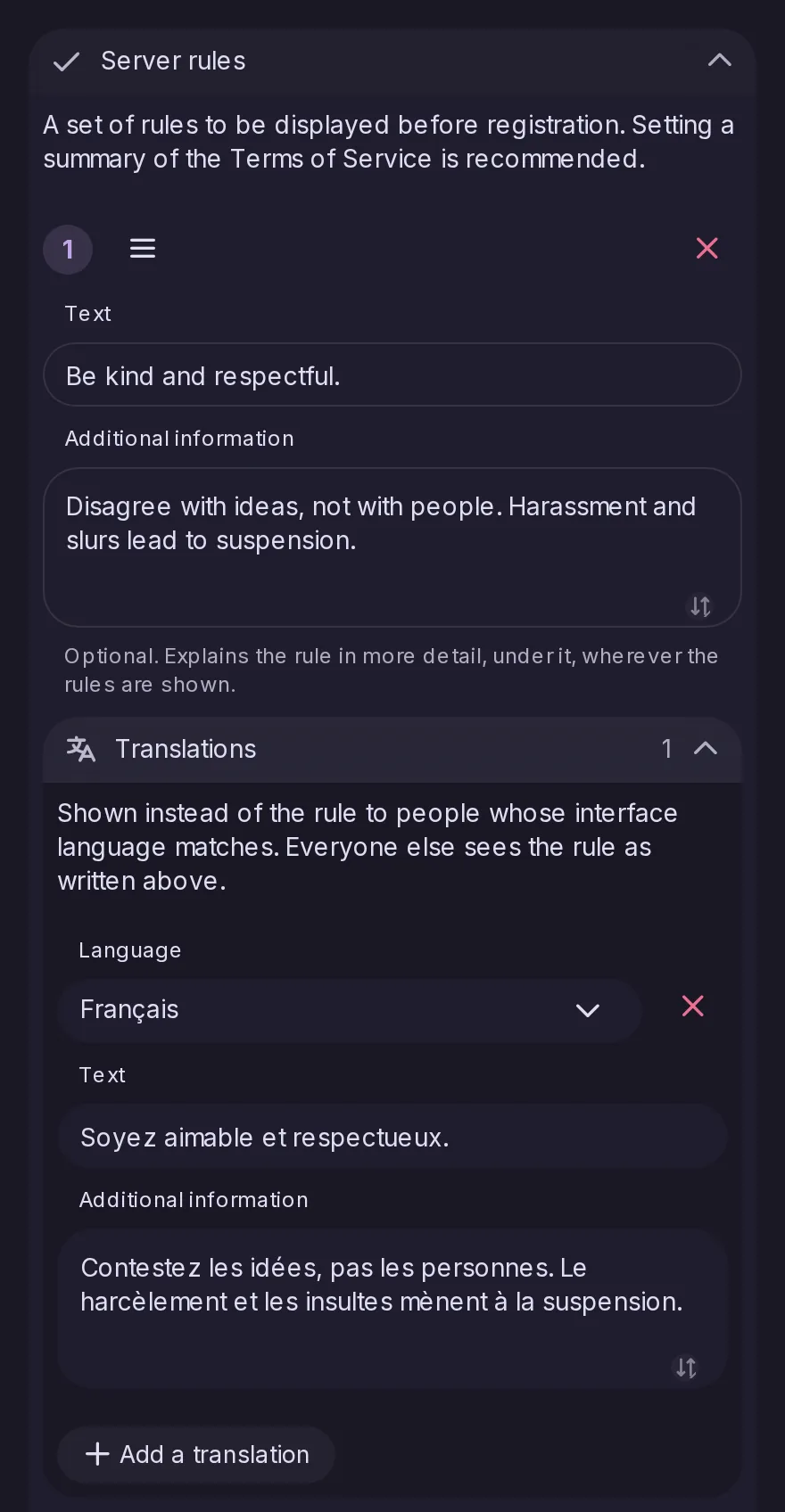
Each server rule can now carry a longer explanation and translations into any language Catodon speaks, as Mastodon 4.4 allows. People read the rules in their interface language where a translation exists, on the About page, at sign-up and when reporting, and Mastodon apps receive both from the instance endpoints.
Once a day the server asks Catodon's forge for the latest stable release, and when it is newer the Control Panel Dashboard shows administrators a notice with a link to its release notes. Unlike Mastodon's check, the request does not send the running version, and it can be turned off in Network security.
The daily update check now reads which releases are critical and when each release line stops being supported. A newer critical release brings a Dashboard warning that cannot be closed, plus an announcement and email to each administrator, and the end of support is announced three months and two weeks before, then once past. As with the update notice, the request sends neither the server's name nor its version.
The dot next to Control Panel in the navigation used to light only for unresolved reports and forum follow requests. It now lights for every card under Dashboard > Needs attention, from accounts awaiting approval and trends awaiting review to appeals and, for administrators, a critical update, now a card there instead of a banner. The dot, the menu count and the cards now agree.
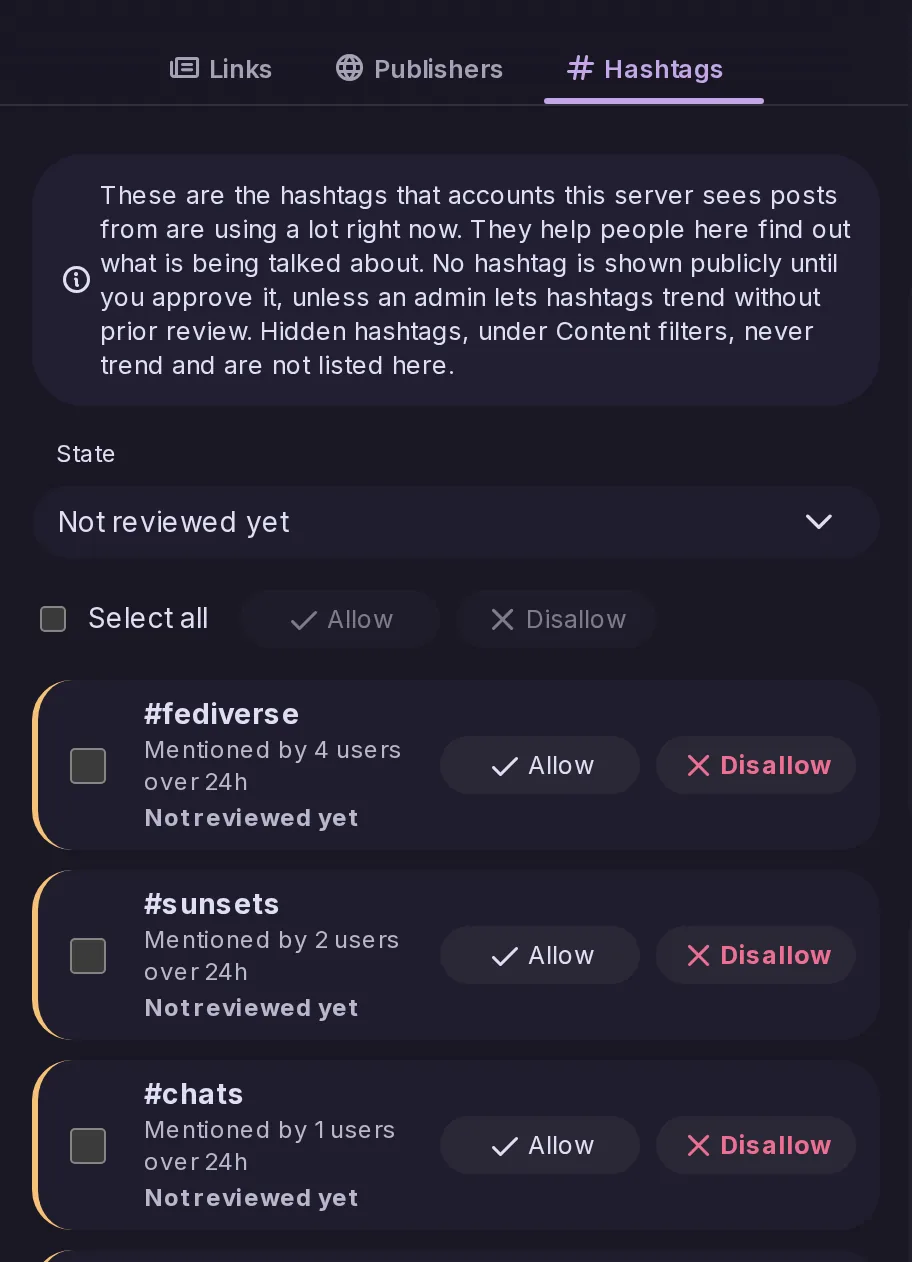
A new Hashtags tab in Control Panel → Trends lists the hashtags trending now and lets moderators allow or disallow each one, as in Mastodon. A switch decides whether an unreviewed hashtag may trend, left on for existing servers and off for new ones, and Mastodon apps reach the review through Mastodon's admin API.
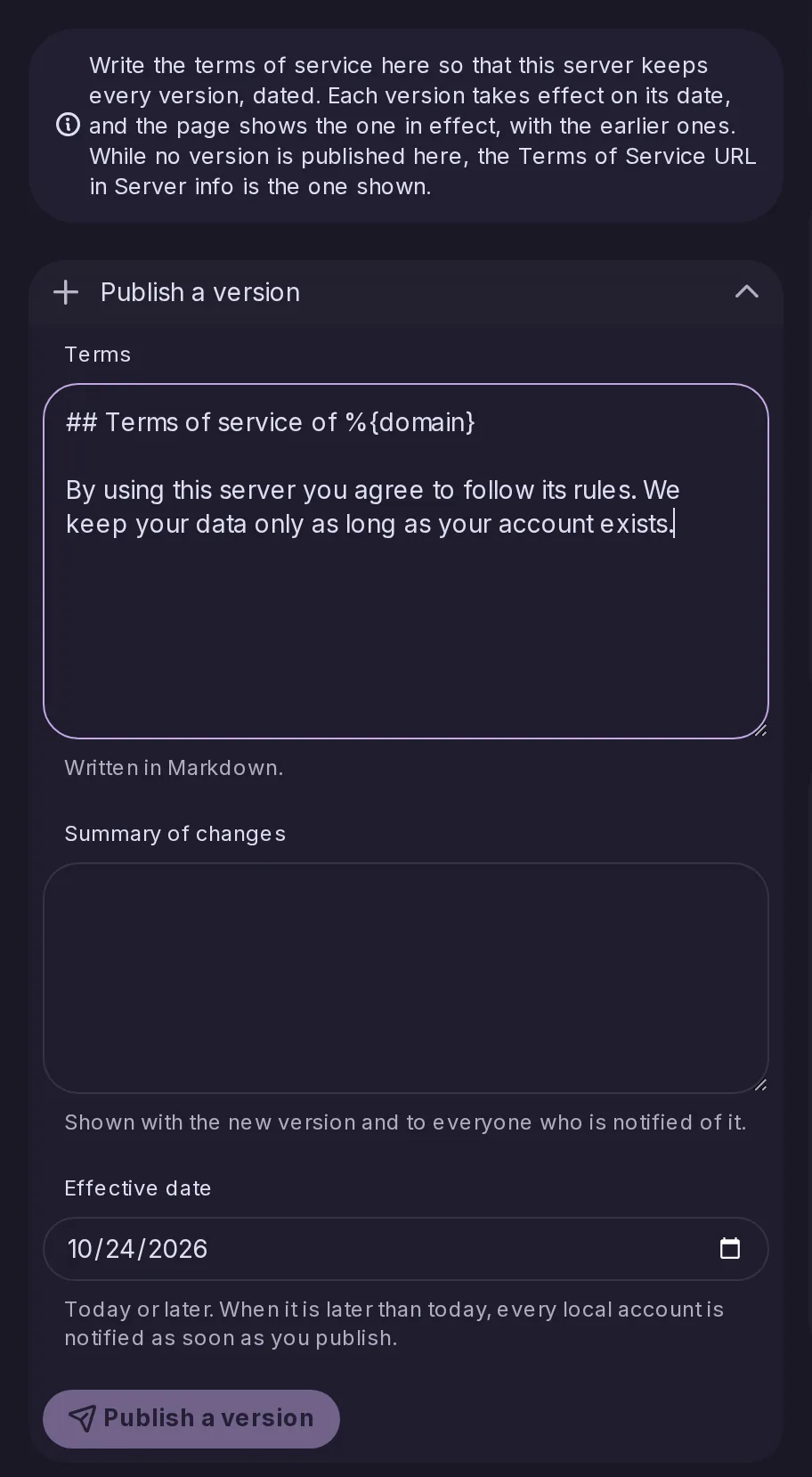
Administrators can now publish dated terms of service written in Markdown, with a summary of changes, from Control Panel → Terms of Service, instead of linking to a page elsewhere. Every version is kept and readable on the server, published versions cannot be edited, and accounts are notified ahead of a version taking effect later.
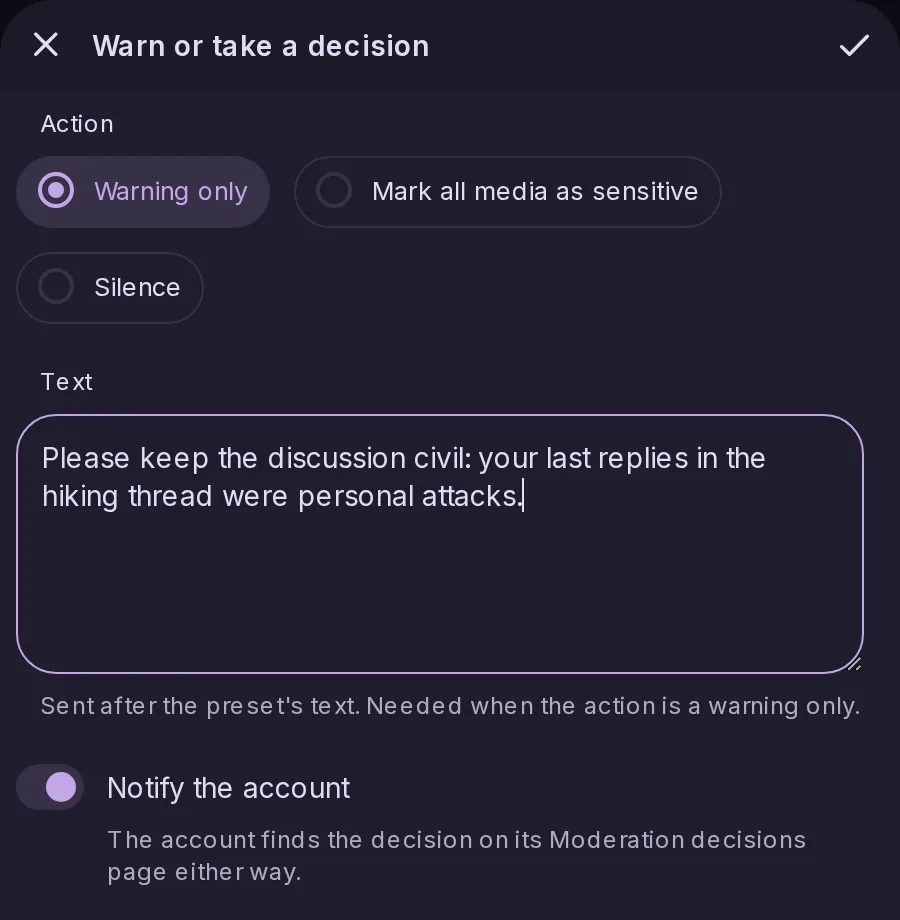
Moderators can warn a local account, optionally with a decision to silence it or mark its media as sensitive, starting from a preset if they wish. The account is notified, finds every decision on a new Moderation decisions page and can appeal each one once within 20 days; moderators approve or reject appeals in Control Panel → Appeals, as on Mastodon.
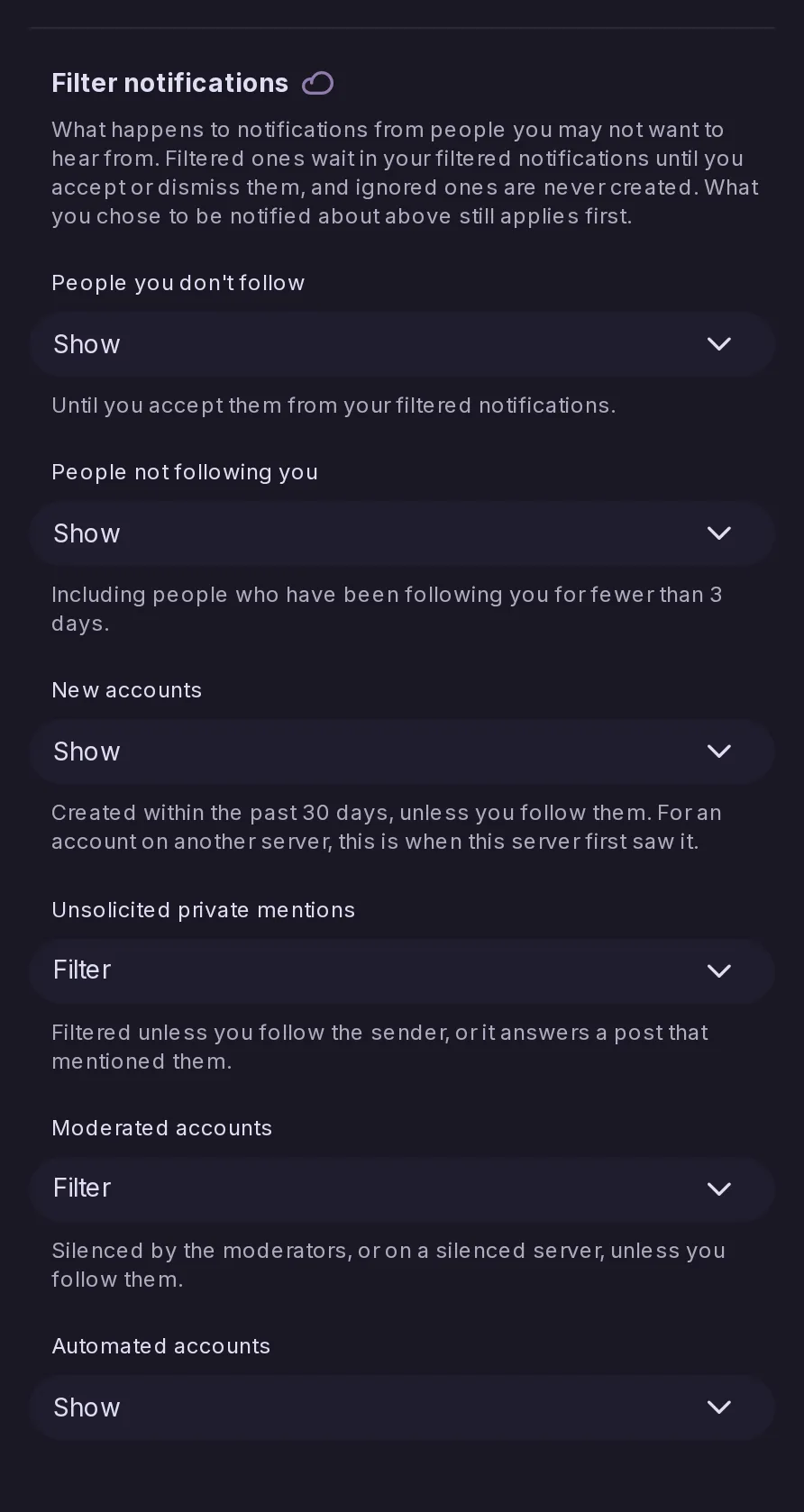
Settings → Notifications → Filter notifications has six rules, such as people you don't follow, new accounts or unsolicited private mentions, each set to show, filter or ignore. Filtered notifications wait silently in their own list, grouped by account, to accept or dismiss, as in Mastodon, which apps reach through Mastodon's notification policy API.
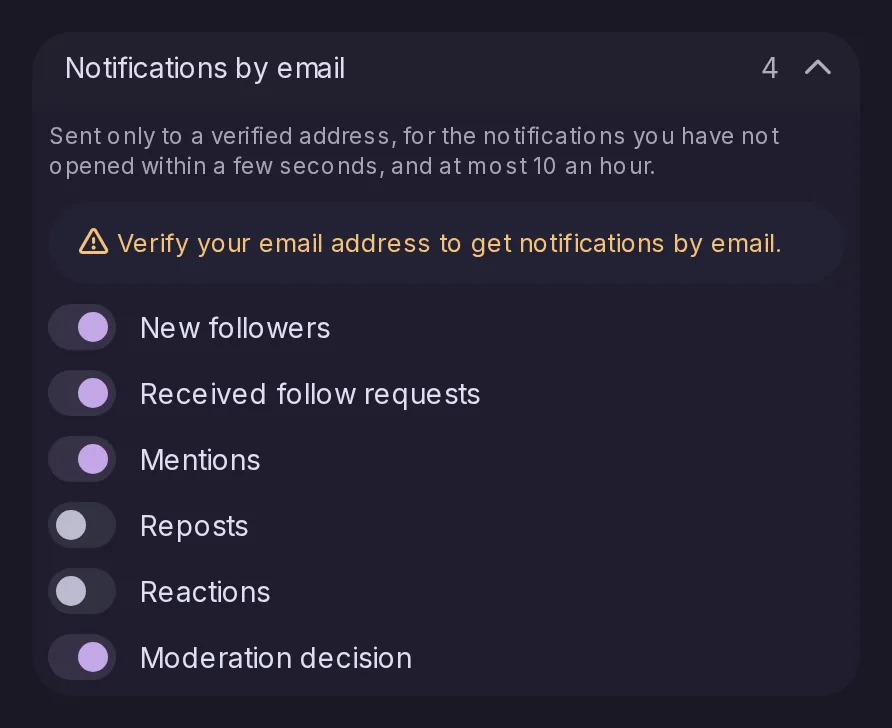
You can now receive new followers, follow requests, mentions, reposts, reactions and moderation decisions by email, each with its own switch, with the same defaults as Mastodon. Mail goes only to a verified address for notifications still unread after a few seconds, at most 10 an hour, in your profile's language, with a one-click link to stop that kind.
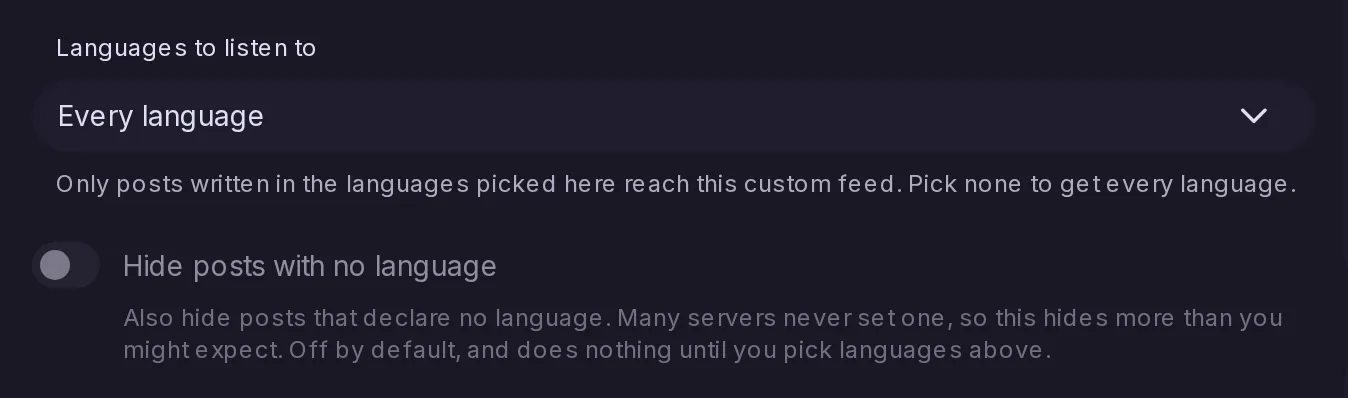
The custom feed editor gains Languages to listen to, so a feed only takes posts written in the languages you pick, with an option to hide posts that declare none; a feed with none picked takes every language, as before. A feed can now be made of languages alone, such as every post in French, and keeps them when exported and imported.
For apps, notes/bubble-timeline now takes the same options as notes/global-timeline: Hot and Active sorting, and switches for replies and forum posts, each defaulting to what Bubble returned before. Bubble also now leaves out replies to followers-only posts by authors you do not follow, as Global does.
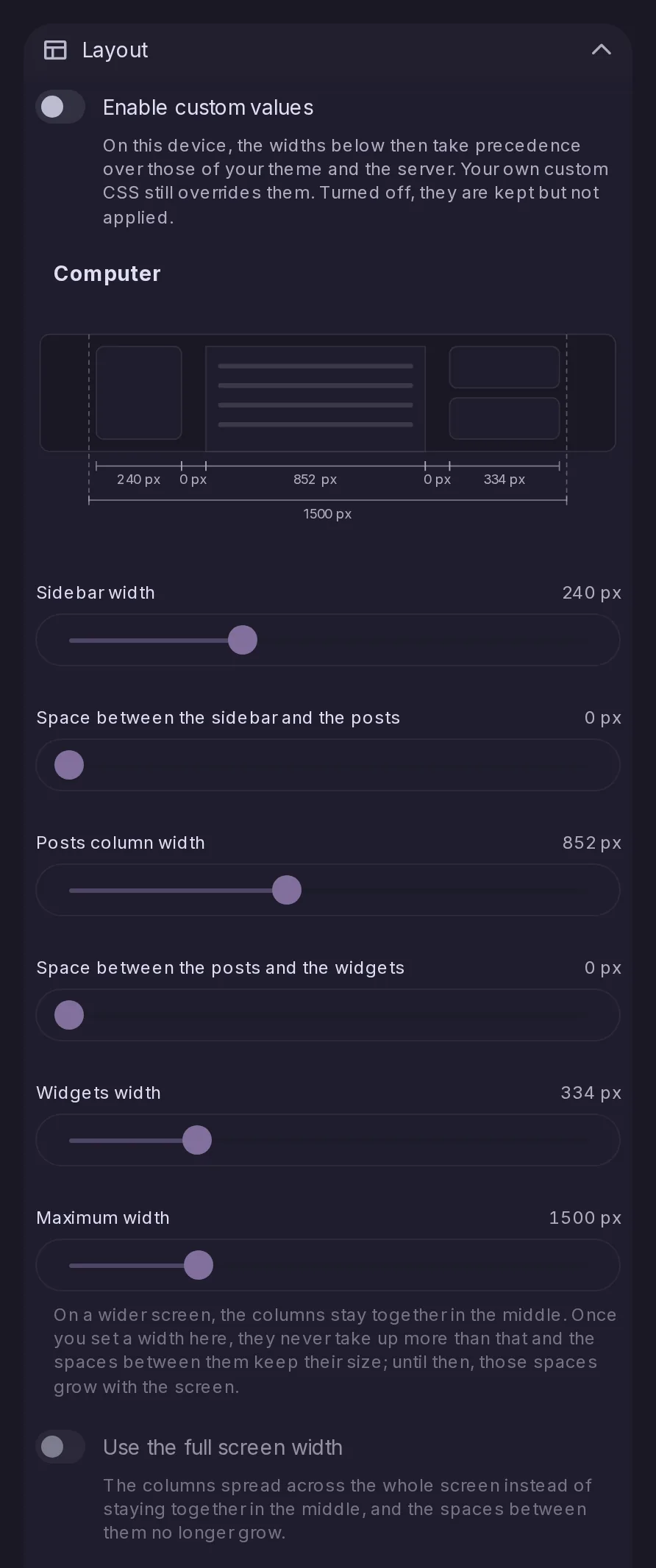
Settings → Appearance has a new Layout section with sliders for the widths of the sidebar, the posts column and the widgets, the gaps between them and the overall maximum, set per device and shown on a diagram. Your values apply once you enable them, ahead of your theme's, and a Use the full screen width option spreads the columns across a wide screen.
As in Element, Discord or Slack, Alt+Down and Alt+Up open the next or previous page of the sidebar, in the order you set. Alt+Shift with the arrow keys switches between the tabs of a page's bars, such as Following, Recommended and All on the Forums view, and holding a key repeats the step.
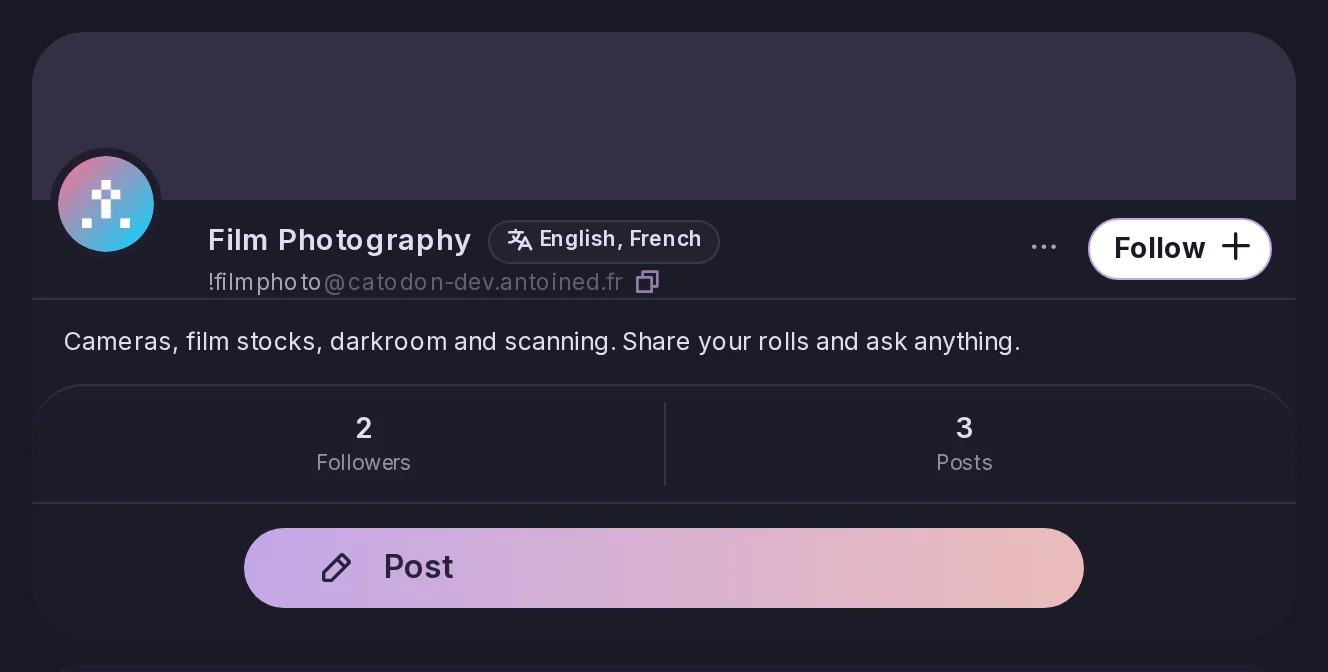
A forum can now state up to three languages it is for, shown on its cover and shared with other servers the way Lemmy does, so Lemmy, PieFed and forum directories show them too. Remote forums' languages are shown as well, and the Lemmy-compatible API now reports them.
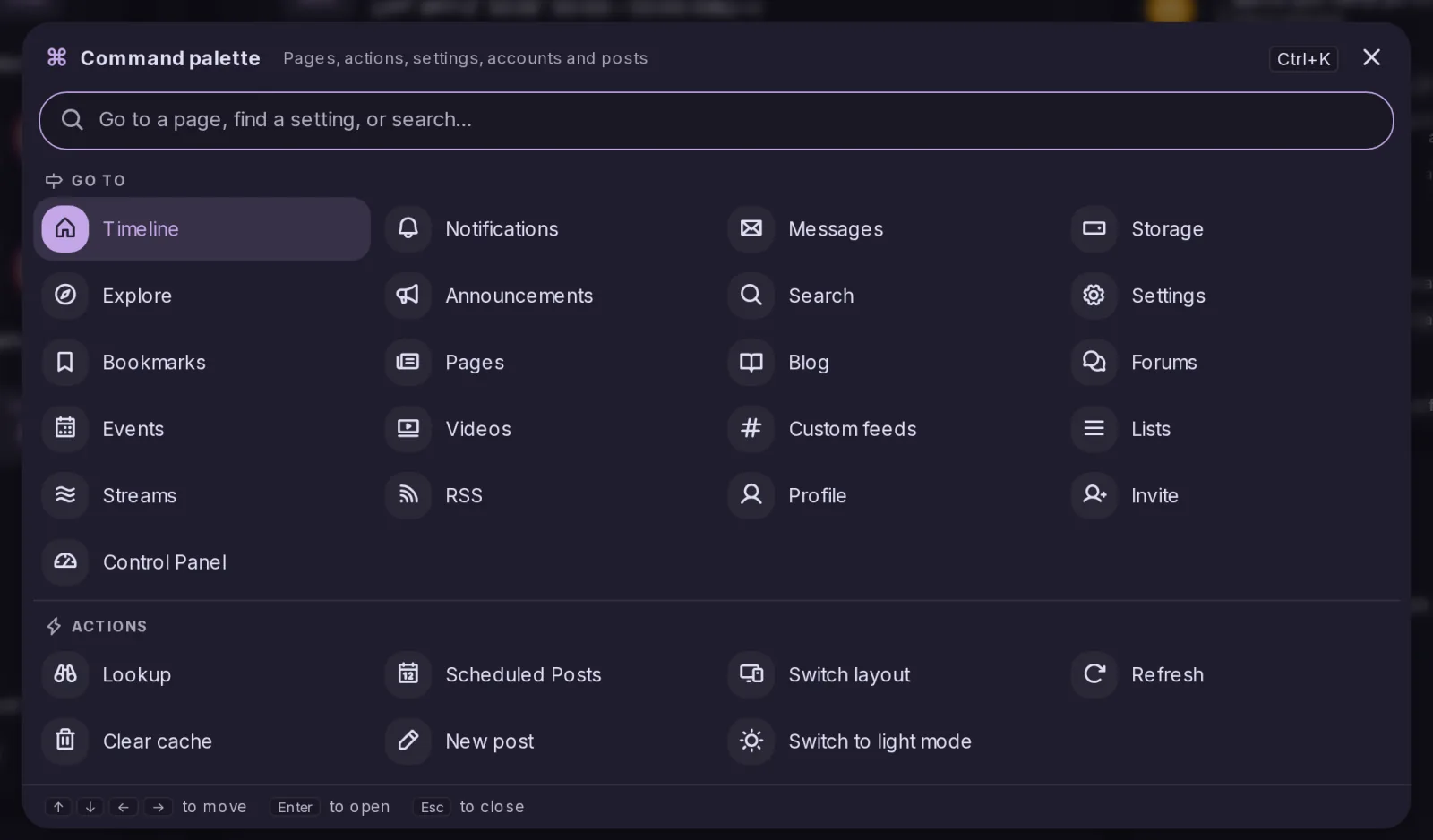
Ctrl+K, or Cmd+K on a Mac, opens a palette that reaches any page of the sidebar, Settings or the Control Panel by typing a few letters, and jumps straight to a setting by name. It also runs a few actions, searches posts or users, and opens hashtags, addresses and links; without a keyboard, it can be added to the sidebar.
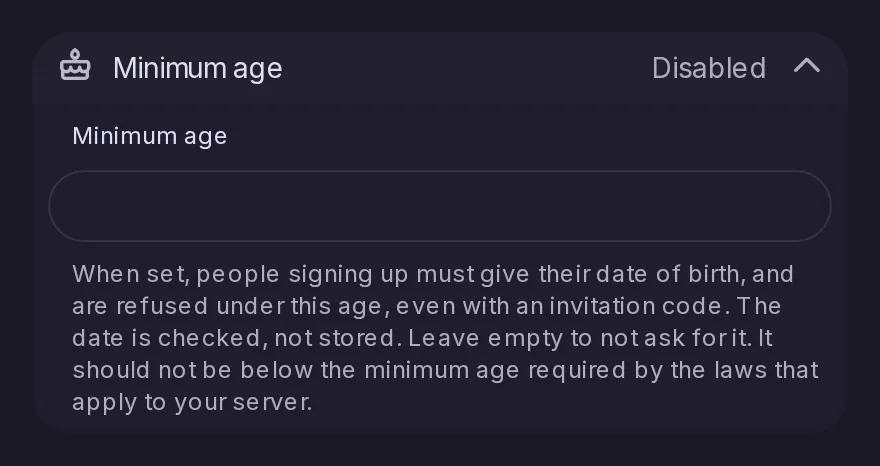
As in Mastodon 4.4, an admin can set a minimum age in Control Panel > Registration. The sign-up form then asks for a date of birth and refuses anyone younger, with an invitation or not, and only checks the date without storing it. Existing accounts are not asked anything, and the age is served to Mastodon apps as registrations.min_age of /api/v2/instance.
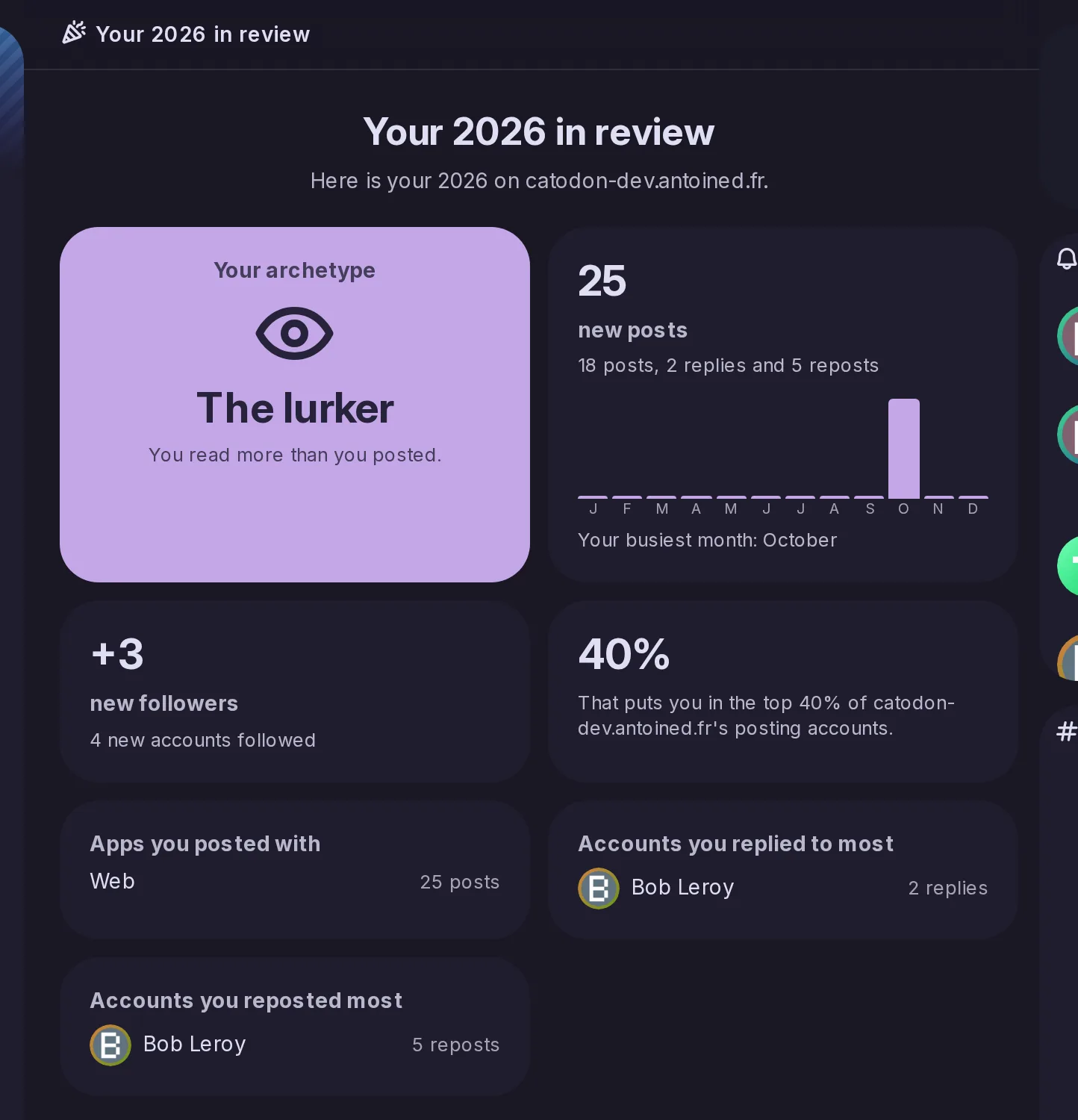
Like Mastodon's Wrapstodon, every account that posted during the year gets a summary of it in December: cards with its posts by month, new followers, an archetype, its most used hashtags and apps, the accounts it replied to and reposted most, and its most popular public posts. Only the account can see it, earlier years stay reachable, and Mastodon apps read it through /api/v1/annual_reports.
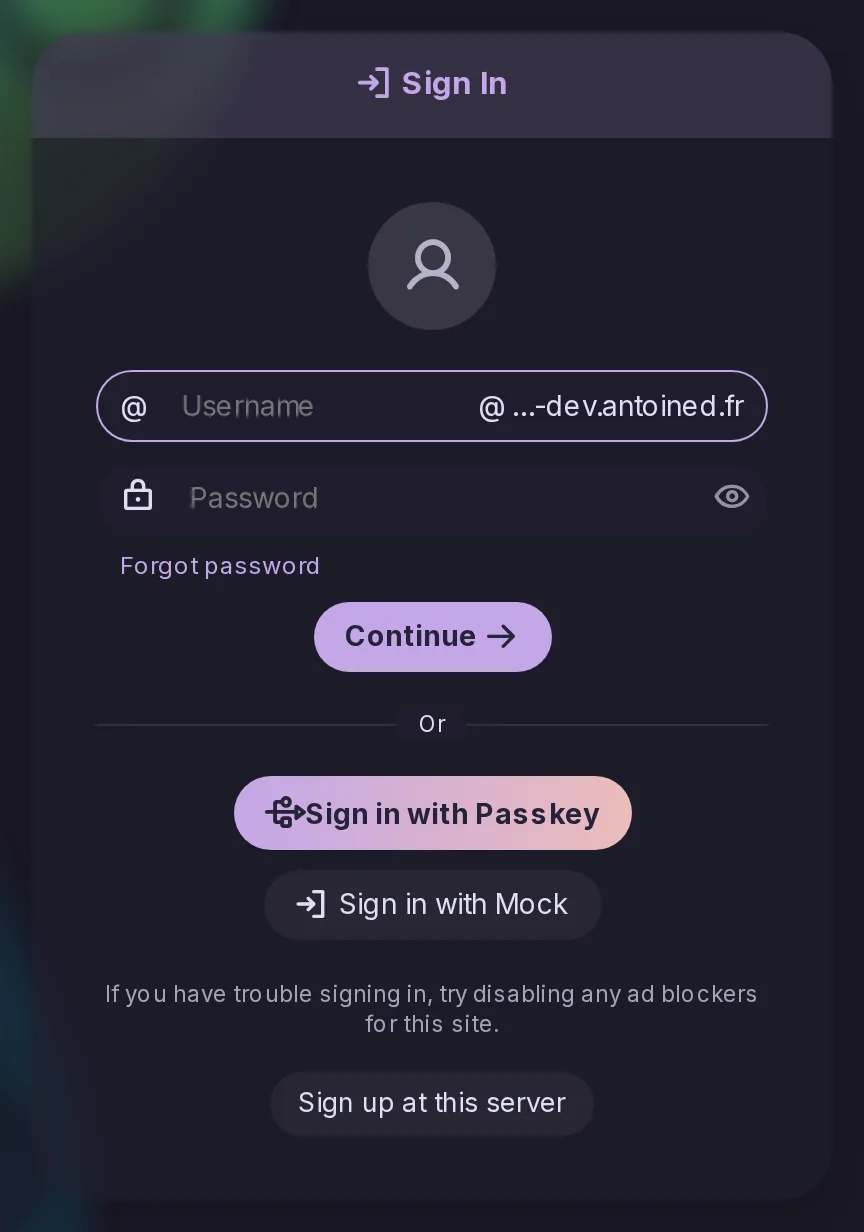
/login now shows the sign-in form on every server, with the sign-up and other-server options, so visitors on servers whose landing page is a timeline or Explore can sign in on a phone, where the round button used to lead back to the same page. Signing in returns to the page the visitor came from, and the Landing page setting can now show this sign-in page at the site root.
The mobile bottom bar can now be edited like the sidebar's list: after the menu and timeline buttons, choose up to three items such as Search, Explore or Custom feeds, with their unread badges, or none. Nothing changes until you do, and when Widgets is left out its button moves to the menu. The arrangement is kept on each device, like the sidebar's.
Signed in with a Mastodon account, the report form now lists that server's rules and sends the ones picked, a picture being posted gets a Focal point that tells the server which part to keep in previews, and a list's settings gain Show replies to. Focal points sent by Mastodon servers are now followed in previews, and accounts on this server find the Focal point entry too.
Signed in with a Mastodon account on Mastodon 4.3 or later, Settings > Notifications now offers that server's notification policy, with the same choices as on Catodon, and filtered accounts wait in Filtered notifications to be accepted or dismissed. Two kinds Mastodon sends are now shown instead of dropped: broken follows after a server block, and moderation decisions, linked to the account's server where they can be appealed.
As with ListenBrainz, a profile can show the track its owner is playing on Last.fm, or the last one played, in a line under the handle with its cover, title and artist. Enter your Last.fm username in Settings > Profile once the admin has set a Last.fm API key; your server asks Last.fm, not the visitor's browser. Apps read it through users/lastfm-now-playing.
An event from Mobilizon, Gancio, Friendica, Hubzilla or any server following FEP-8a8e is now stored with its start and end, time zone, places, status, categories, organisers and attendance, and an edit that moves it updates it. Apps using the Mastodon API see its title, date and place at the start of the post, and native apps get an event object on it.