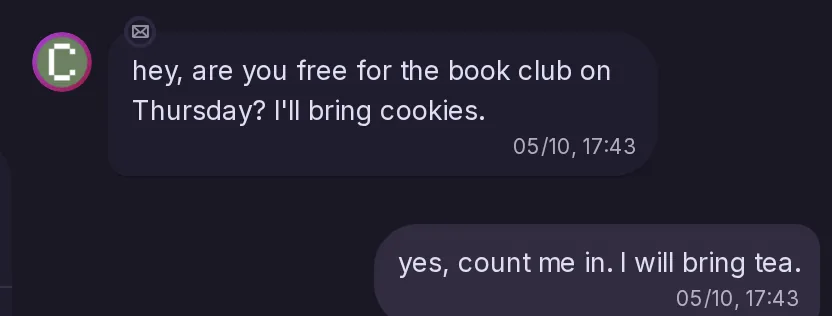
Messages as a chat
Messages gets a space of its own: an inbox, a list of conversations and chat bubbles, with search, reactions and unread markers. It works in the deck, with the keyboard and on mobile.
8 features
Messages gets a space of its own: an inbox, a list of conversations and chat bubbles, with search, reactions and unread markers. It works in the deck, with the keyboard and on mobile.
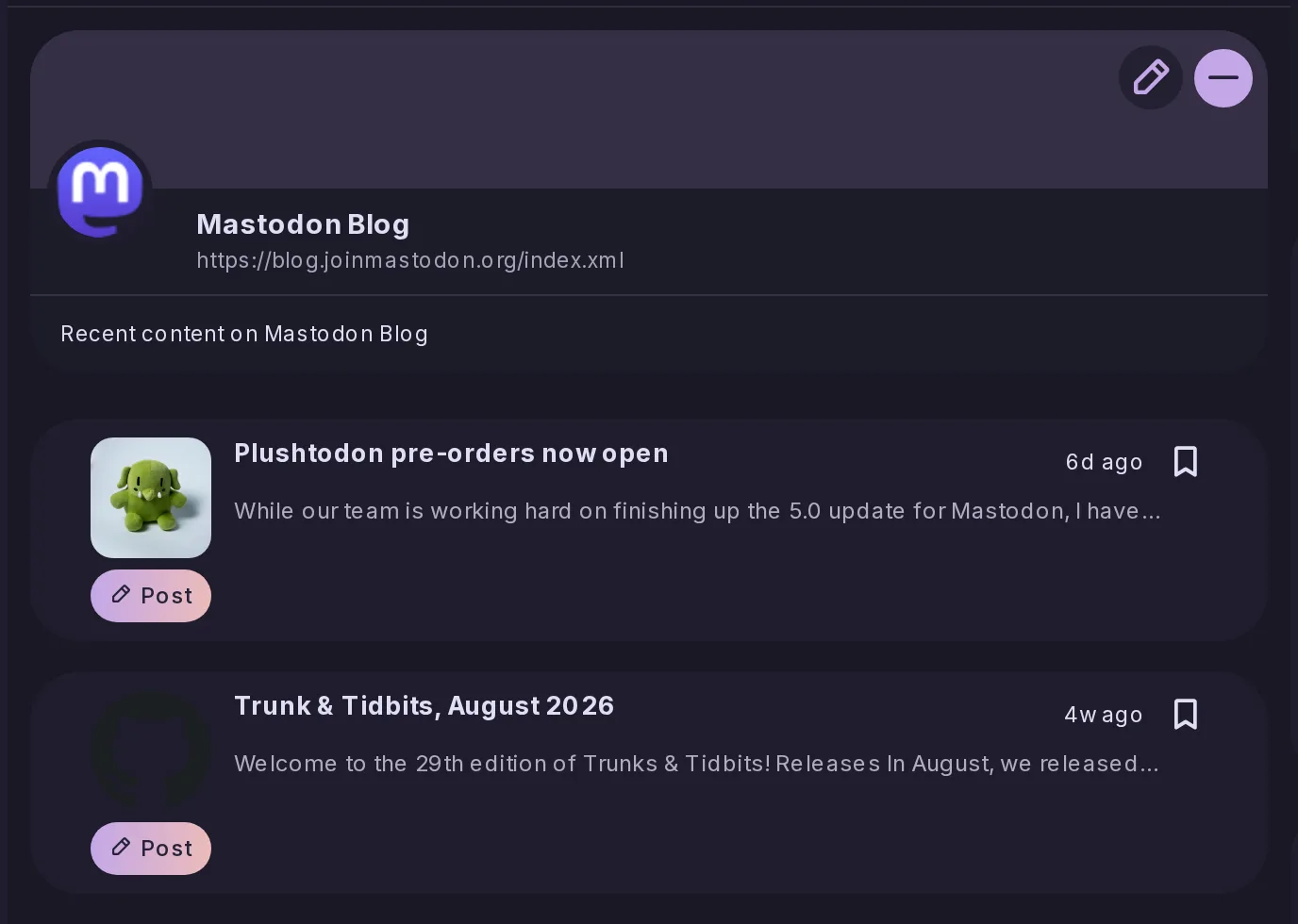
You can follow RSS feeds and read them as a timeline, with feed discovery, unread markers, feed images and widgets, and their items can show in Home. Subscriptions import and export as OPML, and admins can set default feeds.
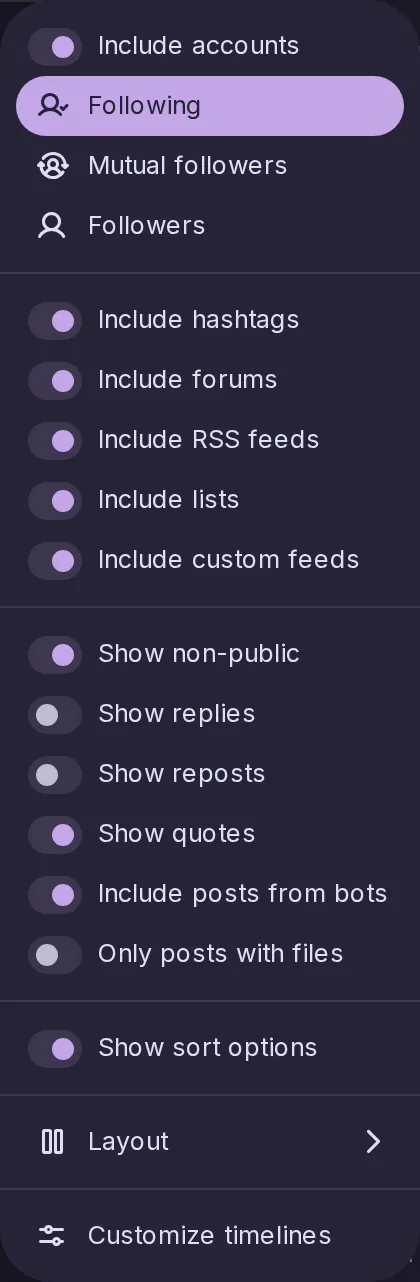
A timeline in split panes, with the accounts that posted recently on one side and their latest posts on the other, which loads new posts as they come. It can be filtered and used with the keyboard, and you can hide chosen accounts from Home.
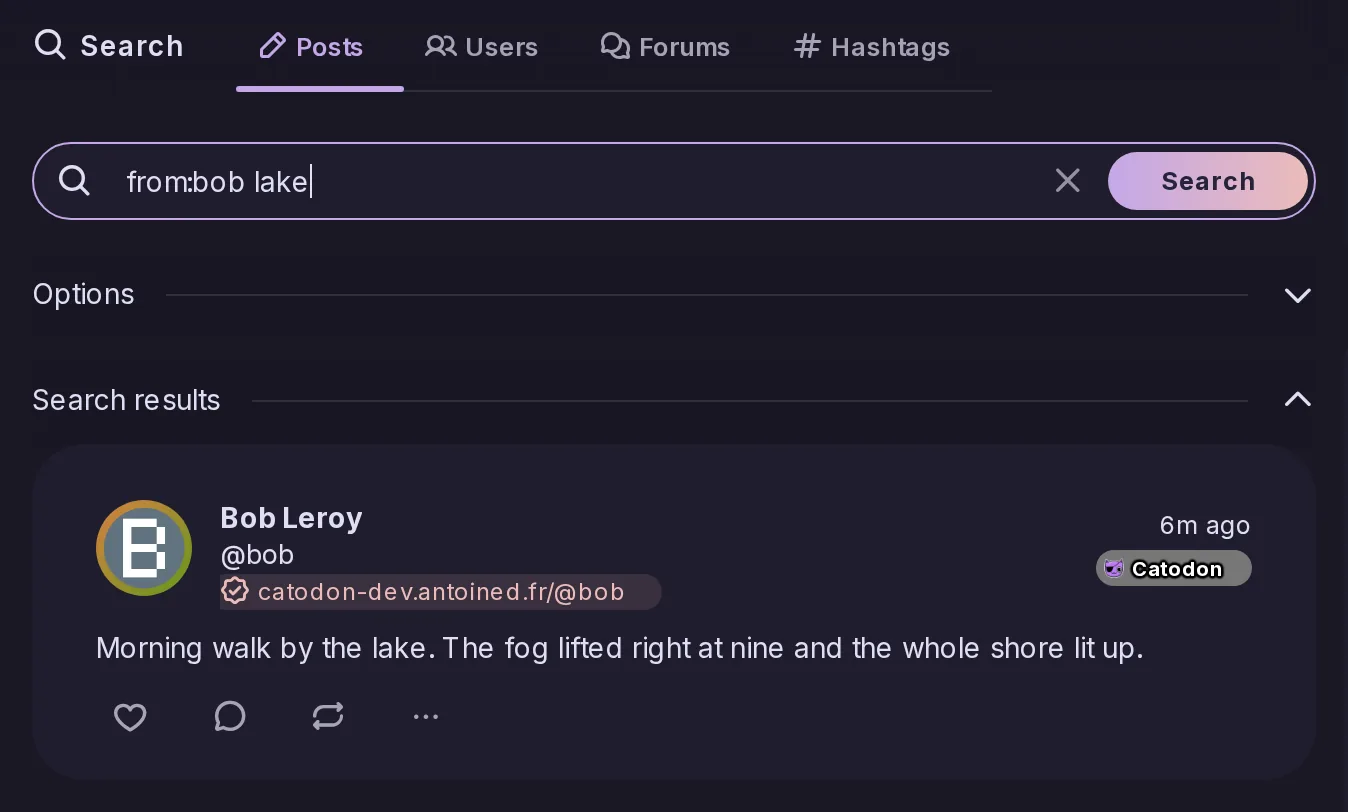
Search gets filters, a query syntax and a redesigned interface, and looking something up by its address works better.
Bookmarks now live at addresses named after them, and get more interface and defaults of their own.

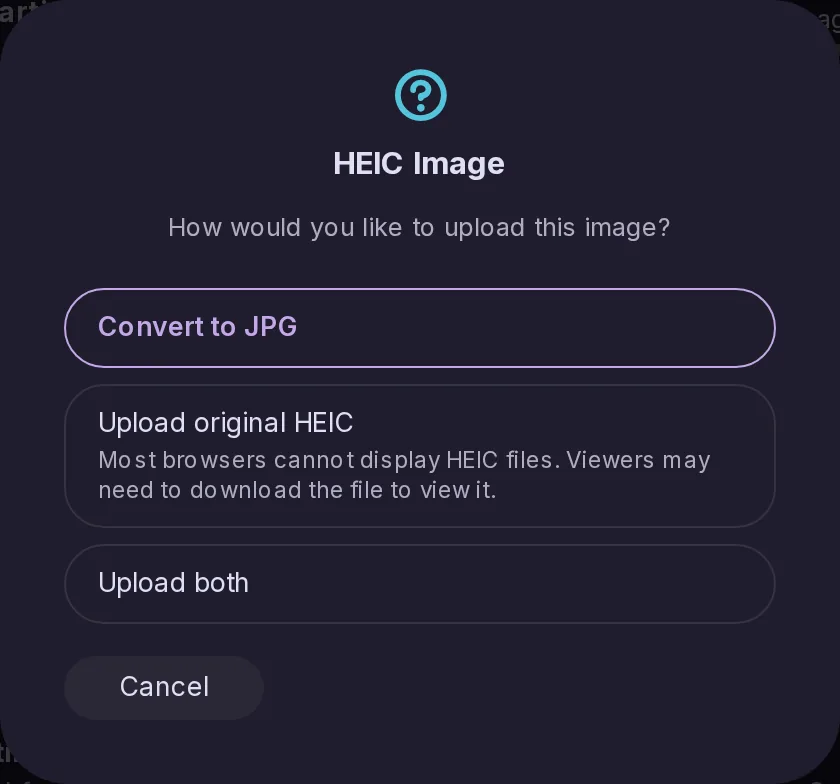
Pictures in HEIC or HEIF can be uploaded. When you upload without compression the original HEIC file is kept, and you are warned that not everything can display it.
Media gets a floating video player, albums shown as a carousel, crop presets, media information and a Media tab in Explore. Lightboxes and attachment thumbnails were improved too.
Articles received over ActivityPub are now displayed as rich HTML. HTTP signatures made with a CryptographicKey are accepted too.