Skip to content

Catodon 26.7.0

11 features

Federated blogs

Blogs and pages

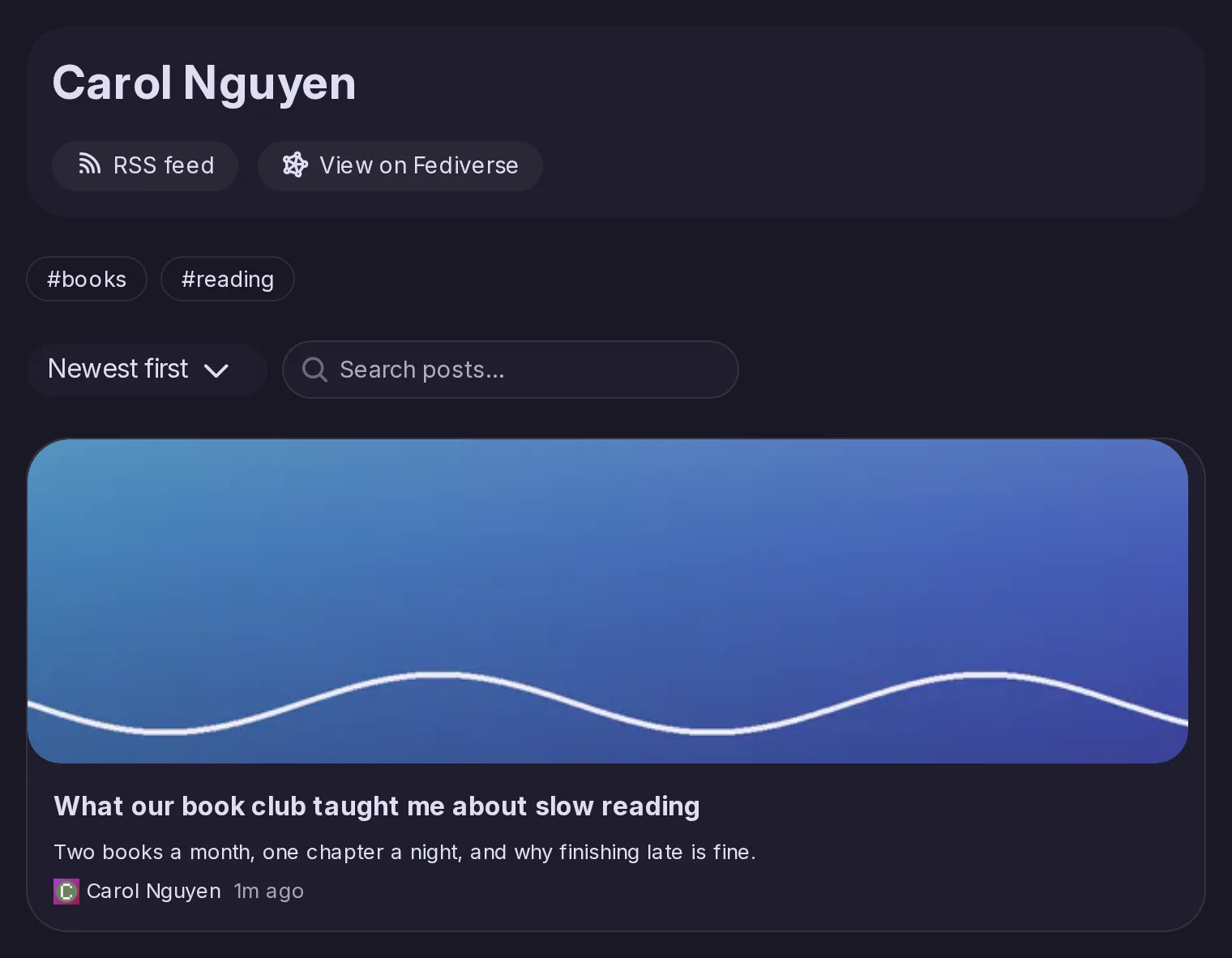
Long-form posts get blogs of their own: a standalone page for each post, a blog profile, an RSS feed, tags and search. You can keep drafts, schedule publication, add a thumbnail, choose a post’s address and give each blog its own light and dark theme.

Carol Nguyen's blog: its RSS feed and View on Fediverse links, the tags books and reading, a sort and a search field, and the card of the post What our book club taught me about slow reading.

Blog posts federated as articles

Blogs and pages

Blog posts go out over ActivityPub as Articles, with their title, their text and the images in it, their tags and their thumbnail, and edits to the title or the text follow them. The blog’s profile is published along with the account.

Blogs from other servers

Blogs and pages

Catodon finds the blog posts of accounts on other servers by reading their ActivityPub outbox, and fetches the earlier ones. Such an account shows a Blog tab even before that fetch has finished.

A new editor for Pages

Blogs and pages

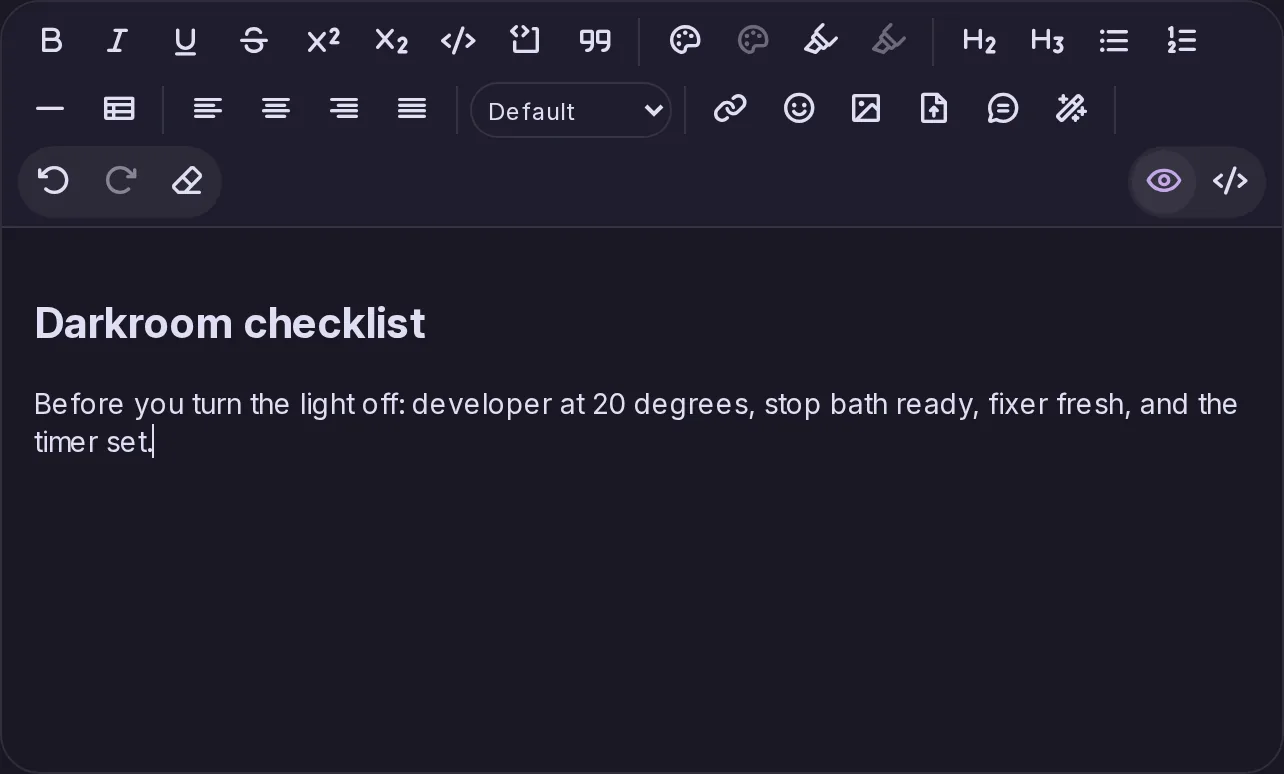
Pages are written in a single editor that works visually or in HTML, with richer formatting, tables, colours and block alignment. It shows custom emoji and can insert files from your Storage, images from a web address and GIFs from Klipy.

The editor for Pages: a toolbar with text styles, colours, headings, lists, tables, alignment, links, emoji, images, files and a visual or HTML switch, above a page being written.

Automatic alt text

Media and emoji

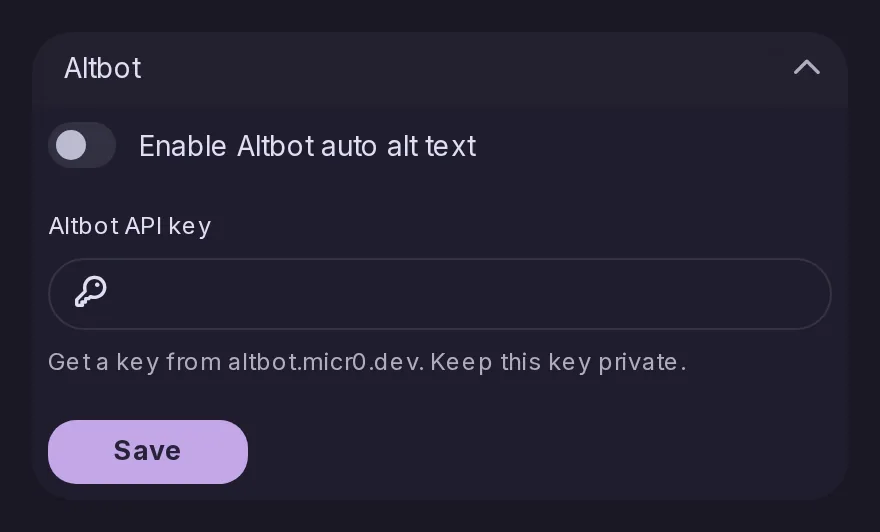
Images in your Storage can get a description written automatically by Altbot.

The Altbot section of the Control Panel integrations, where an admin turns on automatic image descriptions and enters the Altbot key.

Managing push notification devices

Notifications

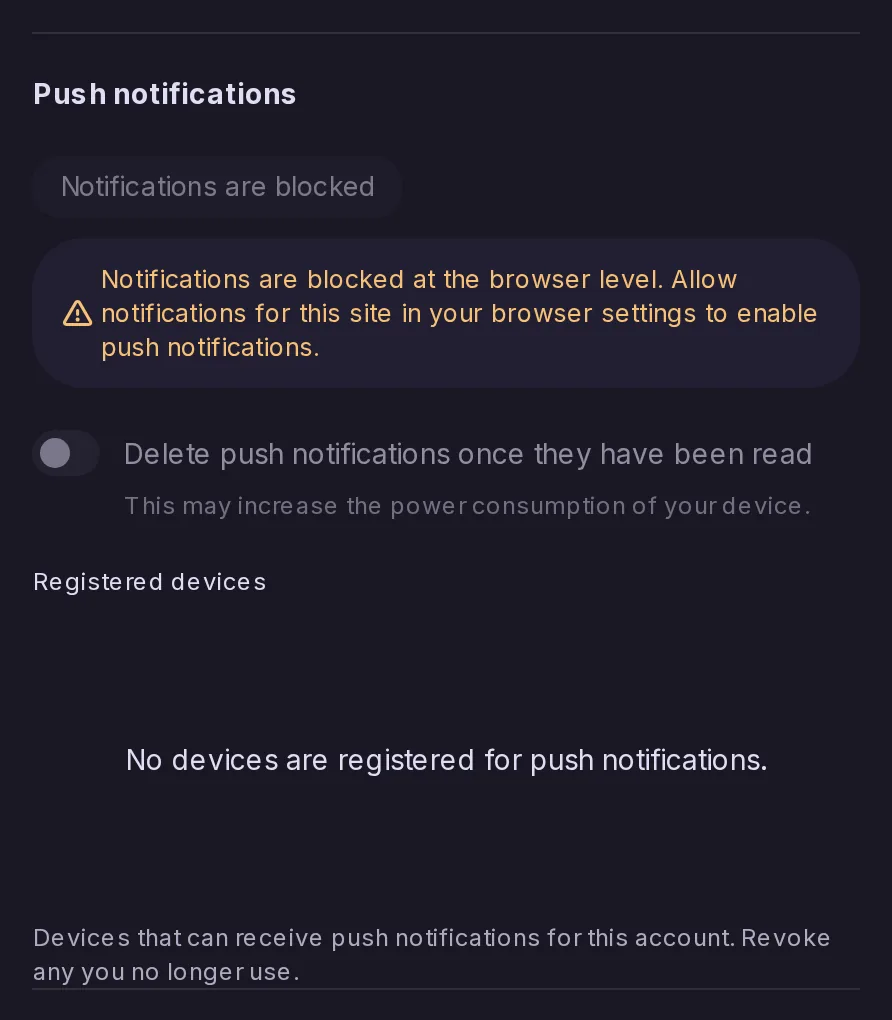
You can see and manage the devices registered for push notifications, and the state of push permissions is clearer. The installed app shows a badge, and its launch and icon were fixed.
The Push notifications part of the notification settings, ending with Registered devices: the list of devices that can receive push notifications for the account, empty in this browser, so that unused ones can be revoked.

Server defaults for theme, language and forums

Server administration

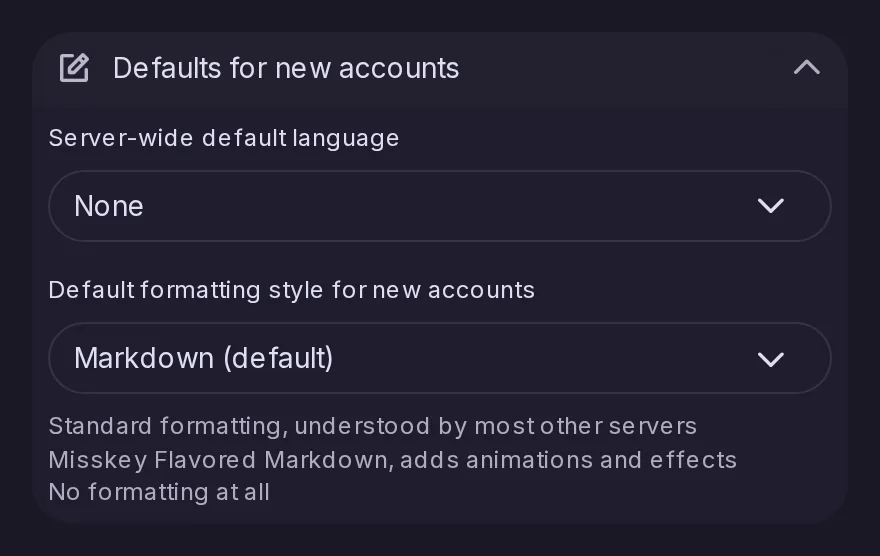
Admins can set the server’s default theme and language, and default forums that local accounts join automatically.

The Defaults for new accounts section of the Control Panel, with the default language and the default formatting style of the server.

Adding people to a forum

Forums

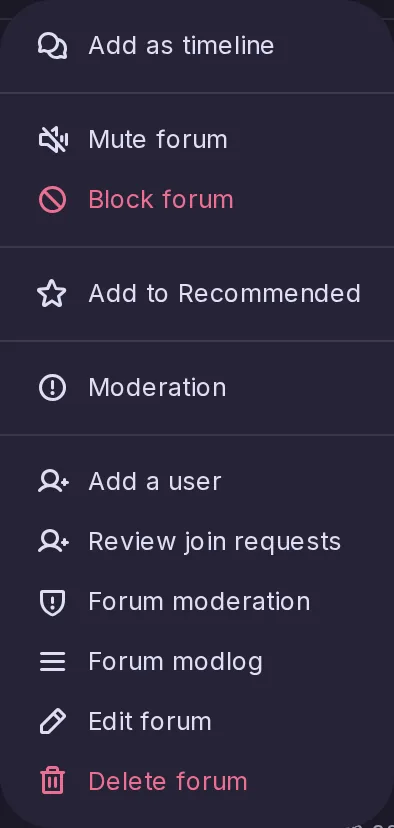
Moderators and admins can add accounts to a forum themselves.

The menu of a forum as seen by its moderator, with Add a user among the moderation entries.

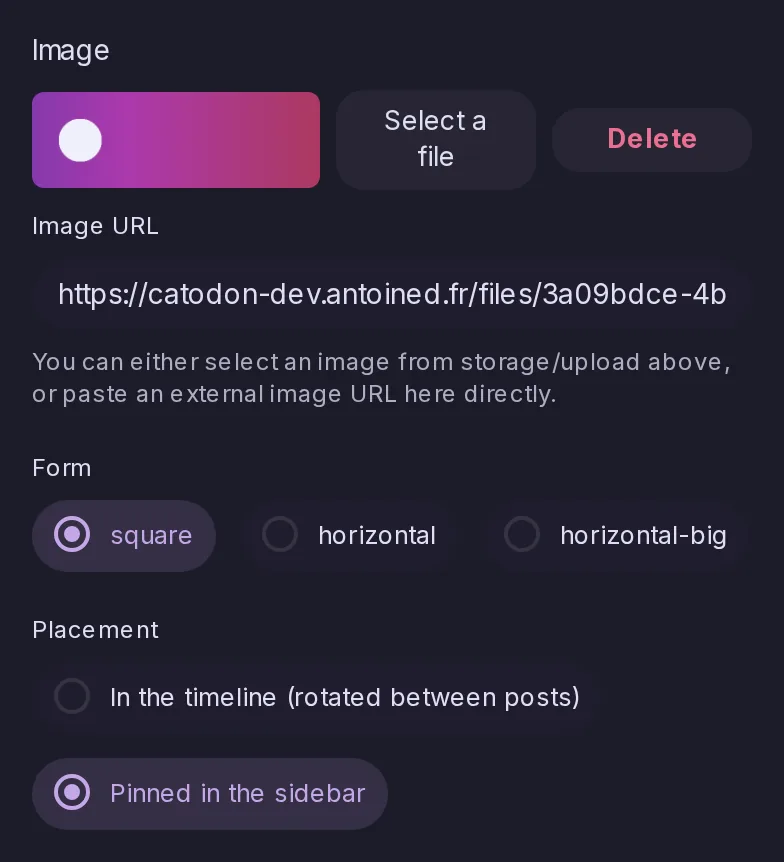
Community banners from Storage, pinned in the sidebar

Server administration

Community banners can take their image from Storage, and a banner can be pinned in the sidebar.

The form of a community banner in the Control Panel: its picture chosen from Storage with Select a file, or an image URL, its form, and its placement set to Pinned in the sidebar.

Temporary files that clean up after themselves

Server administration

Catodon manages its own temporary files, and removes the stale ones at startup and every hour.