Skip to content

Catodon 26.9.0

19 features

Cleaning out old posts from other servers

Server administration

An opt-in nightly job deletes posts from other servers once they are past a retention period and nothing on this server points at them, so the database stops growing without bound. It is off by default and starts as a dry run that deletes nothing; Control Panel → Performance holds its settings. A post that someone here has interacted with is kept, along with its whole thread.
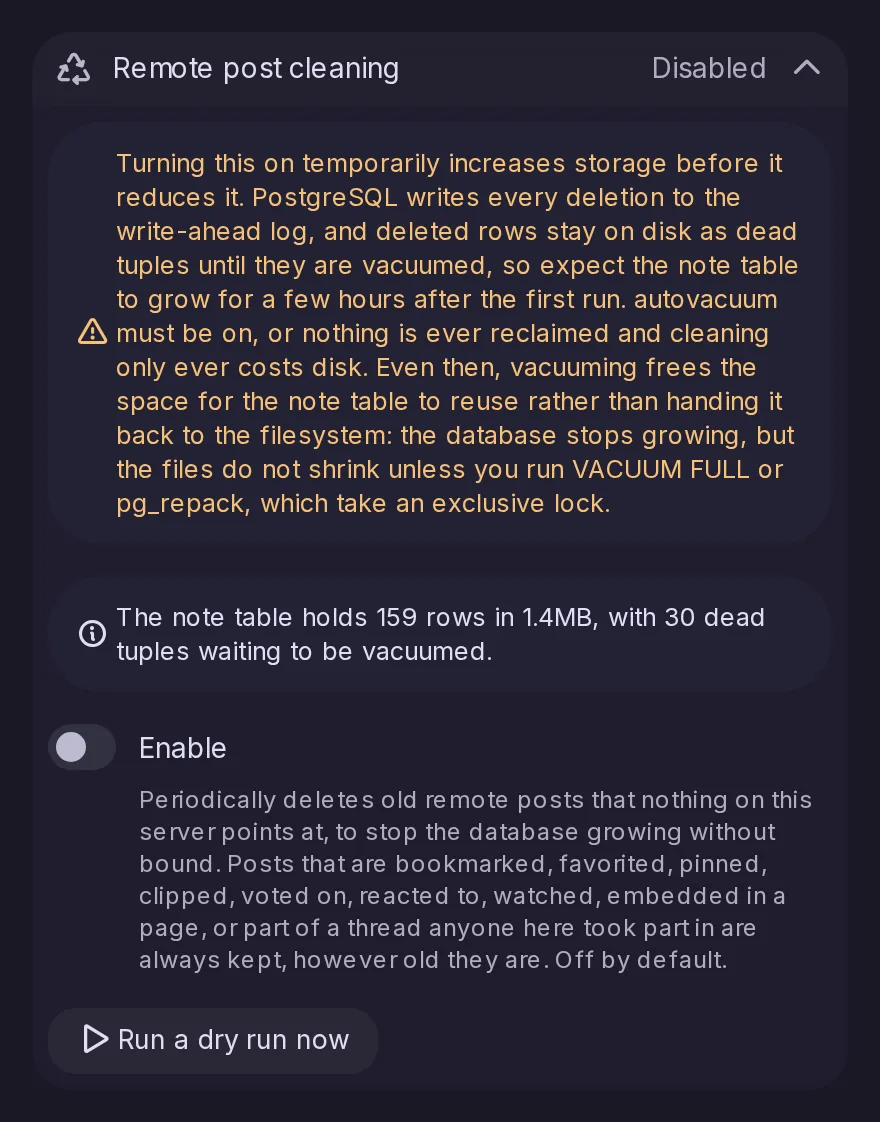
The Remote post cleaning section of Data retention in the Control Panel: disabled, a warning about storage while the first runs clean up, the size of the note table, an Enable switch with what is always kept, and a button to run a dry run now.

Choosing and arranging your timelines

Posts and timelines

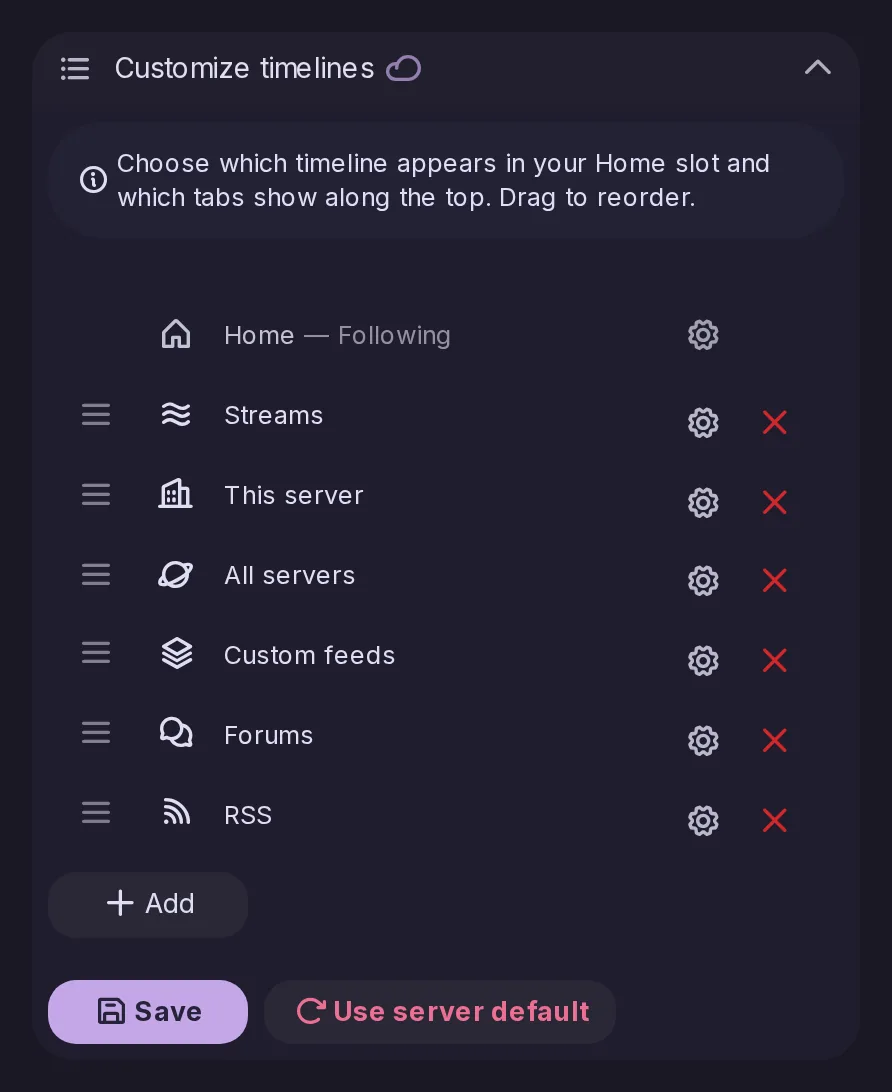
Pick the timeline that fills the Home slot and arrange up to nine more tabs from Following, Accounts, This server, Recommended, All servers, custom feeds, Forums, RSS, and your antennas and lists. The arrangement is stored on the server, so it follows you to every device.

The Customize timelines section of the settings: the timeline in the Home slot and the tabs beside it, which can be reordered, configured or removed, with a button to add more.

Default timelines for the whole server

Server administration

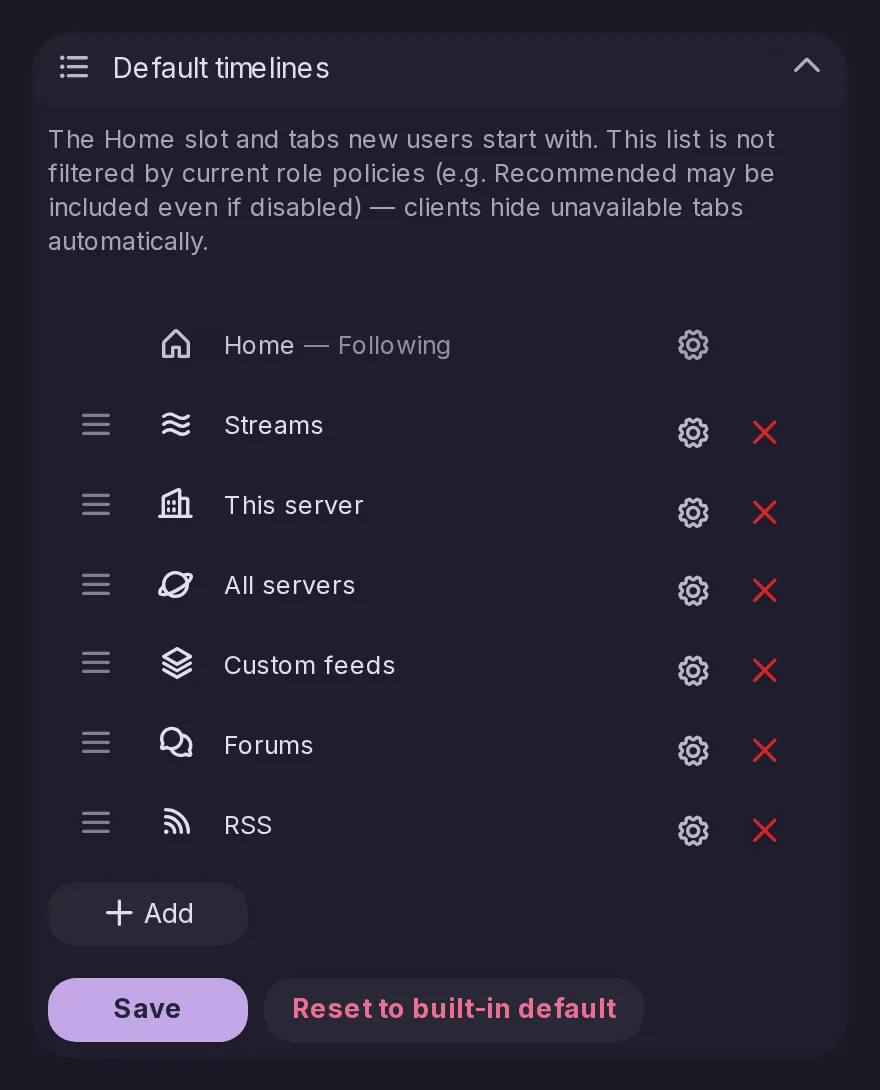
Admins set the Home slot and the tabs that new accounts get, and existing accounts too as long as they have not arranged their own. An option overwrites everyone’s timelines.

The Default timelines section of the Control Panel, where an admin sets the Home slot and the timeline tabs that new accounts get.

Accounts on other servers

Accounts and profiles

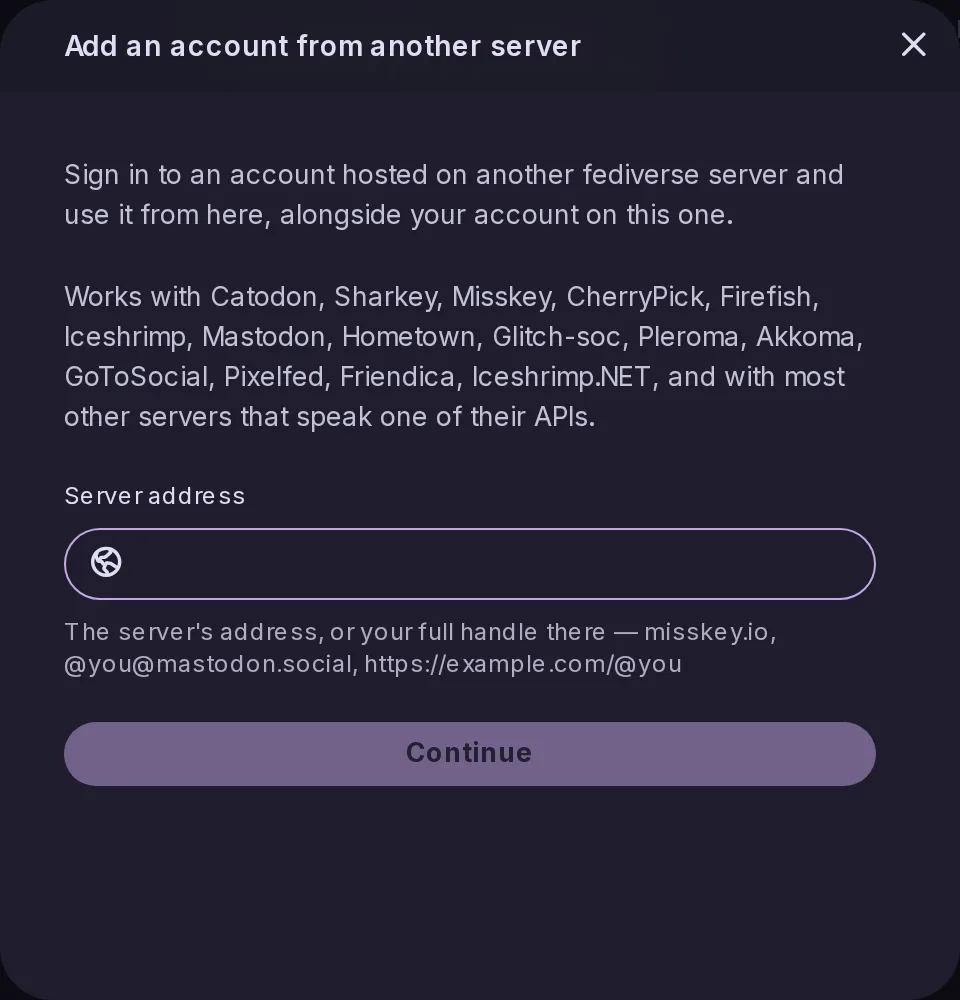
You can sign in to, or sign up for, an account on any server that speaks the Misskey or Mastodon API, even without an account here. GoToSocial, Akkoma and Misskey-family servers get profile support, and all your accounts can be refreshed at once.

The Add an account from another server window: sign in to an account on another fediverse server, from Catodon, Misskey and Mastodon to GoToSocial, Akkoma and Pixelfed, by typing the server address or your handle there.

Masonry and immersive layouts for media

Media and emoji

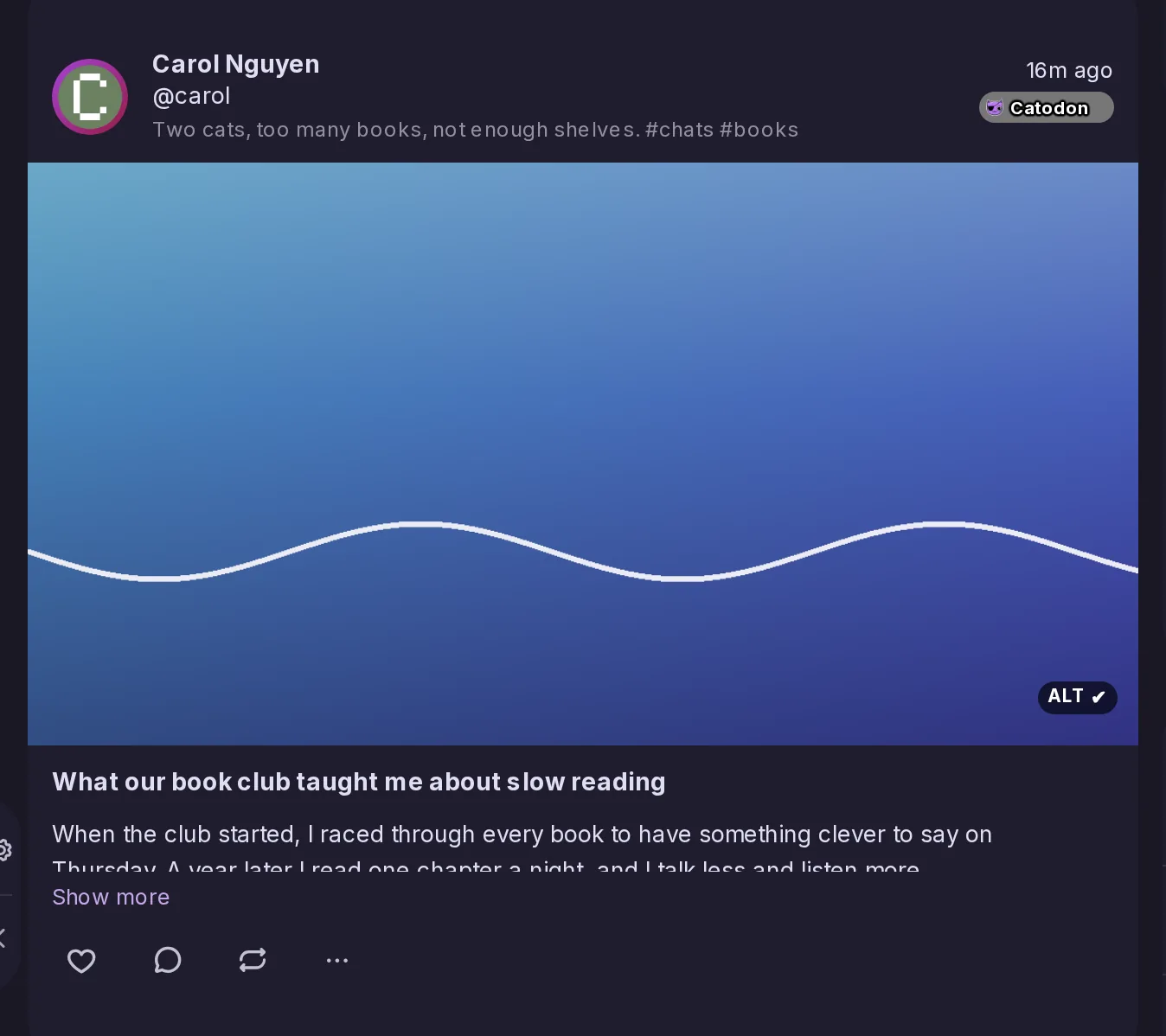
The Media timeline can be shown as a masonry grid or in an immersive layout, and there is a new Media timeline type. Explore gains a masonry Discover tab and the Pixelfed timeline a Local tab, and sensitive media can be revealed right in the grid.

The This server timeline in the immersive layout: Carol Nguyen's post shown with its picture across the whole width of the timeline, above the title and text of her blog post.

ALTCHA against bots

Server administration

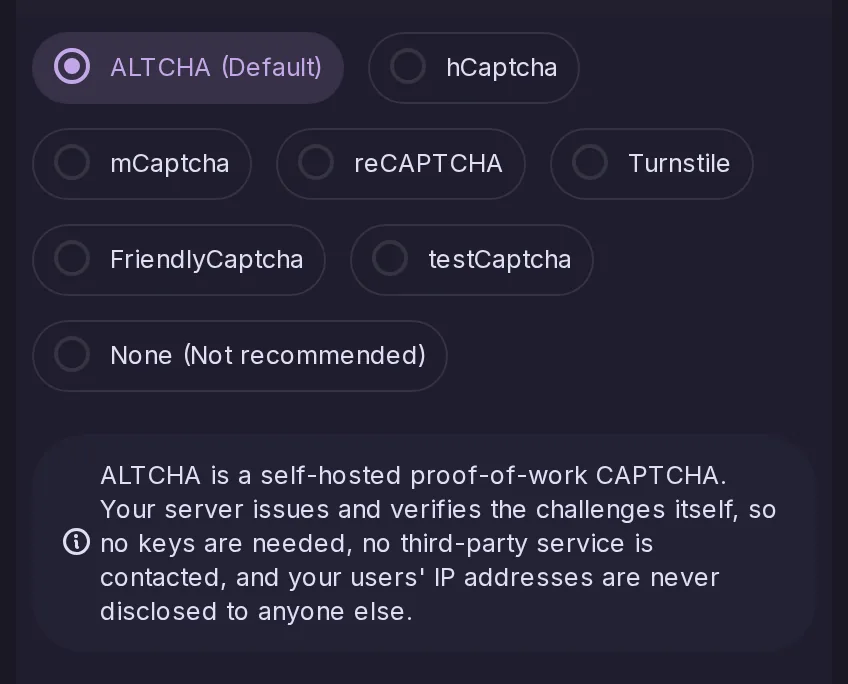
ALTCHA, a bot protection that runs on your own server and respects privacy, can now be used, and mCaptcha becomes a supported captcha option.

The bot protection choices of the Control Panel with ALTCHA, the default, selected among hCaptcha, mCaptcha and the others, a note that ALTCHA runs on the server itself without keys or third parties.

Following hashtags

Posts and timelines

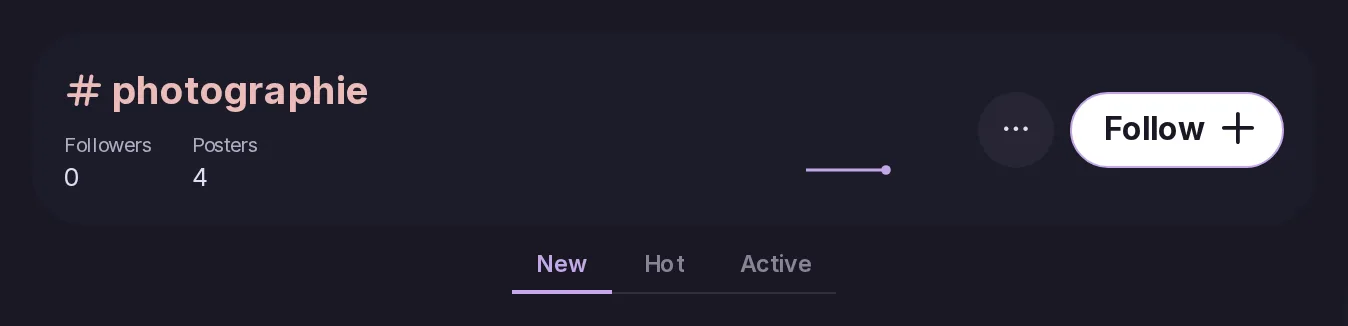
You can follow hashtags, across servers too, and find them in a new Explore tab with a preview on hover. Mutes and blocks apply, antennas can match hashtags, and a hashtag can become a custom timeline with its own name and icon.

The page of the hashtag photographie, with its followers and posters, a Follow button, and New, Hot and Active sorts.

Mastodon-style quote posts

Posts and timelines

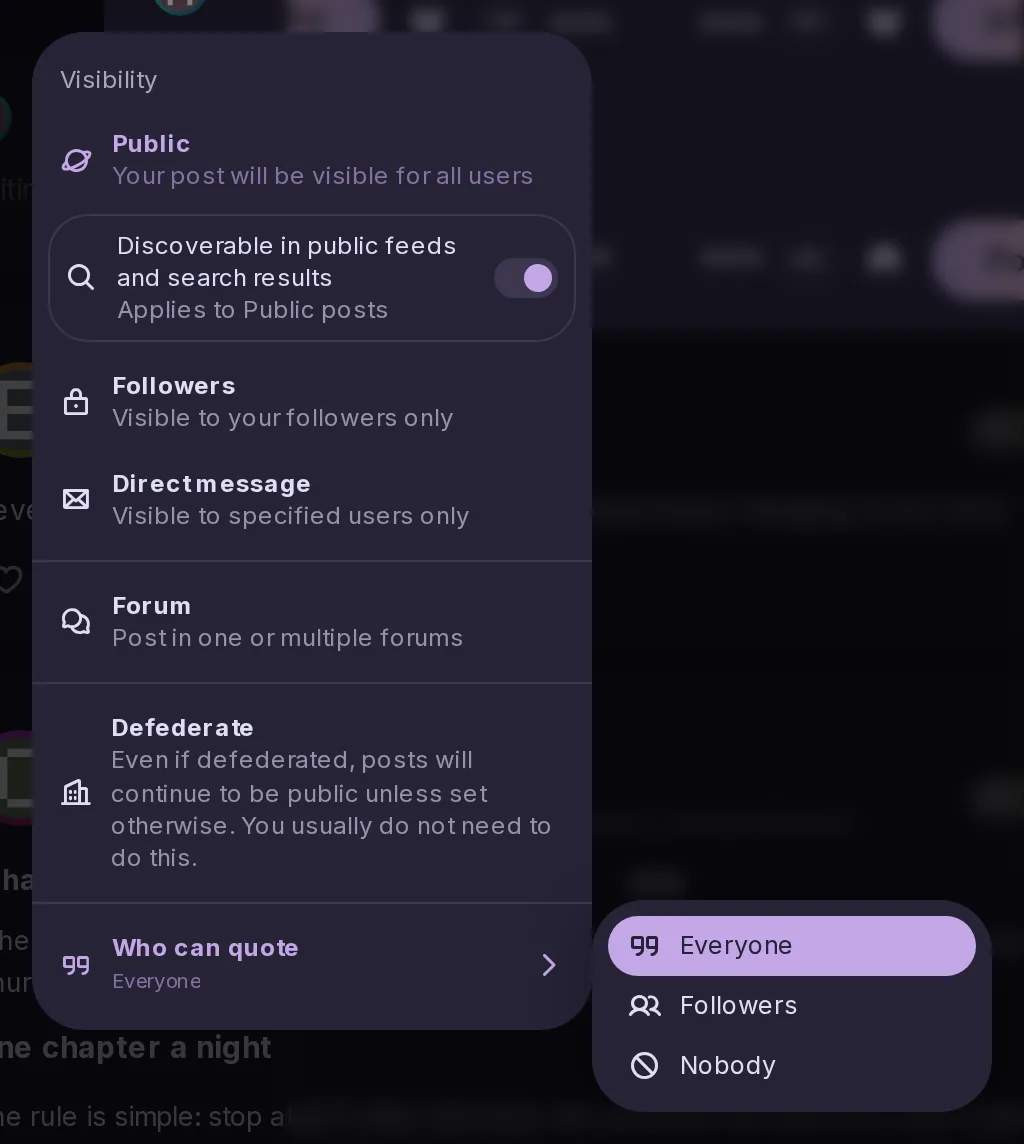
Quotes work as they do on Mastodon: from the visibility menu you choose who may quote you, quotes have states, and they federate with Mastodon’s approval and revocation (FEP-044f). Mastodon apps get the same behaviour.

The visibility menu of the post form, ending with Who can quote, and its submenu open on the choices of who may quote the post.

Streaming PeerTube videos

Media and emoji

Videos from PeerTube servers play by streaming over HLS, and video posts lead with the player, with their description folded below.

Scheduled posts from Mastodon apps

Apps and API

Mastodon apps can schedule posts through the Mastodon API.

Content warnings and privacy for blogs

Blogs and pages

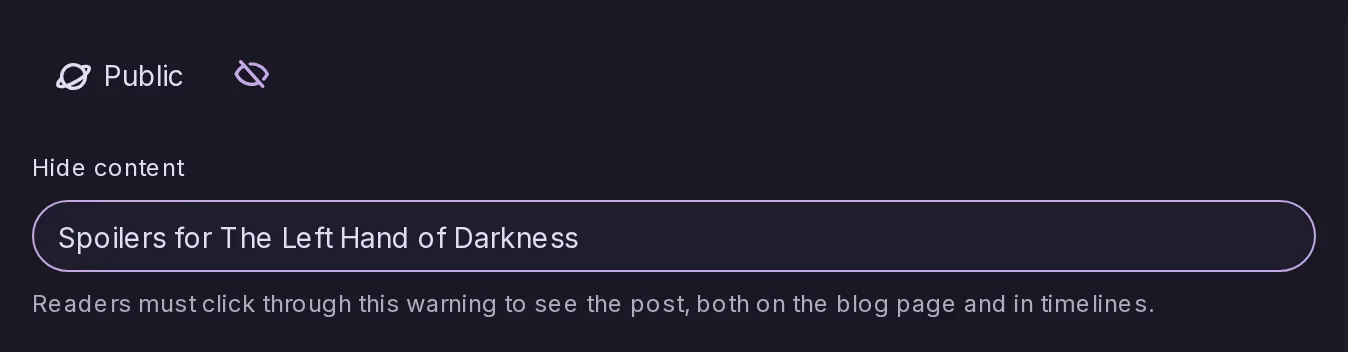
Blog posts can carry a content warning, each blog has its own privacy settings, and the Pages and blog editor gains a raw HTML mode.

The blog editor with the post's visibility, Public, and a content warning, Spoilers for The Left Hand of Darkness, that readers must click through on the blog page and in timelines.

Rate-limited sign-ups

Server administration

Sign-ups, and sign-ups waiting to be completed, are now rate-limited per IP address.

Custom CSS for the whole server

Server administration

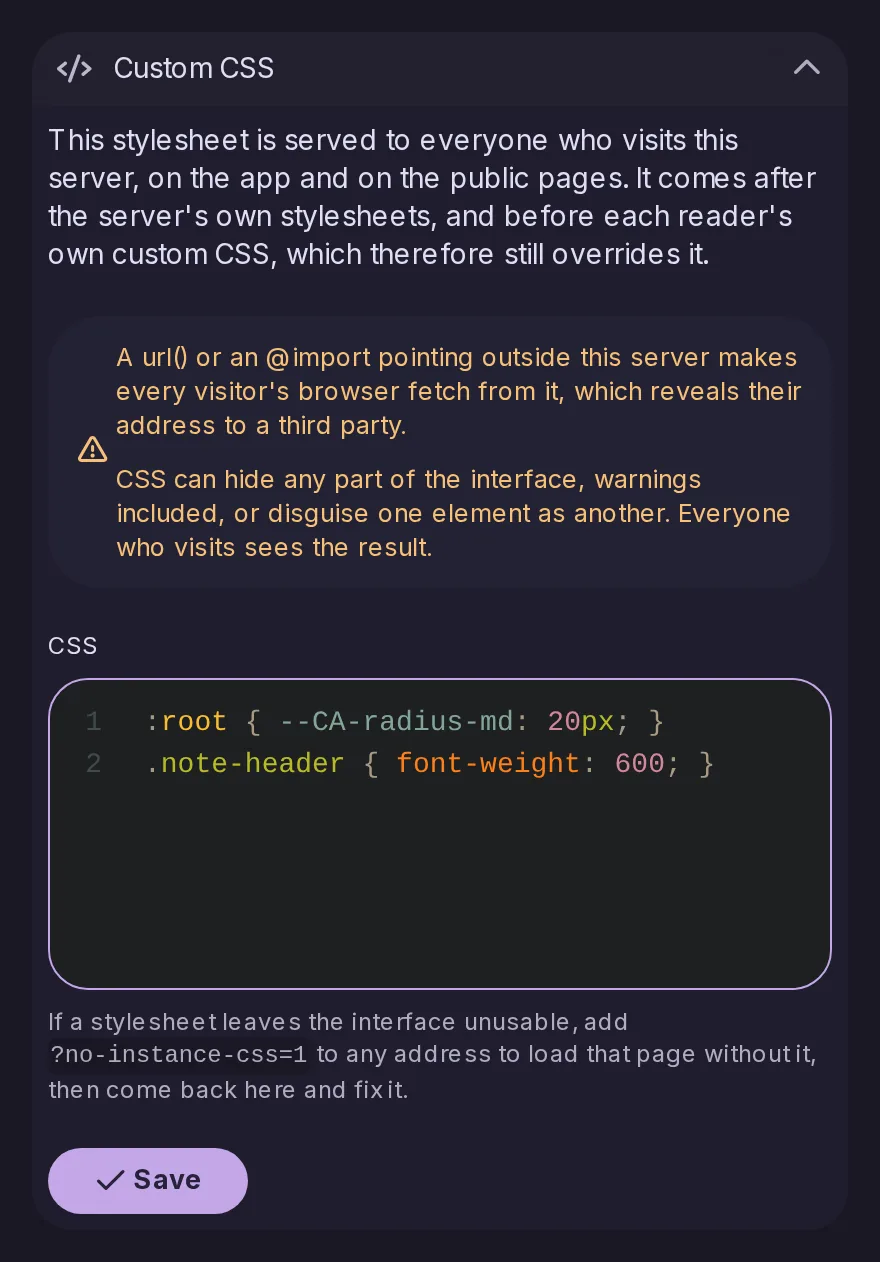
Admins can add custom CSS for the whole server, and it is served as a real stylesheet.

The Custom CSS section of the Control Panel branding, with a code editor for CSS applied to the whole server.

Which app a post came from

Posts and timelines

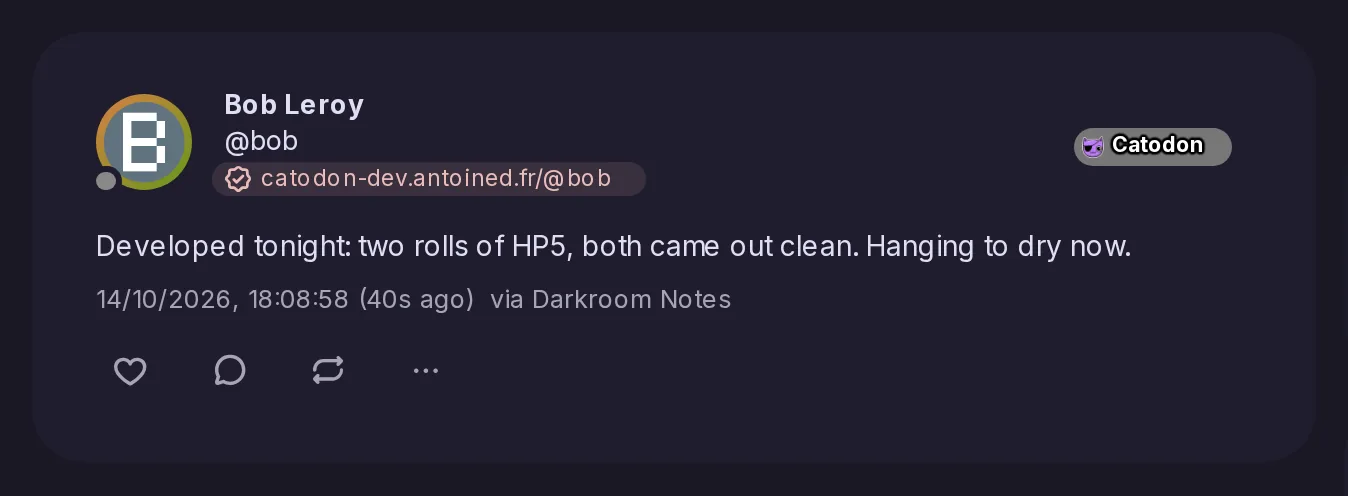
Posts now record which app they were posted from, and make it available.

A post by Bob seen on its own page, with via Darkroom Notes after its date: the app it was posted from.

Right-to-left languages

Languages

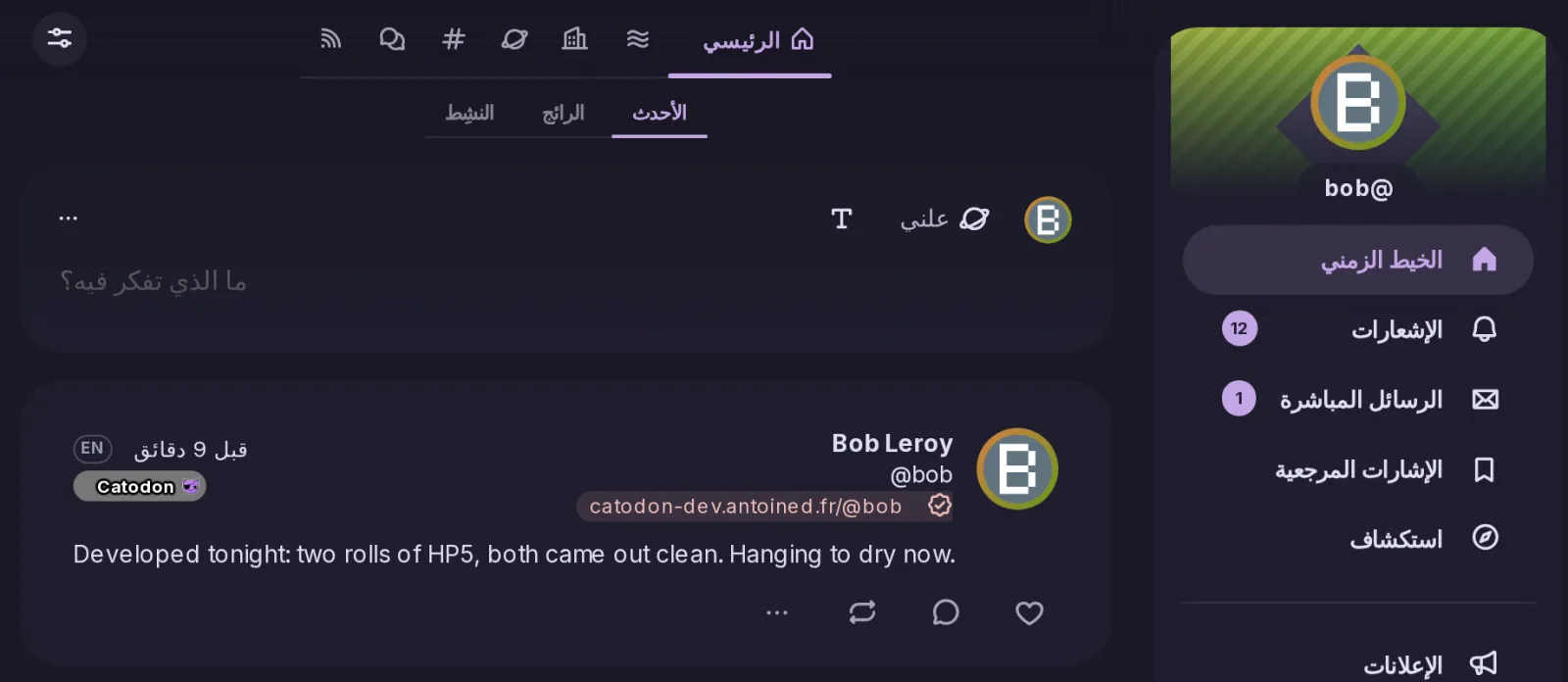
The layout now follows the direction of the interface language: in a right-to-left language, icons, accent bars and drawn shapes are mirrored throughout.

Catodon in Arabic: the navigation on the right, the timeline tabs, the post form and a post laid out from right to left, with icons and accent bars mirrored.